43
DLITE
Selecting Fixtures and Setting Levels
Parameter levels are set using:
Wheels
Console keypad
Faders in context mode
Wheels in parameter mode
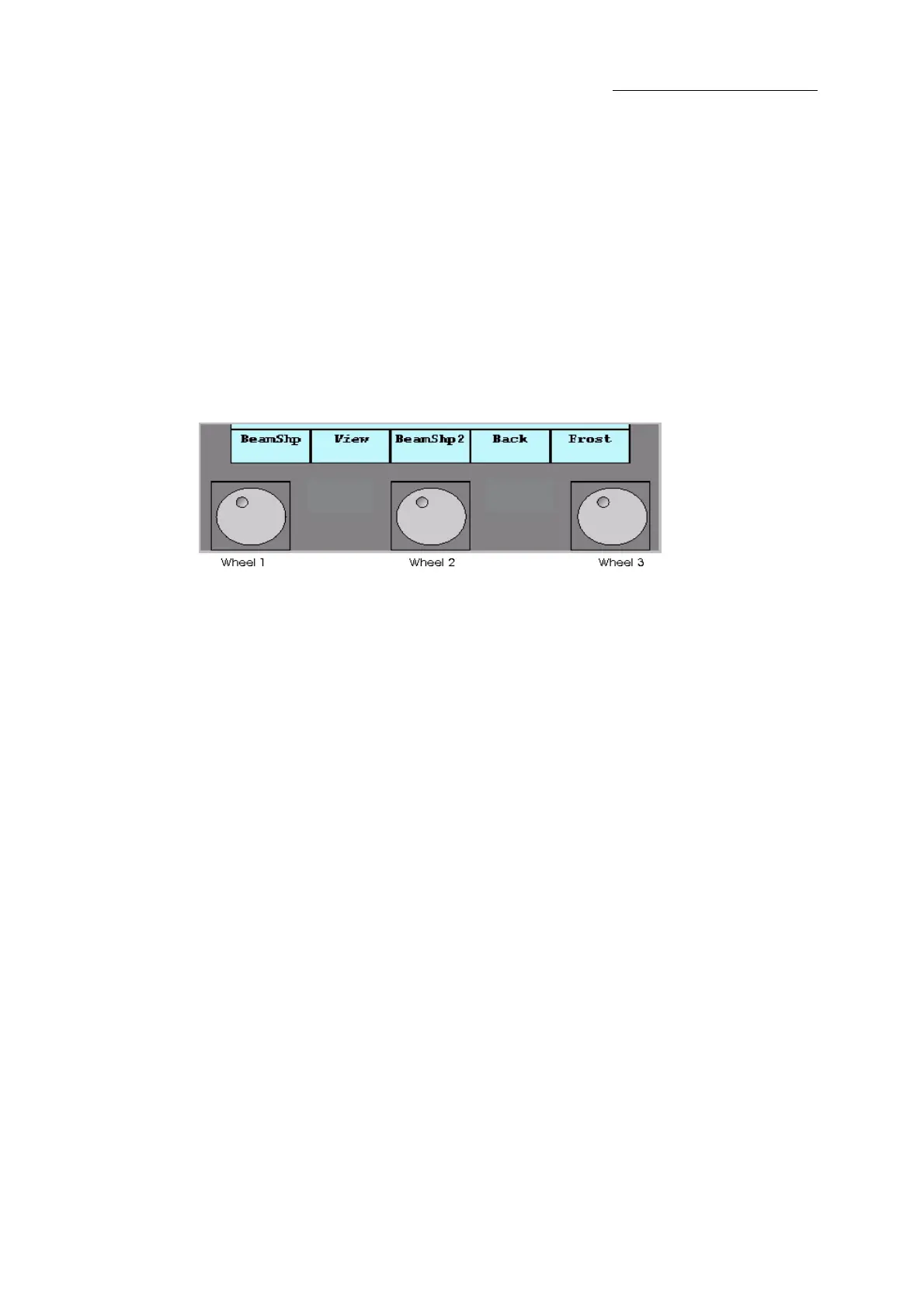
When fixtures are selected, the wheels are available for setting parameter levels. The first wheel
defaults to dimmer (intensity) for both channels and spots. For multi parameter spots, the wheels
are organized in banks according to the parameter type. Parameters are organized into F(ocus),
C(olor), or B(eam) types. Dimmer belongs to parameter type F(ocus).
Figure 20: Wheel assignments are displayed on the touch screen above the wheels
Paging wheel banks
If the number of parameters in the selected bank exceed three parameters, then there is more than
one page in the wheel bank.
To page wheel banks
Page to the next layer by pressing F, C, or B again.
Pressing and holding SHIFT and pressing a bank key will return to the previous layer.
Wheel and trackball resolution
Some parameters may require finer wheel or trackball resolution.
To switch to fine wheel or trackball resolution
Press the wheel (or trackball) and turn it.
OR
Press and hold SHIFT while turning the wheel (or trackball).
Selecting parameters
You may want to select specific parameters and set levels using the keypad.
To select a parameter
1 Select the spots.
2 Press
F, C, or B to select the parameter bank.



 To Next Page