20
Compulite
Chapter 2
To enter an address in DMX universe 2
Use the keypad to enter an absolute value higher than 512. Example: for DMX universe 2,
offset 1, enter
513.
OR
Enter the universe number and then the offset separated by /. Example: for DMX universe 2,
offset 1, enter
2/1.
To
Patching channels using the wizard
Channels are, typically, lighting fixtures that use 1 DMX channel to control dimmer intensity.
To patch channels
1 Follow the steps to access the patch wizard.
2 Press
CHANNEL.
3 Use wheel 1 or enter a number on the keypad to set the number of channels being added.
4 Set the first fixture number for the channels you are adding.
5 Set the starting DMX address.
6 Press
STORE or ENTER to store and continue.
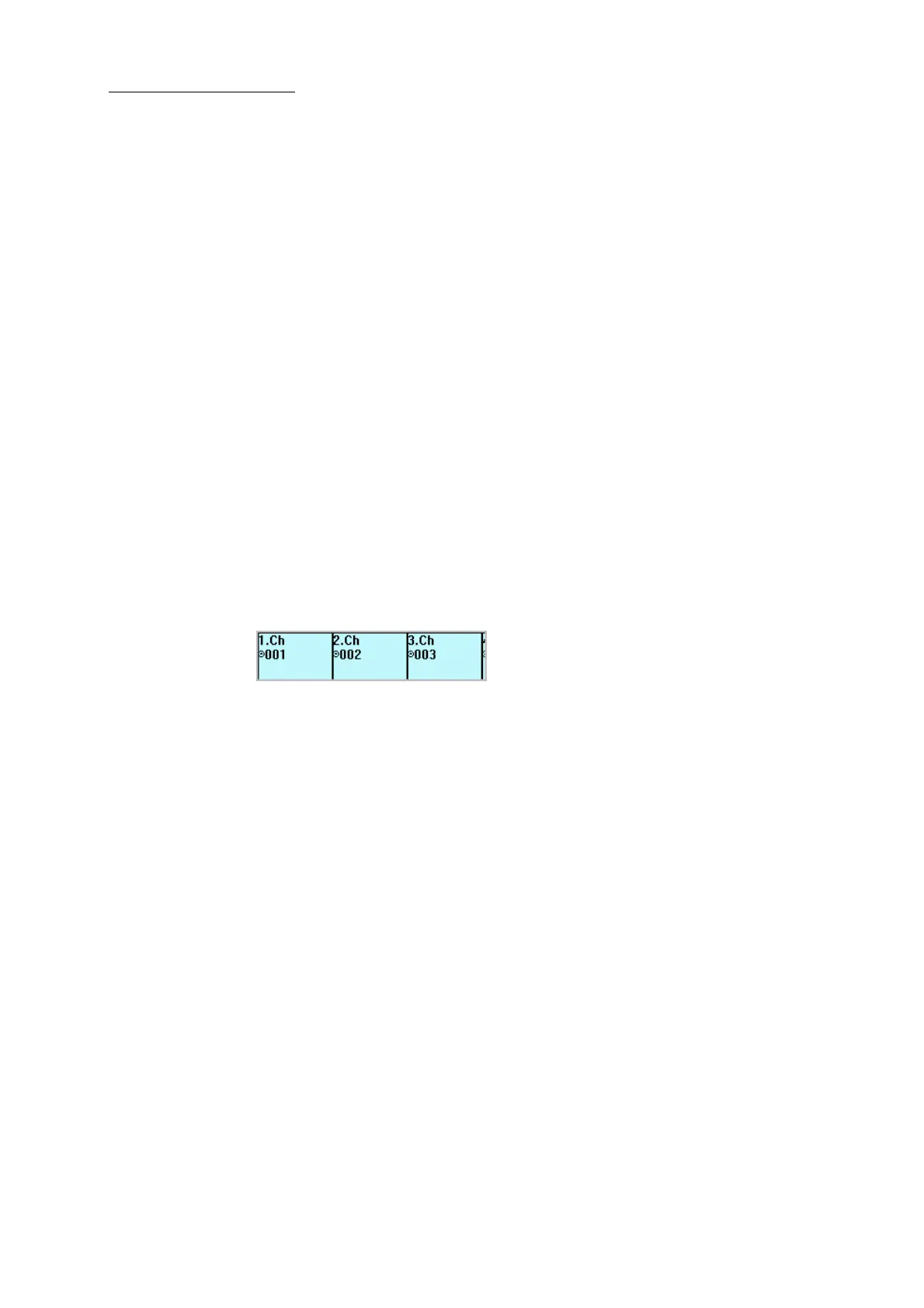
A list of the patched channels and their DMX addresses is displayed.
Figure 15: Channels patched to DMX port 1 addresses
7 Tap OK.
The main patch wizard page is displayed.
8 Optional - To continue, press
SPOT to patch spots, press EXTRA to patch extras, or to add
channels repeat steps 3 though 7.
9 Press
RESET to exit the patch wizard.
Patching spots
Spots, or moving lights, are lighting devices that have more than one parameter. Spots may have
pan and tilt, color, beam shaping, and focus parameters. Generally, each parameter requires one
DMX channel, therefore a spot device is patched to more than one DMX address. When patching
spots Dlite automatically patches the required number of DMX channels to the device.
To patch spots using the wizard
1 Follow the steps to access the patch wizard.
2 Press
SPOT.
3 Set the number of spots being added.
4 Set the start number.
5 Set the starting DMX address.



 To Next Page