108
Compulite
Chapter 6
The maximum dimmer output is reset to 100%.
4 Tap
OK.
To create an inhibit submaster
Example: Set playback 1 to submaster selected fixtures. Example: A playback is configured to
submaster channels 1 10. A scene loaded to a playback contains channels 1 20 @ 80%.
Setting the slider for the submaster scene at 50% results in channels 1 10 @ 40% and chan-
nels 11 20 @80%.
1 Select fixtures.
2 Press
SUBMASTER.
3 Press the
SELECT key for playback 1.
4 The slider level for playback 1 inhibits the output for the selected fixtures.
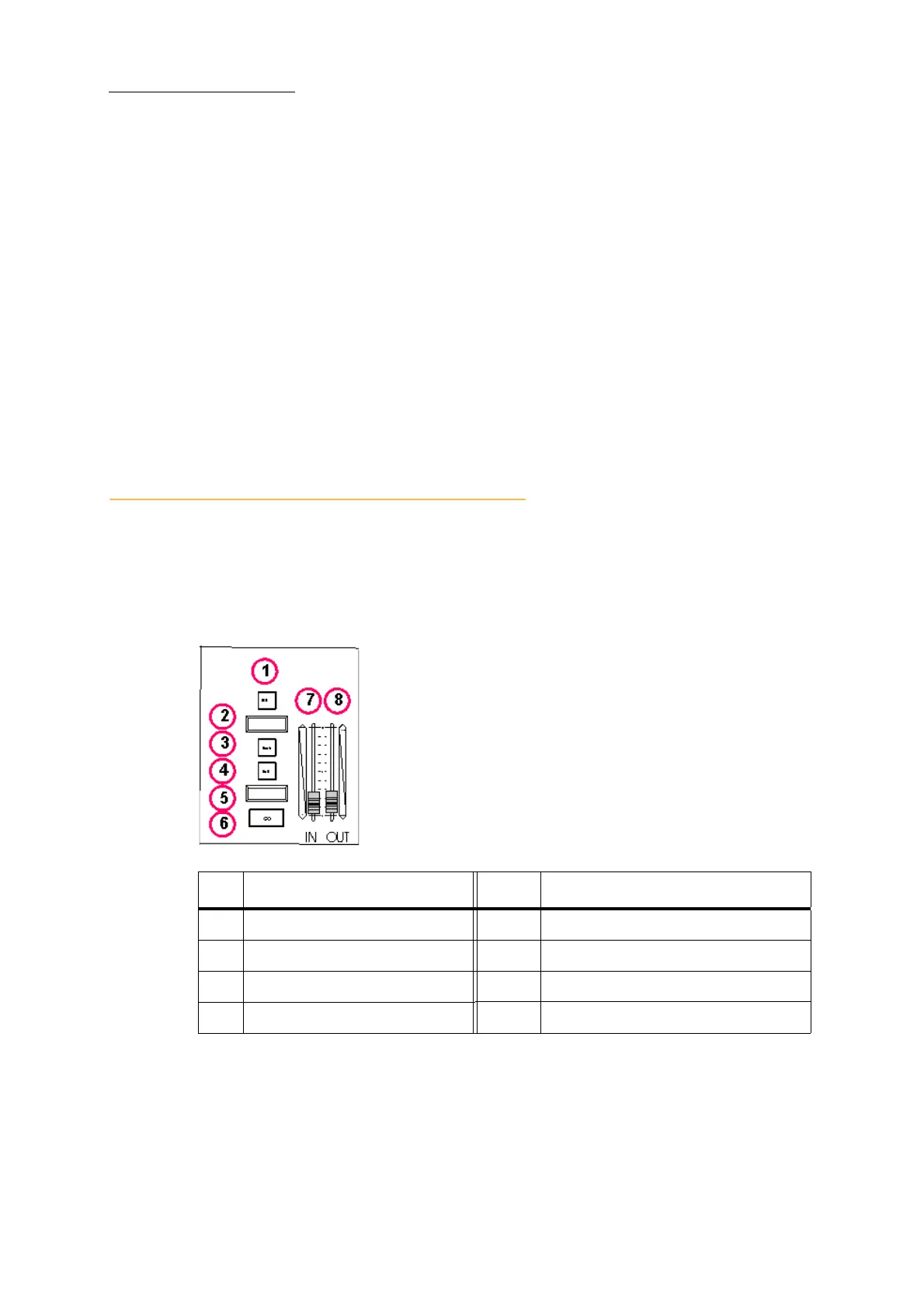
About the crossfader
QLists are played back on the playbacks or on the crossfader. When a QList is loaded on the cross-
fader, cue 0 is the active cue and the first cue is the incoming cue. You can sequence through the
cues or preload a cue out of sequence. Cues fade according to the fade times set for each cue. On-
the-fly, you can fade to a cue using system time, ignoring the cue time.
Figure 27: The crossfader for QList playback
No. Controls No. Controls
1
SELECT key to load the device 5 Next or current cue display
2 Next or current cue display 6
GO - initiate a fade to the next cue
3 HOLD - pause the fade 7 Master incoming values
4
BACK - fade back to previous cue 8 Master outgoing values



 To Next Page