114
Compulite
Chapter 7
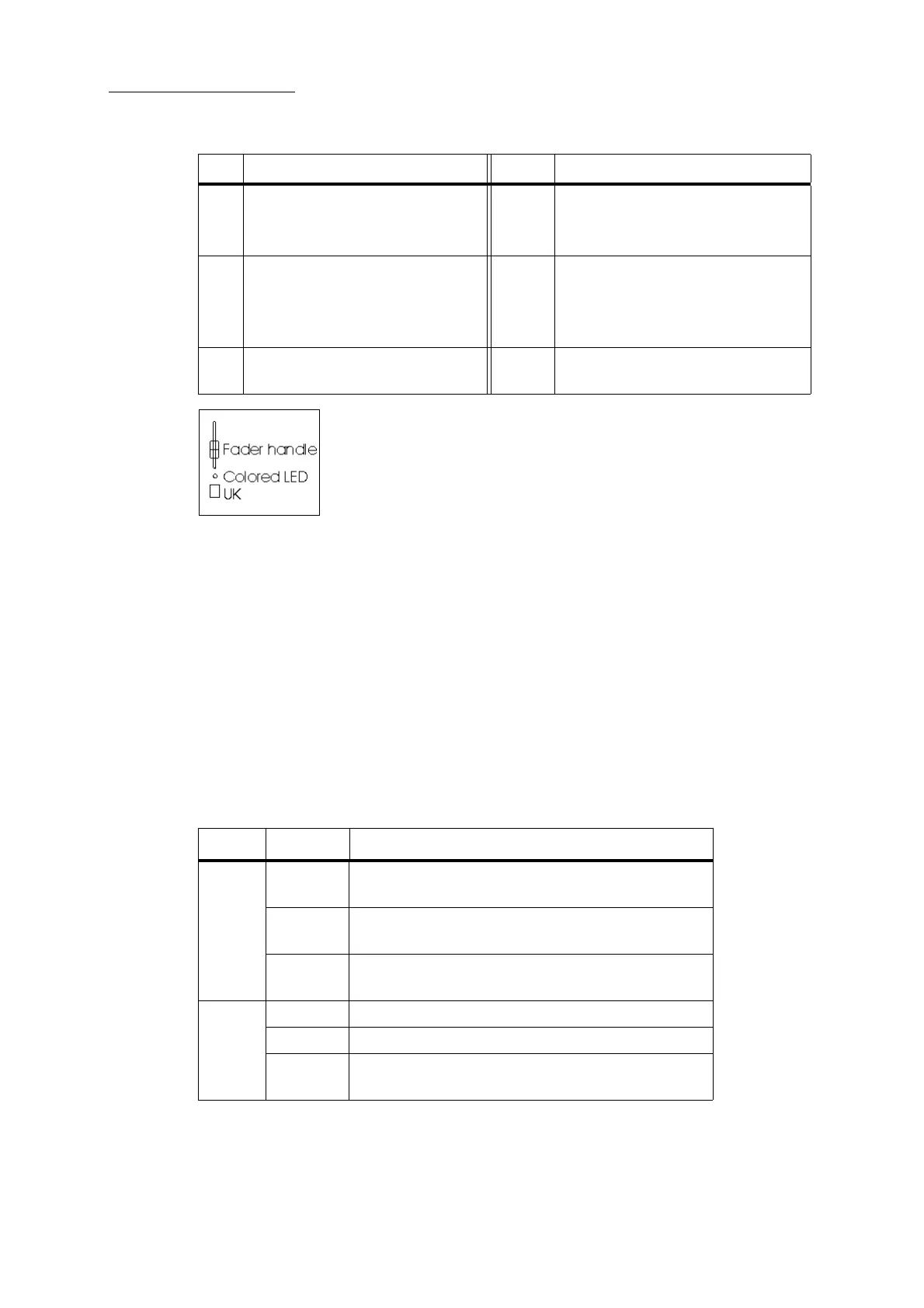
Figure 29: Fader - detail
Each of Dlite’s faders has:
A fader handle to control levels.
A universal key (UK) for selecting fixtures and objects or storing objects. this key also func-
tions as a flash key in 2 preset mode.
A color coded LED.
Fader LEDs
The faders’ LED color indicates the contents of each fader. Blinking LEDs indicate selected objects
and active fixtures.
LED color code
-
2 Fader handles 6 Fader mode selector - Cycles the fader
modes (
Wide, Context, 2 Preset)
See “Fader modes” page 115
3 Universal Keys (UKs) - In
Context
mode, store and select objects.
Fader flash keys - In wide and 2
preset mode, flash channels.
7 Fader flash level master - Set a
maximum dimmer level for the flash
keys.
4 Crossfader handles for fading
between presets in
2 Preset mode.
8 Fader rate master - Set the fade rate for
cross fades in 2 Preset mode.
No. Panel Controls No. Panel Controls
Mode Color What it represents
Wide
&
2-Preset
Green The channel is active in the editor or output from a play-
back source.
Red The channel is not active in the editor and not output
from a playback source.
Orange The fader level does not match the output level in the
editor.
Context Green Scenes
Red All objects except scenes
Orange Spot parameters (See “Using the faders to set parameter
levels” page 46)



 To Next Page