165
DLITE
System Setup and Operations
Defaults
Press SETUP > SYSTEM OPTIONS > DEFAULTS
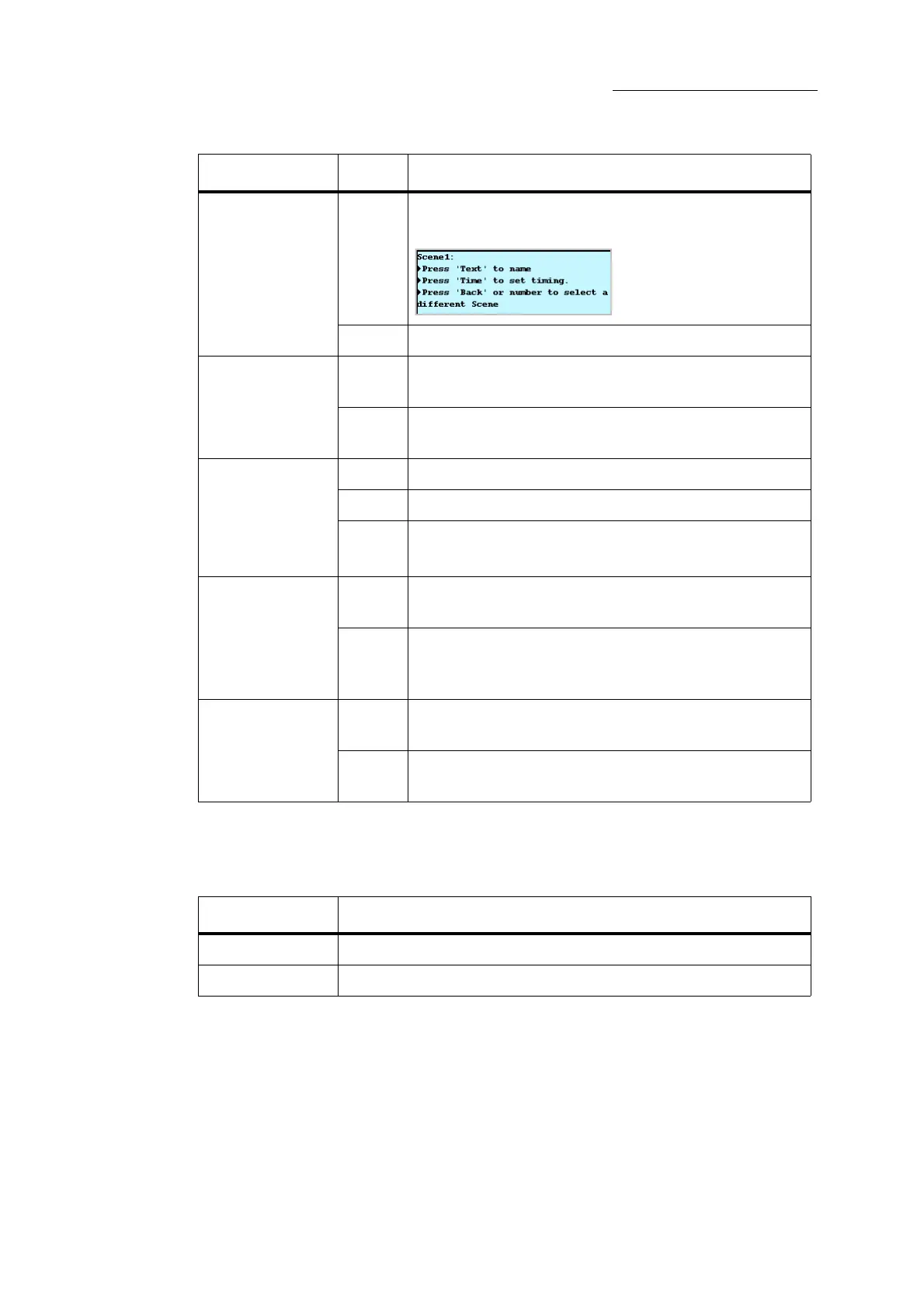
Object Info
ON When editing objects (example: Press EDIT, SCENE, #,
ENTER) display this screen:
OFF Do not display the information screen.
Clear Editor
ON All parameter levels in the editor are cleared after storing or
updating a lighting look.
OFF All parameter levels remain in the editor after storing or
updating a lighting look.
Snap: Merge, Wait
None SNAP # ENTER triggers the snap in forcing mode.
Merge
SNAP # ENTER triggers the snap in merge mode.
Wait SNAP # ENTER triggers the snap in wait mode.
See “Triggering snaps” on page 151.
Maint. Last Level
ON When parameter levels are released from the editor or from a
playback device, they remain at their last level.
OFF When parameter levels are released from the editor or from a
playback device, they fade to their home levels. See “Resetting
the editor and recalling parameter levels” on page 47.
Flash on PB’s
ON The flash fader inhibits flash levels on the playbacks, as well
as on the faders.
Off The flash fader does not affect flash levels on the playbacks.
The flash fader inhibits the flash levels for the faders only.
Feature Setting Description
Feature Description
Object Time
Default fade time for scenes, chase steps, and cues.
Dimmer Curve
Set default dimming curve. See “Dimmer curves” on page 27.



 To Next Page