15
DLITE
System Overview
Dlite default times
You can set default fade times for a number of operations.
For details, see “Defaults” page 165.
Console output
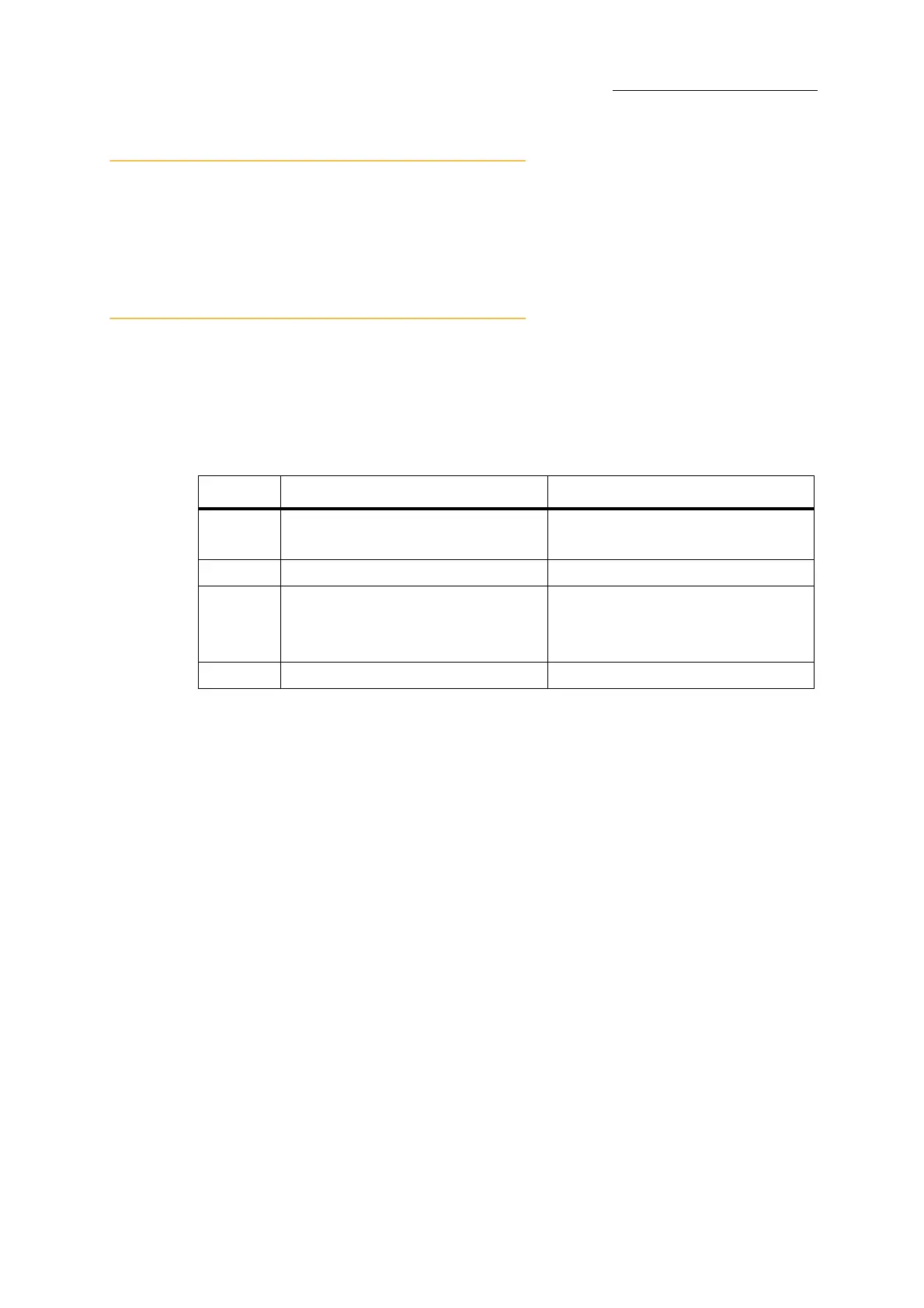
Output can originate from the editor, faders, playbacks, and crossfader. Output source is color
coded on the external monitor.
Output sources
Output Level Conventions
Output priority is determined by the parameter definition as defined in the Device Builder.
(see “Device Builder” page 167.) Dimmers, normally channels, are usually output as HTP, although
for moving lights dimmers may also be LTP. Most other parameters are output as LTP.
HTP (Highest Takes Precedence)
Intensity output works according to HTP (Highest Takes Precedence). When the dimmer is
controlled by more than one source, the highest intensity level between the sources is output.
Example: Channel 6 is in scene 1 @50%, in scene 5 @ FL, and in scene 9 @ 25%. Scene 1 is
loaded to playback 1, scene 5 to playback 5, and scene 9 to playback 9 and all the playback sliders
are full, therefore channel 6 is output according to its dimmer setting in scene 5 (FL). Pulling down
playback 5 fades channel 6 to 50% as output from scene 1 on playback 1.
LTP (Latest Takes Precedence)
The last playback device that executed a playback command grabs output priority. Go commands, a
slider moved off its 0% limit, and pressing the flash key are playback commands.
Most parameters, except dimmer, usually work on the principle of LTP (Latest Takes Precedence).
LTP parameters may fade or jump between values.
Source What is output Color code on the external screen
Editor Levels for the active parameters • Red - active on the wheels
• White - present in the editor
Faders Channels in
Wide and 2 Preset modes Dark Gray
Playbacks Scenes, chase steps, or cues • Green (scenes)
•Red (chases)
• Light blue (cues)
Crossfader Cues Light blue



 To Next Page