40
Compulite
Chapter 3
2 Press the first UK in the range.
3 Press and hold
SHIFT and press the last UK of the range.
The LEDs for the selected range blink.
To remove a fixture from the selection
Pressing a UK with a blinking LED (selected) removes the fixture from the selection. The
LED stops blinking.
Selecting fixtures on the touch screen
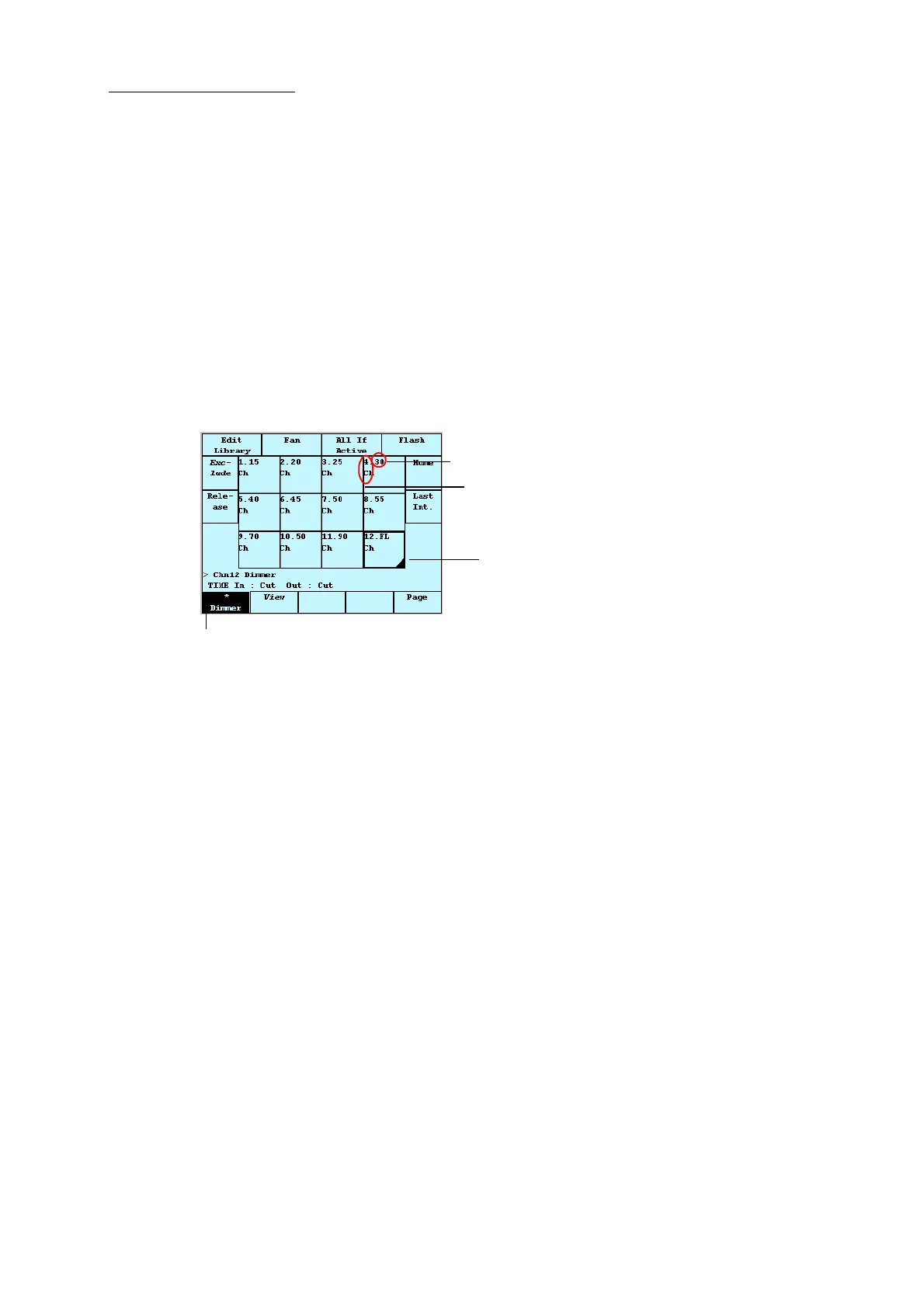
You can select fixtures on the touch screen’s fixture grid. The fixture grid is displayed after pressing
CHANNEL, SPOT, or EXTRA.
Figure 19: The touch screen in fixture mode showing channels
To select fixtures
1 Select the fixture type by pressing
CHANNEL, SPOT, or EXTRA.
The live grid is now displayed.
2 Tap the live grid numbers to select fixtures.
The selected fixtures appear on a dark field. The fixtures’ parameter levels can be set now.
Note: The live spot display shows the selected parameter.
To select a range of fixtures
1 Select the fixture type by pressing
CHANNEL, SPOT, or EXTRA.
2 Tap the first fixture in the range.
3 Press and hold
SHIFT and tap the last fixture of the range.
The selected fixtures appear on a dark field.
To remove a fixture from the selection
Tapping a selected fixture removes it from the selection.
Dimmer is the active parameter
A black corner represents channels active on the wheel
Channel number
Intensity level



 To Next Page