117
DLITE
Faders
Two preset (manual board) mode
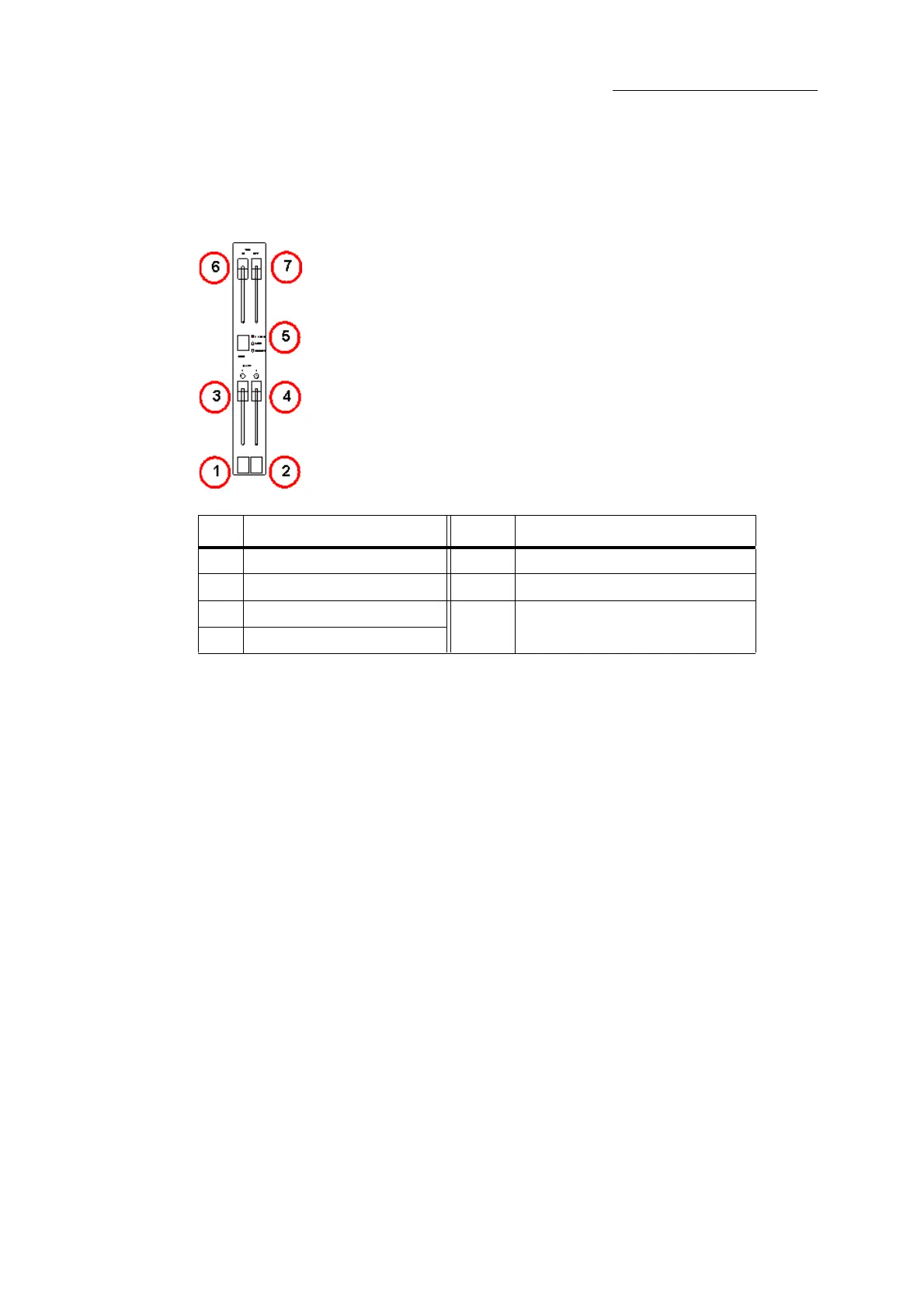
When the faders are in 2 Preset mode, they control 24 or 36 channels in 2 presets. Each preset (row
of faders) has a dedicated fade master.
Figure 30: 2 preset controls
The fade masters’ position determines which preset is output:
Both fade masters at the top limit of travel - preset 1 is active.
Both fade masters at the bottom limit of travel - preset 2 is active.
Preset 1 fade master at the bottom end stop and present 2 fade master at the top end stop - there
is no output as both fade masters are at their zero level.
To set faders for 2 preset mode
Press the mode key until the LED labelled preset is lit.
No. Controls No. Controls
1 Flash key for preset 1 5 Fader mode indicator
2 Flash key for preset 2 6 Time master for incoming levels
3 Fade master for preset 1 7 Time master for outgoing levels
4 Fade master for preset 2



 To Next Page