68
Compulite
Chapter 5
Programming scenes
A scene is a stand alone lighting object. Dlite supports up to 240 scenes. Scenes run on the
playbacks.
You can also store a single spot parameter in a scene, then load this scene to a playback and set
parameter levels using the playbacks to build the lighting objects. See “Using one- parameter
scenes on playbacks” on page 157.
Storing scenes
Scenes can be stored:
Directly on playbacks
Using the console keys
Tapping cells on the touch screen grid
Pressing UKs when the faders are in Context mode
Storing scenes on the playbacks
Scenes can be stored directly on the playbacks. If the playback is on, the scene is immediately
output.
When storing a scene on playbacks you can specify a scene number using the keypad. If no number
is specified, Dlite chooses the first available scene number.
To store scenes using the playbacks
Example: Store a scene directly on playback 1.
1 Select fixtures and set levels.
2 Press
STORE.
3 Press the
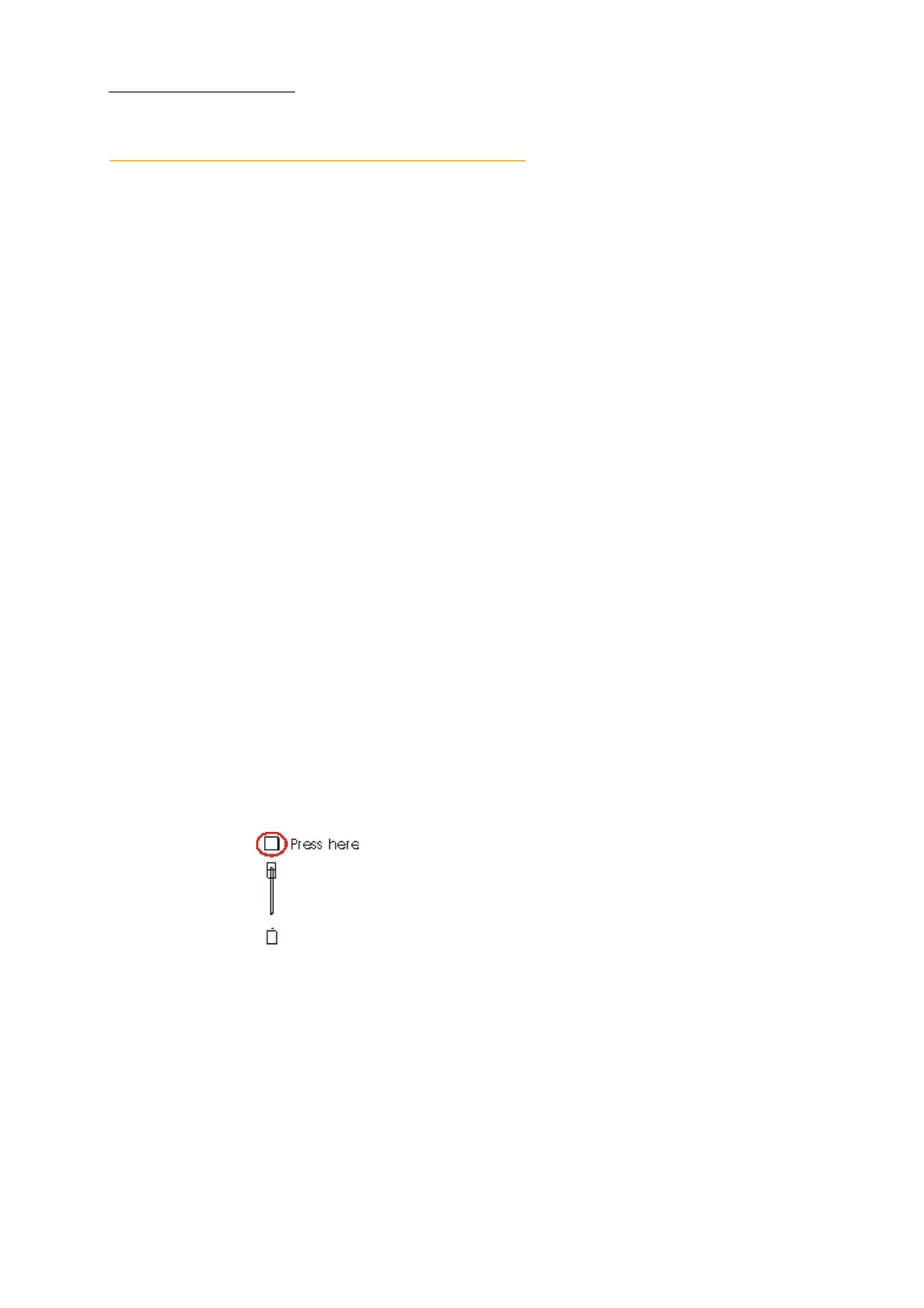
SELECT key for playback 1.
Figure 22: Playback with select key
When the command is successful Scene Stored (#) is displayed.
Dlite chooses the first available scene number.
4 Repeat steps 1 through 3 to store the next scene to the next playback.
Dlite automatically increments the scene number by 1.



 To Next Page