18
Compulite
Chapter 2
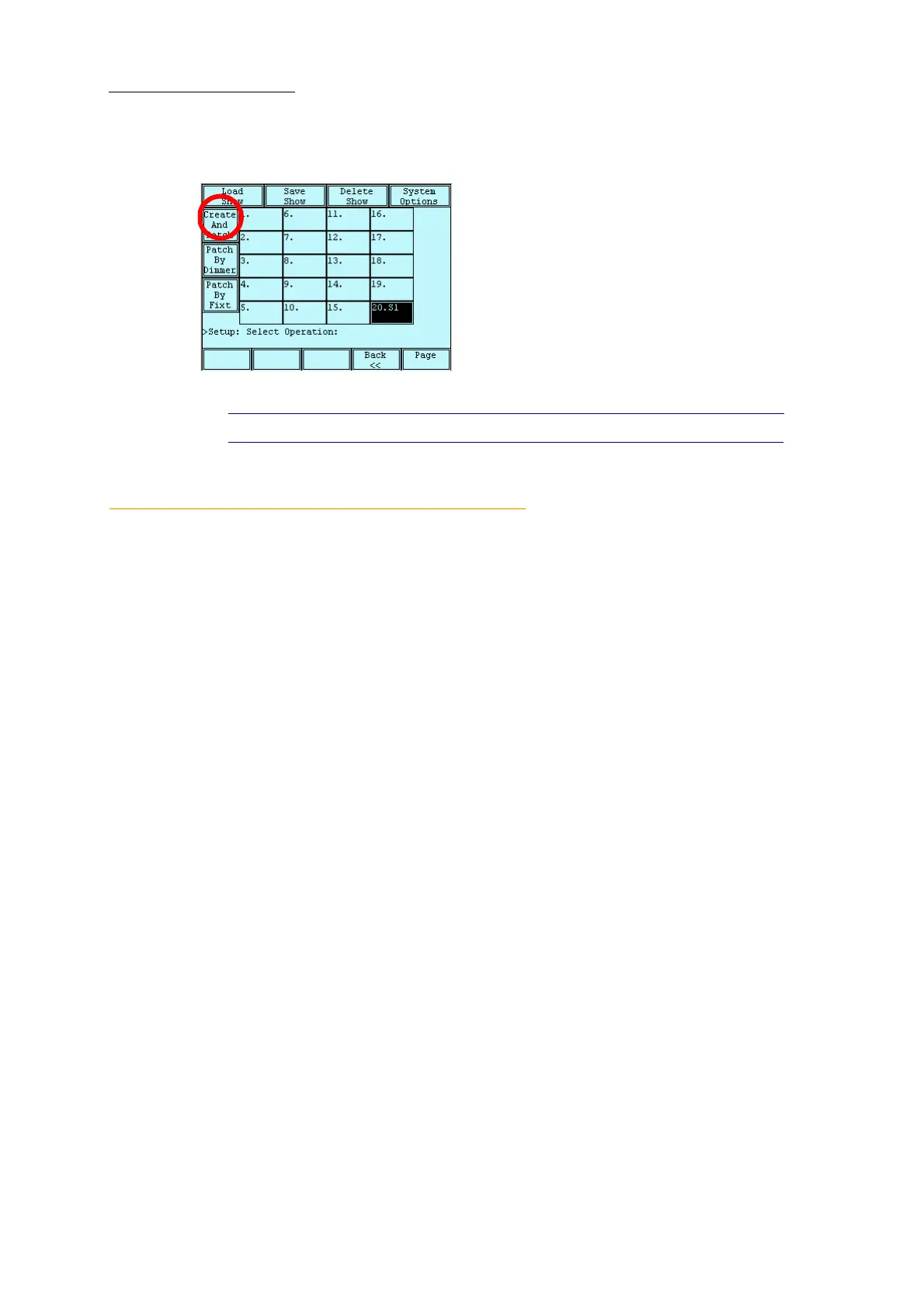
The patch is accessed by pressing SETUP to display the setup screen.
Figure 12: Setup screen
Tip! Use SHIFT + SETUP for quick access to the patch screen.
Setting the number of fixtures and assigning DMX
addresses
The patch work flow is:
1. Access the patch menu and choose the patch wizard or
MORE....
2. Select the fixture type by pressing
CHANNEL, SPOT, or EXTRA.
3. Select the number of fixtures to add to the show.
4. Select the start number for the first fixture.
5. Set the starting DMX address.
6. Select the device type from the device list.
7. Assign DMX addresses.
Dlite boots up with 48 or 72 channels (depending on the Dlite model) already patched to DMX
connector 1 and consecutively numbered from DMX address 1. See “Storing a default patch”
page 30.
Note: In Dlite Compact, there are no patched channels on start up.
Using the patch wizard
The patch wizard simplifies configuring the system for fixture types and assigning DMX addresses
one DMX address to one fixture number:
For channels - The first channel fixture is patched to the first DMX start address, the second
fixture to the next DMX address., etc.
For spots - The first spot is patched to the DMX start address. Dlite automatically patches the
next spot to the next available DMX address. The interval depends how many DMX channels
are used by the type of spot.



 To Next Page