19
DLITE
Patching
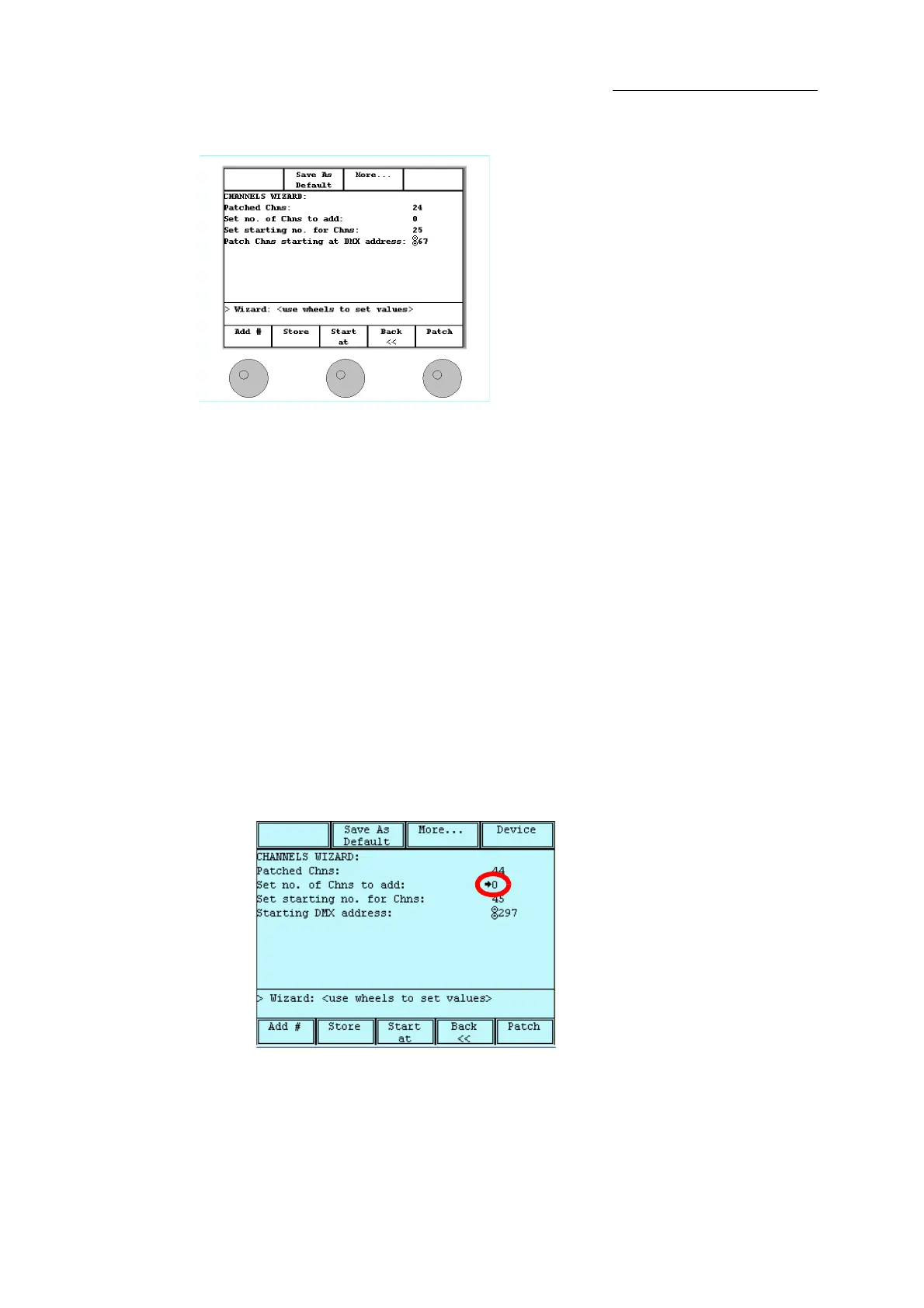
Figure 13: Patch wizard - main screen
In the patch wizard, use the wheels or the keypad to set numeric information.
Wheel 1 - Set the number of fixtures you are intending to add.
Wheel 2 - Set the start number for the channels, spots, or extras.
Wheel 3 - Set the starting DMX address.
To
To access the patch wizard
1 Press
SETUP.
2 Tap
CREATE AND PATCH.
The touch screen is now in patch mode.
3 Click
YES to use the patch wizard.
Existing fixtures and free DMX addresses are displayed.
To navigate the fields and use the numeric keypad
1 Navigate fields, (adding fixtures, setting the fixture start number, or the starting DMX
address), by pressing .
Figure 14: A small arrow indicates the active field.
2 Enter the numerical data using the numbers on the console’s keypad or the wheels.
To clear an entry
Press CE.



 To Next Page