11
DLITE
System Overview
Universal procedures
Selecting objects and fixtures, copying objects, adding text tags to objects, deleting objects, and
editing objects, follow the same basic procedures. This section provides general guidelines for basic
procedures. More detailed explanations appear in sections dealing with specific objects.
Show objects
Show objects are programmed by the operator and can be selected, edited, copied, and stored.
Dlite has three types of show objects:
PATCH
BY
FIXT
(ure)
Channels, moving
lights, or extras
XY PATCH
Set pan and tilt orientation.
Note: Available when moving lights are
selected.
see “Patching” page 17
DIMMER
PROPERTIES
• GM (general master) ON
•GM OFF
• CURVE
• PROP(ORTIONAL) PATCH
PATCH
BY
DIMMER
DMX addresses
for port 1.
NEXT PORT
View the next DMX port.
see “Patching” page 17
SCROLLER
Patch scrollers.
CLEAR
Clear patch for the selected fixtures.
1-TO-1
Patch fixtures to corresponding DMX
address. Example: Fixture 1 to DMX 1,
fixture 2 to DMX 2, etc.
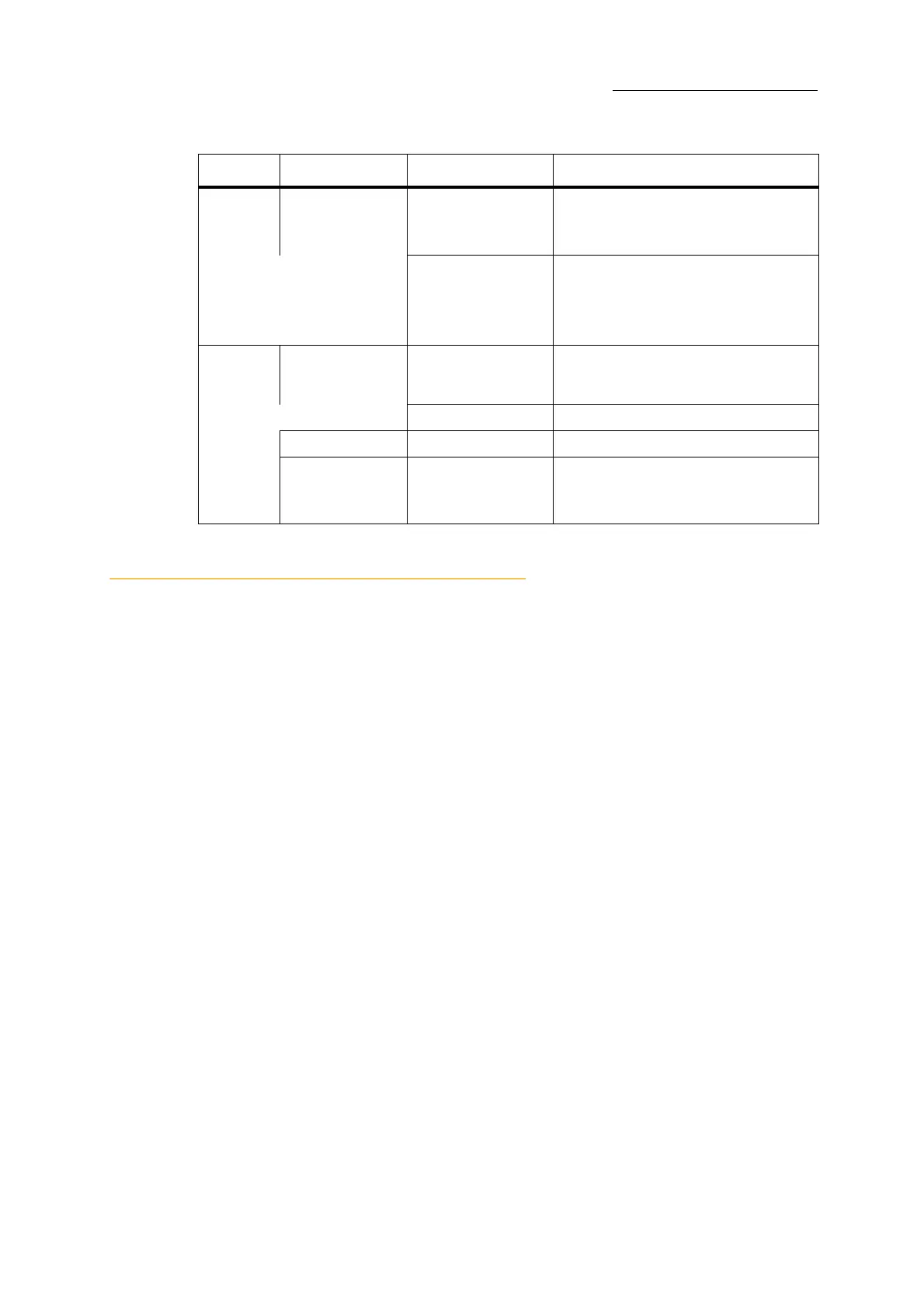
Menu Display grid Submenus What you can do here
Lighting objects: Scenes - a lighting state.
Chases - dynamic lighting looks.
Chase steps - a lighting state in a chase.
QLists - containers for cues.
Cues - a lighting state in a QList.
Programming objects: Libraries - user defined, tracked database of
frequently used parameter settings.
Groups - database of frequently used fixture
selections.
Playback objects Snaps



 To Next Page