27
DLITE
Patching
Proportional Patch
The proportional patch defines the dimmer intensity limits. Example: The output for a channel
proportionally patched at 60%, when the dimmer wheel is at FL, the output level is actually 60%.
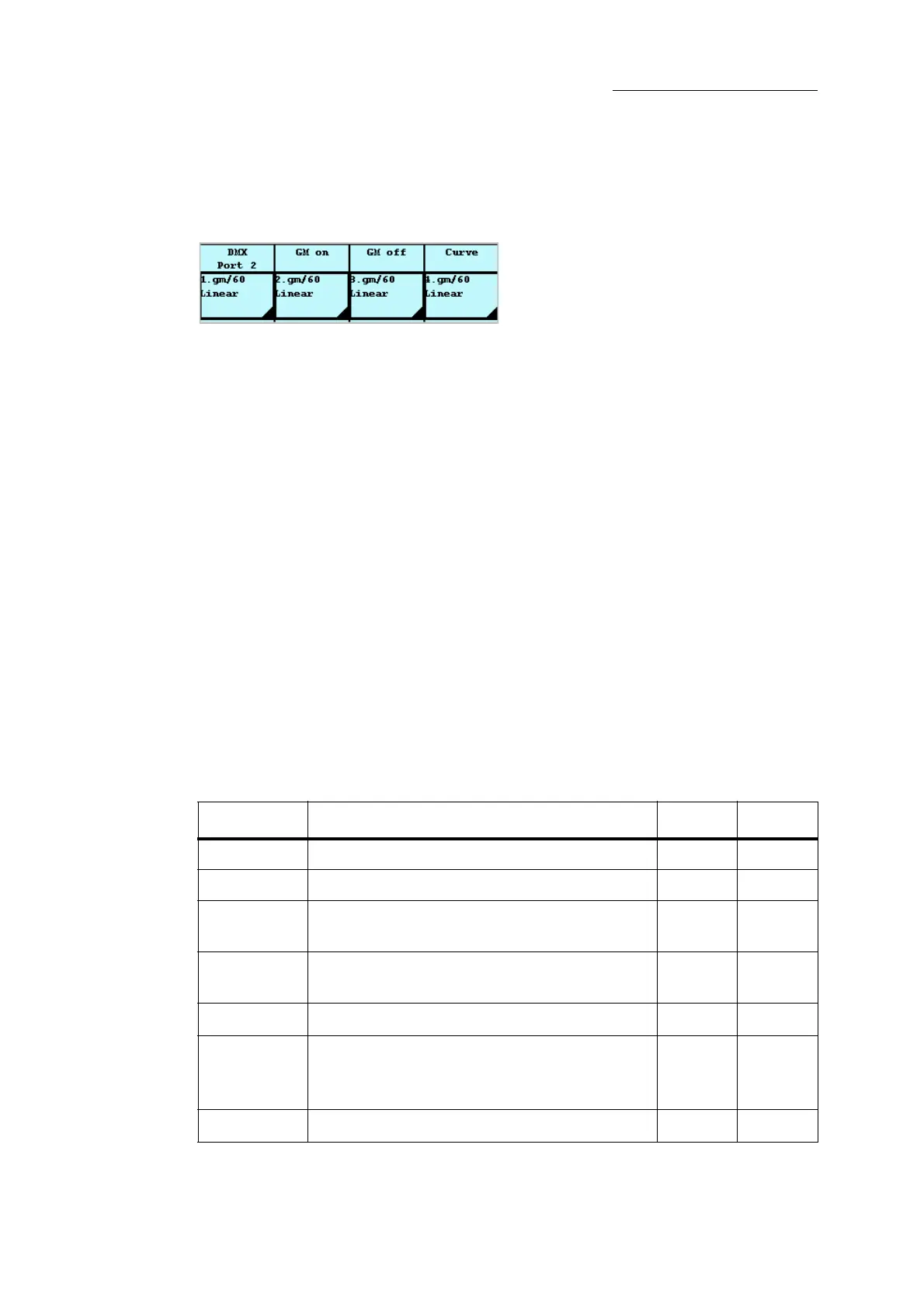
Figure 18: Proportionate patch display
To define the proportional patch
Example: Set 60% as the highest level output for dimmers 10-12.
1 Press
SETUP.
2 Tap
PATCH BY FIXTURE.
The
DMX Channel screen is displayed.
3 Tap
DIMMERS.
Dimmer information (curve, proportional patch, and GM status) is displayed on the touch
screen and the external monitor.
4 Select the dimmers.
5 Tap
PROP. PATCH.
6 Use wheel 1 to set the dimmers Full level at 60%.
7 Tap
OK.
Dimmer curves
The dimmer curve is the dimmer behavior when fading from 0%-100%. There are 5 dimmer curves
available.
Curve Type Description System Output
Linear
Dimmer behavior default. 10% 10%
Inverted
Output is inverted 10% 90%
Non-dim
Output is either 0 or FL < 50%
> 50%
0
FL
Park
Dimmer output level is always at the parked level.
Dimmers can only be parked at 100%.
——
Preheat
The dimmer is always maintained at 5%.
—5%
Pulse
The dimmer fades from 0% to Full and back to 0%.
0%
50%
Full
0%
Full
0%
25% -100%
The dimmer begins its fade when reaching 25%/



 To Next Page