26
Compulite
Chapter 2
Viewing the patch
The patch is displayed on an external monitor in spread sheet format. If you are not using an
external monitor, the patch can be viewed on the touch screen.
To view the entire DMX grid
1 Press
SETUP.
2 Tap
CREATE AND PATCH.
3 Tap
DMX ADDRESSES.
The complete patch information is displayed on the external monitor.
4 Use the up and down arrows or the page wheel to page the display.
To view the spot, channel, or extra patch
1 Press
SETUP.
2 Tap
CREATE AND PATCH.
3 Press
CHANNEL, SPOT, or EXTRA.
The patch information is displayed on the touch screen and on the external monitor.
To page the spot, channel, or extra patch
1 Press and hold
CHANNEL, SPOT, or EXTRA.
2 Turn wheel 1 to page the display.
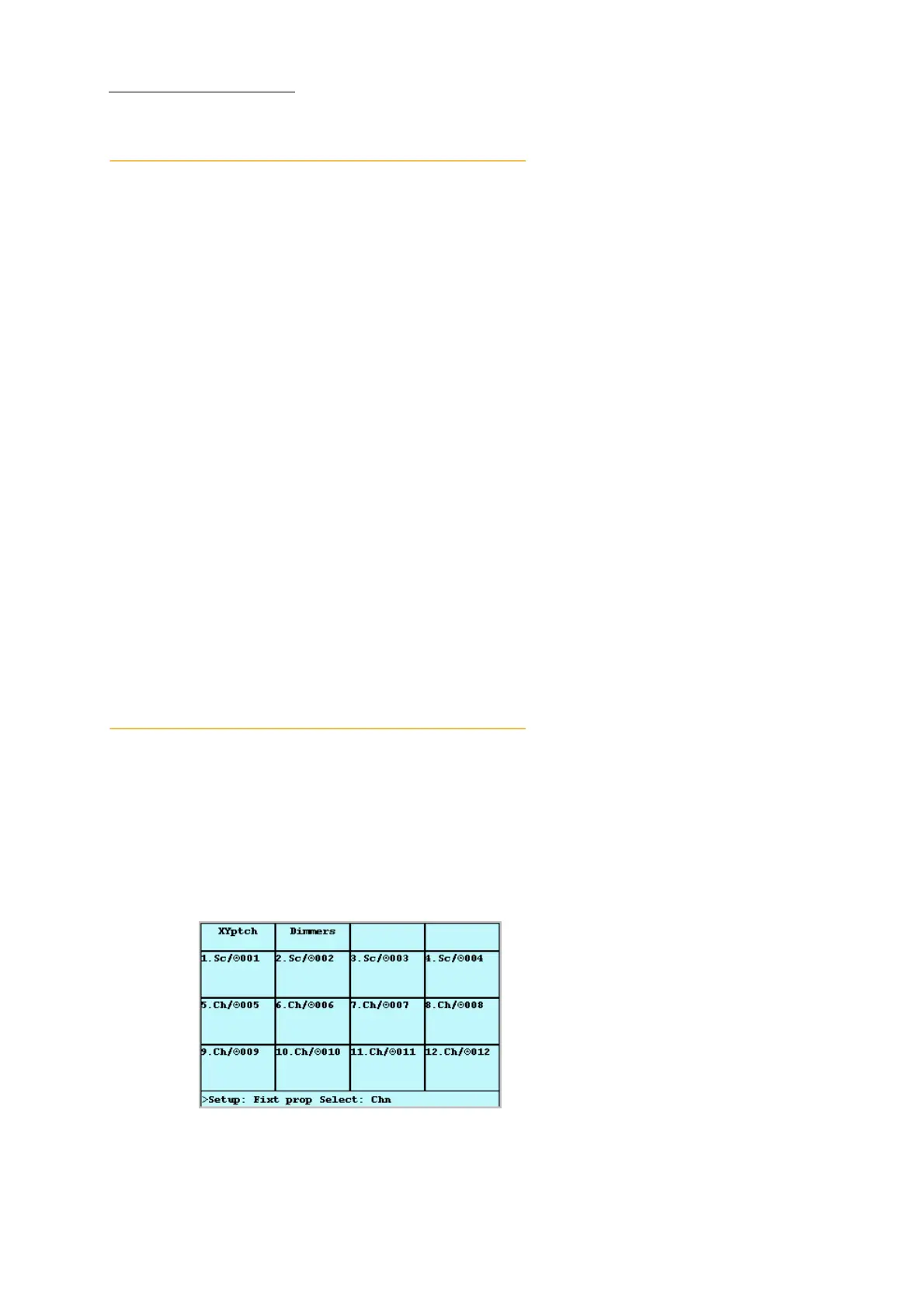
DMX channel properties
DMX channel properties can be modified.
Set dimmer curves
Set a proportional patch
Enable GM control
Change pan and tilt orientation - invert or swap pan and tilt.
Figure 17: DMX properties screen



 To Next Page