144
Compulite
Chapter 9
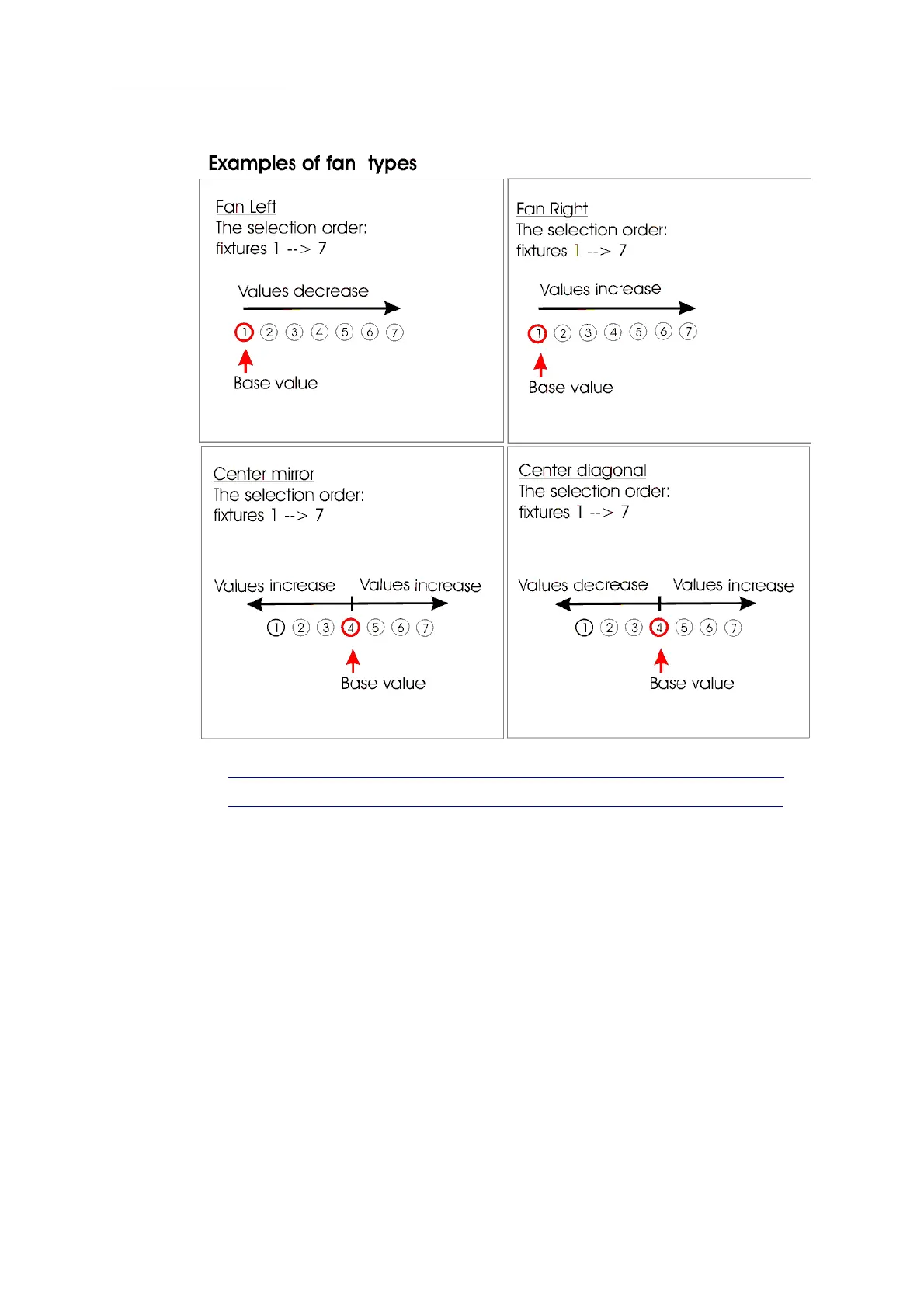
Figure 33: Fan types
Tip! Use fan for quick library programming.
Fan mode can be locked, so when exiting the fan screen the fan mode is still active.
To set the fan direction and spread
1 Select fixtures.
2 Select the parameter by pressing on its wheel.
3 Tap
FAN.
4 Tap the fan direction.
5 Move the parameter wheel to adjust the spread.
6 Store as a scene, cue, chase step, or library.
To lock fan mode
1 Select fixtures.
2 Tap
FAN.



 To Next Page