13. Service Security Mode Field Service Ver. 1.0 Aug. 2005
200
bizhub 200/250/350
Adjustment / Setting
13. Service Security Mode
13.1 Service Security Mode Function Setting Procedure
13.1.1 Procedure
1. Call the Tech. Rep. Mode to the screen.
2. Press the following keys in this order.
Stop → 0→ Clear Key
3. Select a function.
13.1.2 Exiting
• Press the Reset Key.
13.2 Service Security Mode Function Tree
13.3 Settings in the Service Security Mode
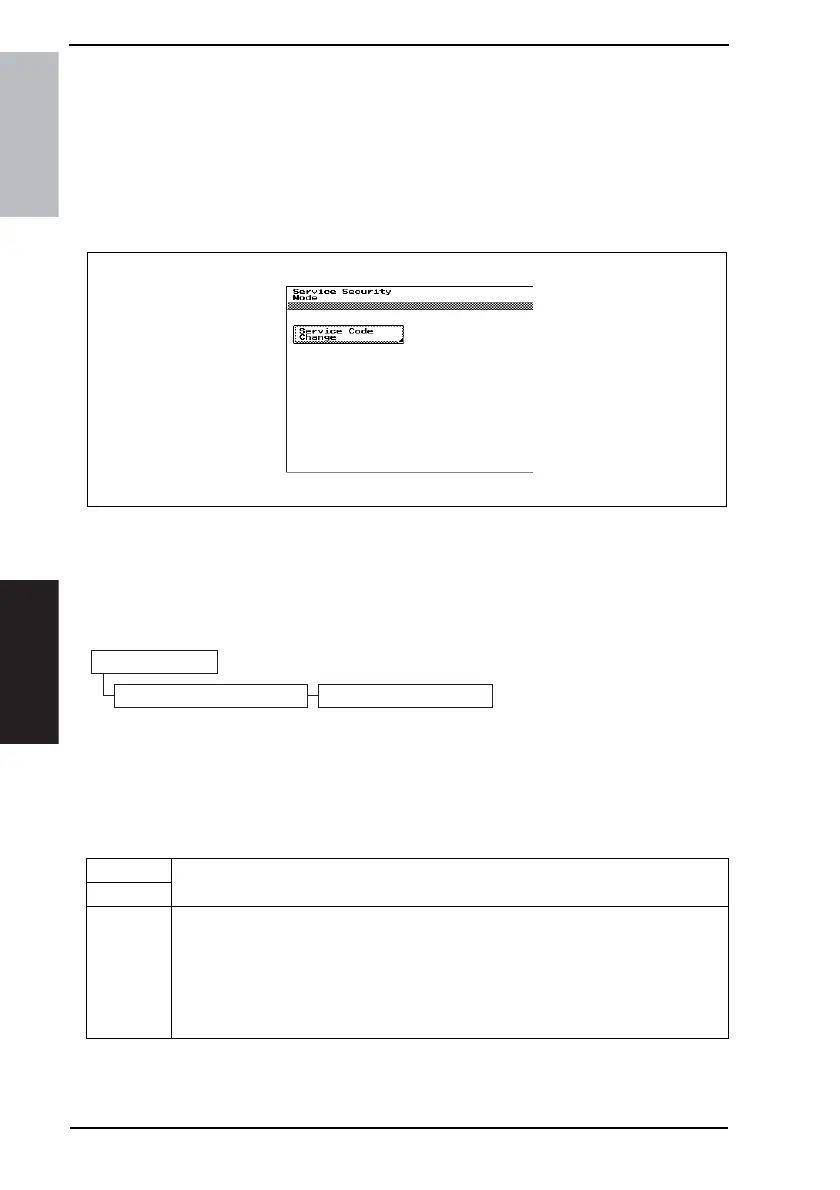
13.3.1 Service Code Change
4040F3E552DA
4040F3E553DA
Tech. Rep. Mode
Service Securuty Mode Service Code Change
Functions
• To change the service code used to access the Tech. Rep. mode, Initial mode, and
Maintenance mode.
Use
Setting/
Procedure
1. Call the Service Security mode from the Tech. Rep. mode and then touch [Service
Code Change].
2. Touch [Current Code] and enter the currently set 8-digit service code.
3. Touch [New Code] and enter a new 8-digit service code.
4. Touch [Retype New Code] and enter the new 8-digit service code once again.
• The “#” and “*” keys may be used in combination with the 10-Key Pad for entry of the
service code.











 To Next Page