8. Maintenance Mode Field Service Ver. 1.0 Aug. 2005
28
FK-503
Adjustment / Setting
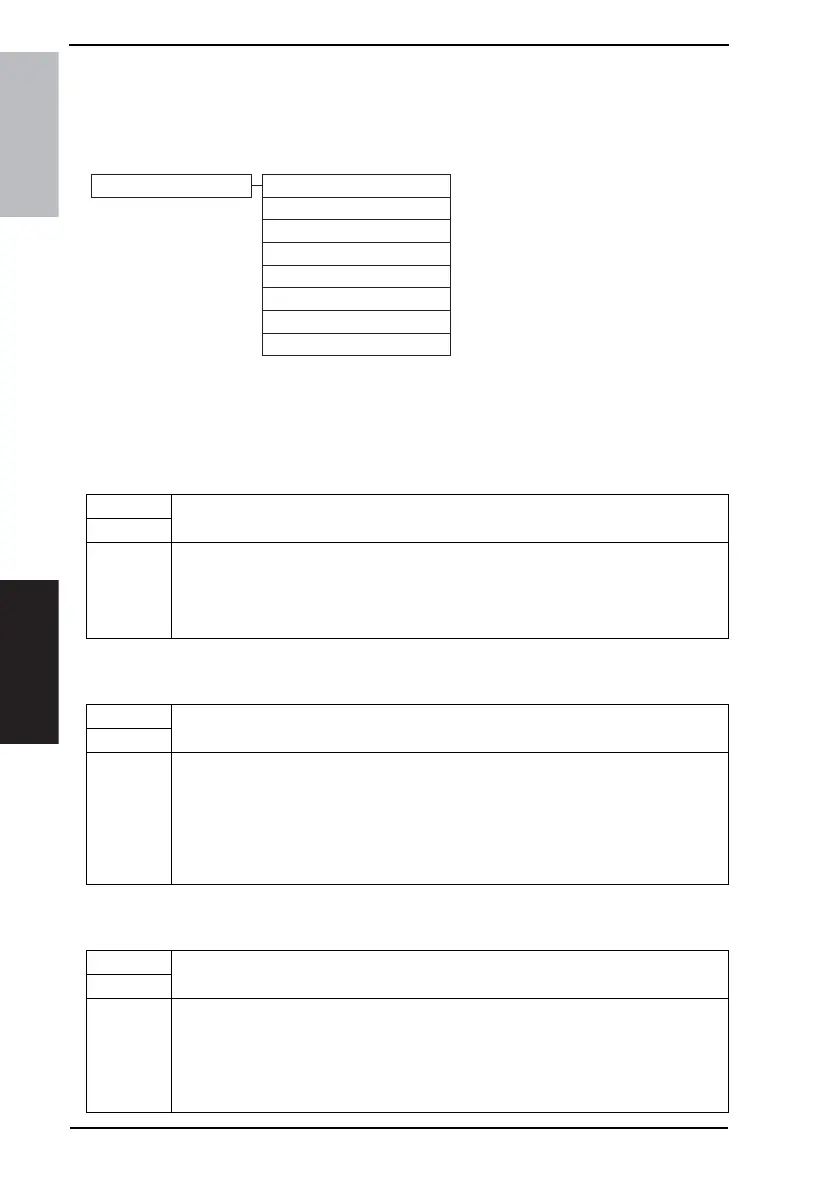
8.2 Maintenance Mode function tree
NOTE
• Of the Maintenance mode functions, only those related to the fax machine will be
described in the following.
8.3 Settings in the Maintenance Mode
8.3.1 Mem. contents
8.3.2 Memory Dump
8.3.3 File Display
4040F3E563DA
Maintenance Mode Mem. contents
Memory Dump
File Display
File Dump
Soft Switch Set
Touch Panel Adjustment
Protocol Trace
Service Call Report
Functions
• This displays the RAM data of MAIN-CPU on the LCD by specifying its absolute
address which will be provided by our technical department.
Use
Setting/
Procedure
1. Call the Maintenance Mode to the screen.
2. Touch the [Mem. contents].
3. Type the absolute address from the 10-Key Pad and [A] to [F] and touch [Enter].
4. Touch [Ç] or [È] to change the address to be displayed.
5. Touch [Enter] twice.
Functions
• This outputs a report on the RAM data of MAIN-CPU by specifying its absolute address
which will be provided by our technical department.
Use
Setting/
Procedure
1. Call the Maintenance Mode to the screen.
2. Touch the [Memory Dump].
3. Touch the [Address].
4. Type the absolute address from the 10-Key Pad and [A] to [F] and touch [Enter].
5. Touch the [Length].
6. Type the absolute address from the 10-Key Pad and [A] to [F] and touch [Enter].
7. Touch [Enter], and the memory dump sequence is started.
Functions
• This displays the RAM data of MAIN-CPU on the LCD by specifying its file name.
Use
Setting/
Procedure
1. Call the Maintenance Mode to the screen.
2. Touch the [File Display].
3. Type the file name from the 10-Key Pad or the keyboard on the screen and touch
[Enter].
4. Touch [Ç] or [È] to change the address to be displayed.
5. Touch the [Enter].











 To Next Page