6. Tech. Rep. Mode Field Service Ver. 1.0 Aug. 2005
18
DF-605
Adjustment / Setting
6. Tech. Rep. Mode
6.1 Tech. Rep. Mode function setting procedure
☞ For details of how to display the Tech. Rep. Mode screen, see the Adjustment/Setting
of the main unit service manual.
6.2 Setting in the Tech. Rep. Choice
6.2.1 Sheet-through-ADF
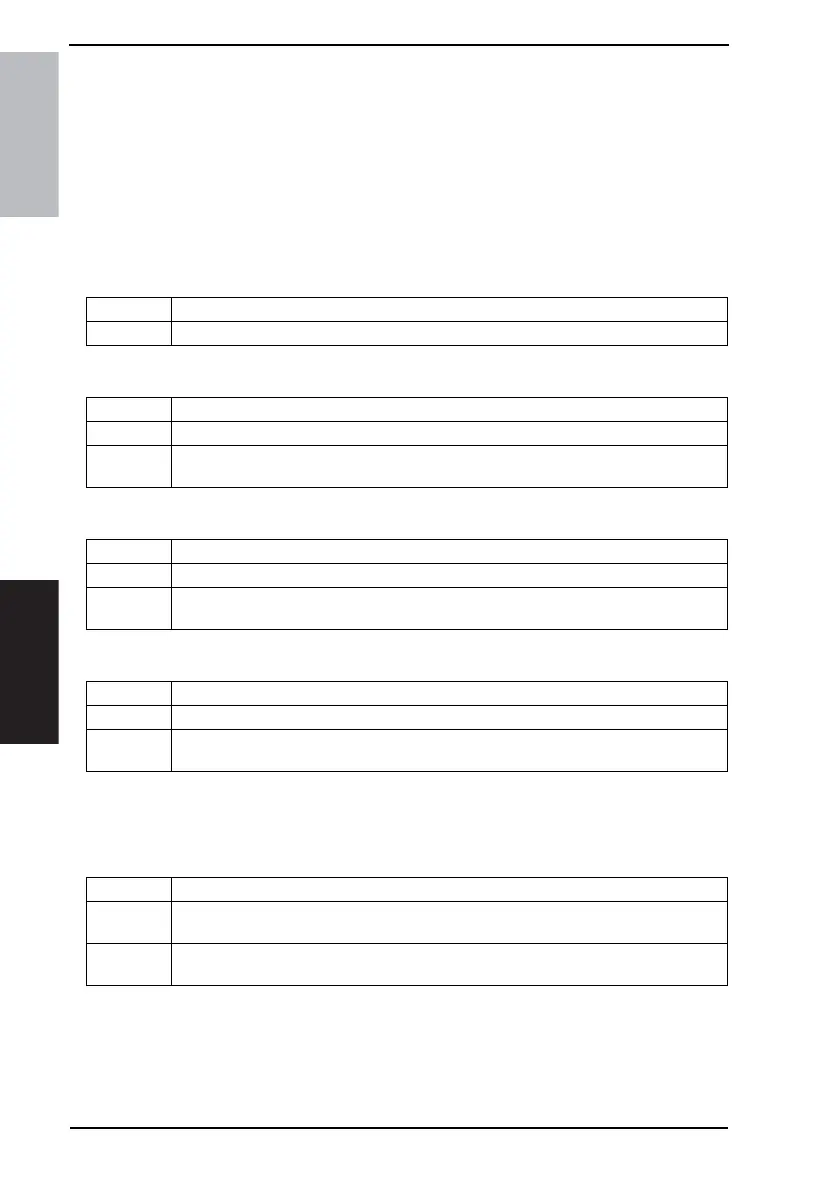
A. Registration Loop
B. Zoom
C. Feed (CD)
D. Feed (FD)
6.3 Setting in the Function
6.3.1 Org. Width Detect Adjust
Functions • To adjust the length of the loop to be formed in paper before the Registration Rollers.
Use • For factory adjustment only
Functions • To set the CD and FD scan zoom ratios in the sheet-through ADF.
Use • When setting up the ADF
Setting/
Procedure
☞ 23
Functions • To adjust the CD image scan start position in the sheet-through ADF.
Use • When setting up the ADF
Setting/
Procedure
☞ 24
Functions • To adjust the FD image scan start position in the sheet-through ADF.
Use • When setting up the ADF
Setting/
Procedure
☞ 24
Functions • To detect the size of the original loaded in the ADF
Use • When the Variable Resistor is replaced with a new one
• When the backup data is initialized
Setting/
Procedure
☞ 18











 To Next Page