Field Service Ver. 1.0 Aug. 2005 7. Jam Display
21
PC-102/PC-202
Troubleshooting
Troubleshooting
7. Jam Display
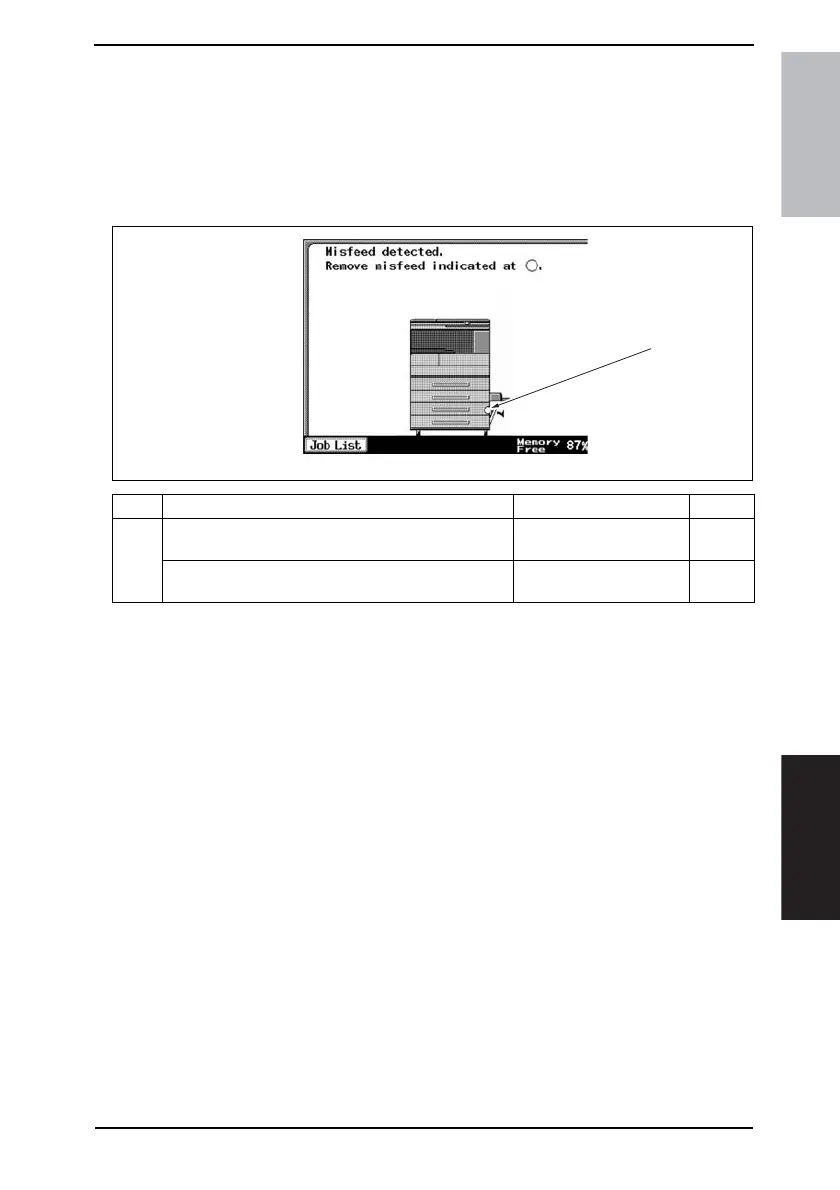
7.1 Misfeed display
• When misfeed occurs, message, misfeed location “Blinking” and paper location “Light-
ing” are displayed on the Touch Panel of the main unit.
7.1.1 Misfeed display resetting procedure
• Open the corresponding door, clear the sheet of paper misfeed, and close the door.
No. Misfeed location Misfeed access location Action
[1]
Tray 3 Paper Take-Up Section
Tray 3 Paper Vertical Transport Section
Right Door
☞ 24
Tray 4 Paper Take-Up Section
Tray 4 Paper Vertical Transport Section
Right Door
☞ 25
4061F4E503DA
[1]











 To Next Page