Field Service Ver. 1.0 Aug. 2005 12. Troubleshooting
161
FK-503
Troubleshooting
Troubleshooting
12. Troubleshooting
12.1 Diagnosis by Alarm Code
• This section shows diagnoses of system troubles by alarm codes and their remedies.
• The default setting for diagnostic codes is “not to be displayed.” If you experience errors
frequently, setup the soft switch (MODE 020) to display diagnostic codes. Then follow
communication error codes tables for troubleshooting.
• Communication error codes tables shows communication error codes. Each of them has
6-digits on the panel and a report.
Codes 00 to B4 indicate the upper 2 digits. Adding internal 4 digits to them to display 6
digits on the panel and a report.
Communication reports (TX and RX) print out diagnostic codes for up to 50 activities.
Any codes older than those activities cannot be printed.
NOTE
• Before you proceed with a remedy according to the tables, make sure that the
power source cable and the connectors are connected properly.
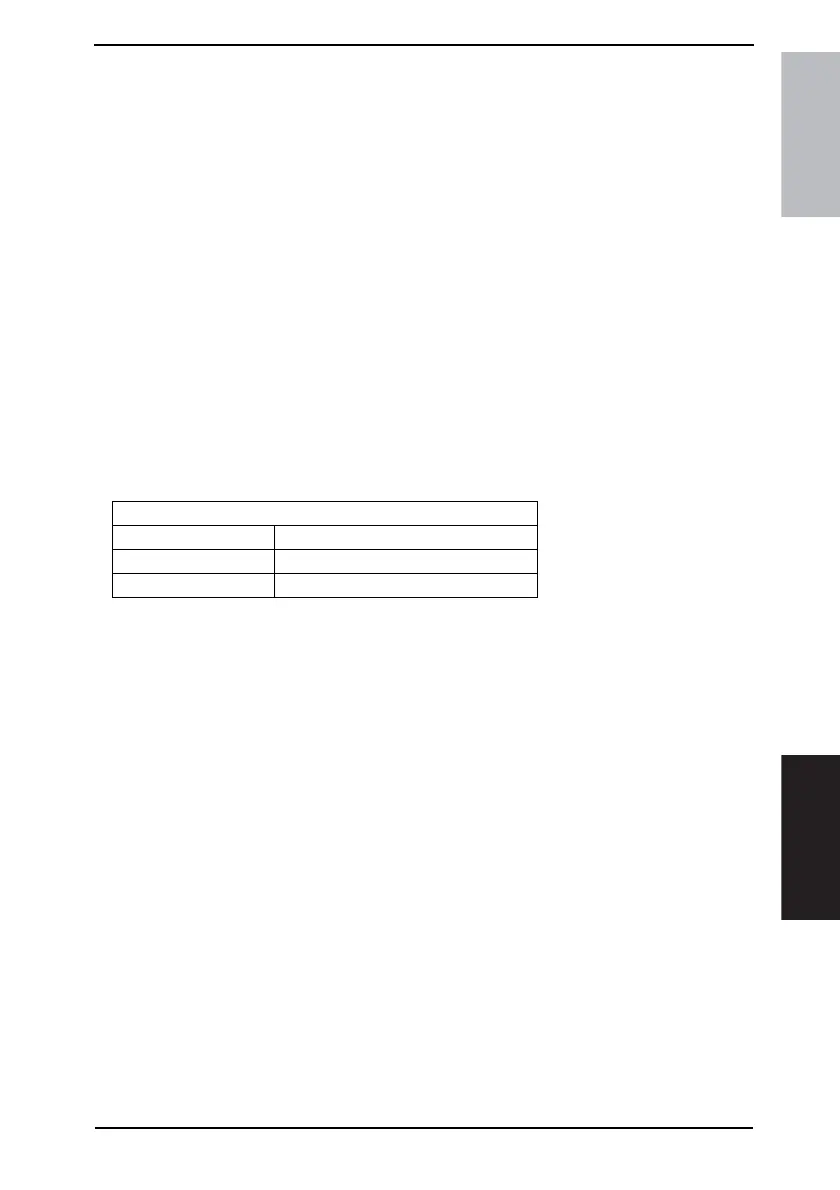
• Setting up diagnostic code display
NOTE
• See Section “Soft Switch List” for setting up soft switches.
MODE 020
Bit3 Meaning
0 Do not display codes.
1 Displays codes.











 To Next Page