Field Service Ver. 1.0 Aug. 2005 6. Utility/Counter Mode
23
FK-503Adjustment / Setting
6.5.8 Document Management
A. TX Document
(1) TX Forwarding
B. RX Document
(1) F-CODE
(2) Port
(3) All Other Documents
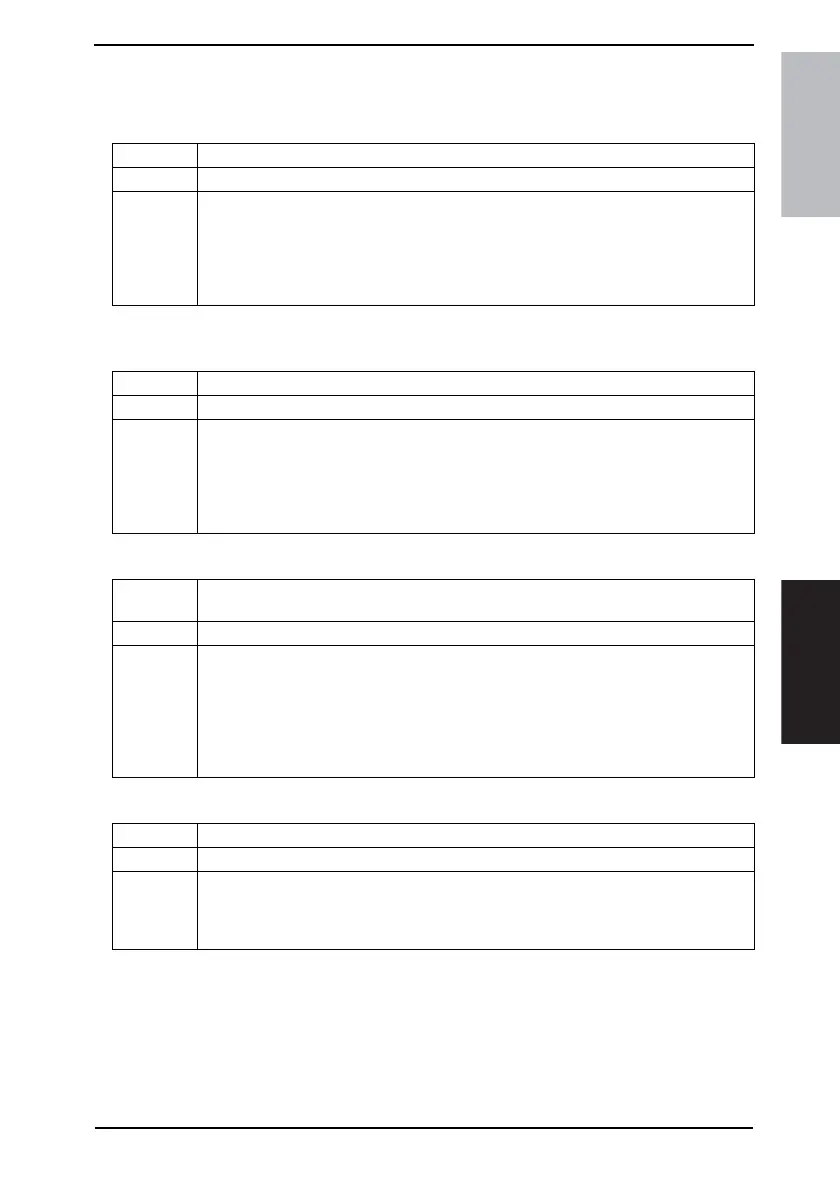
Functions • To set to forward received text to a destination that has been set by the administrator.
Use • When forwarding received text to a destination that has been set by the administrator
Setting/
Procedure
1. Touch the [Document Management].
2. Touch the [TX Document].
3. Touch the [TX Forwarding].
4. Specify the destination to which the received fax is to be forwarded and touch [Enter].
[One-Touch]: To specify the destination by the one-touch dial
[Search]: To search through one-touch dials
Functions • To set to receive text for every F-CODE
Use • When setting to receive text for every F-CODE
Setting/
Procedure
1. Touch the [RX Document].
2. Touch the [F-CODE].
3. Select the specific key, in which the F-CODE is to be registered.
4. Touch [F-CODE] and make the necessary settings.
5. Touch [RX Doc. Settings], then select the desired processing type and touch [Enter].
* If [Forward] or [Print & Forward] is selected, set the forwarding destination.
Functions • To set how text received for each line is processed, whether it is to be printed, for-
warded, etc.
Use • When printing, forwarding, or otherwise processing text received for each line.
Setting/
Procedure
1. Touch the [RX Document].
2. Touch the [Port].
3. Select [G3-1] or [G3-2].
4. If [Yes] is selected for [Document Management], set how the received document is to
be handled.
5. Touch [RX Doc. Settings], then select the desired processing type and touch [Enter].
* If [Forward] or [Print & Forward] is selected, set the forwarding destination.
Functions • To set how text received from a line other than the port is processed.
Use • When setting how text received from a line other than the port is processed.
Setting/
Procedure
1. Touch the [RX Document].
2. Touch the [All Other Documents].
3. Touch [RX Doc. Settings], then select the desired processing type and touch [Enter].
* If [Forward] or [Print & Forward] is selected, set the forwarding destination.











 To Next Page