Field Service Ver. 1.0 Aug. 2005 14. Adjust Mode
201
bizhub 200/250/350Adjustment / Setting
14. Adjust Mode
14.1 Adjust Mode Function Setting Procedure
14.1.1 Procedure
1. Call the Tech. Rep. Mode to the screen.
2. Press the following keys in this order.
Stop → Start Key
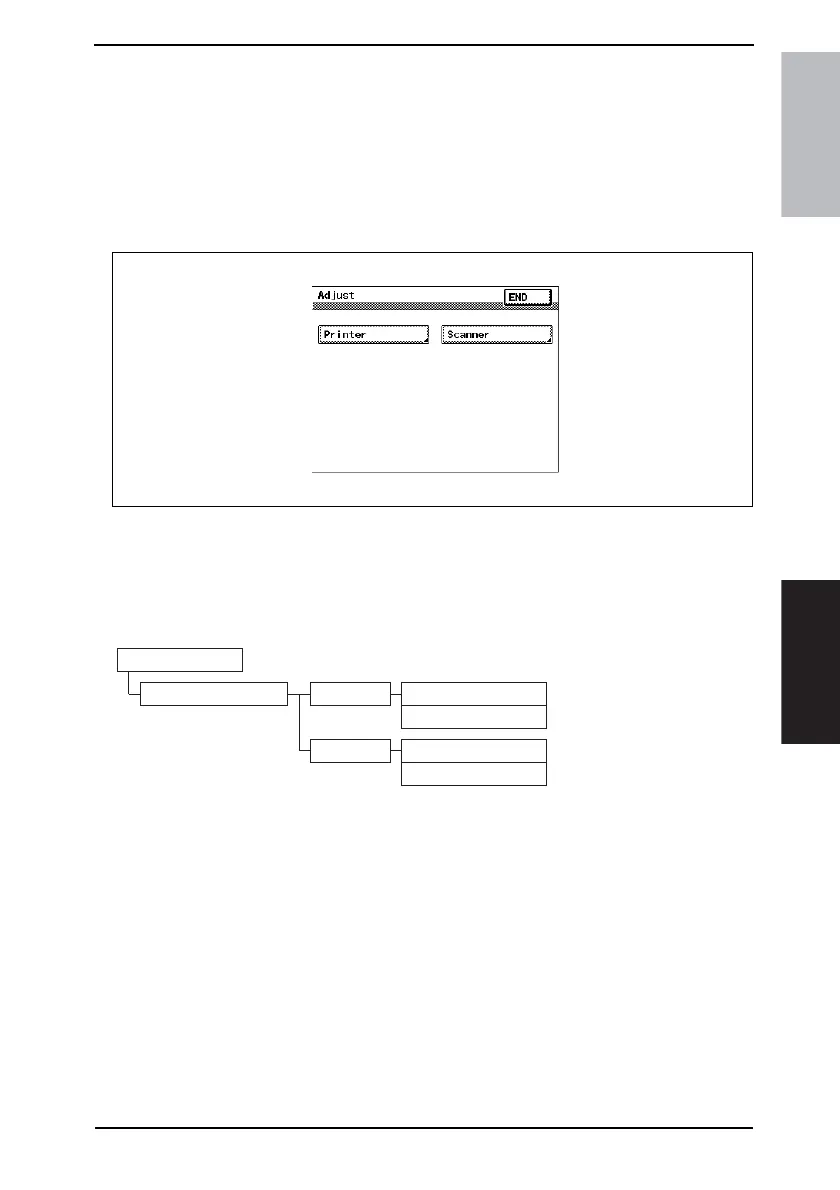
3. Select a function.
14.1.2 Exiting
• Press the Reset Key.
14.2 Adjust Mode Function Tree
4040F3E554DA
4040F3E555DA
Tech. Rep. mode
Adjust Printer Registration (CD)
Registration (FD)
Scanner Registration
Zoom











 To Next Page