19. Malfunction code Field Service Ver. 1.0 Aug. 2005
248
bizhub 200/250/350
Troubleshooting
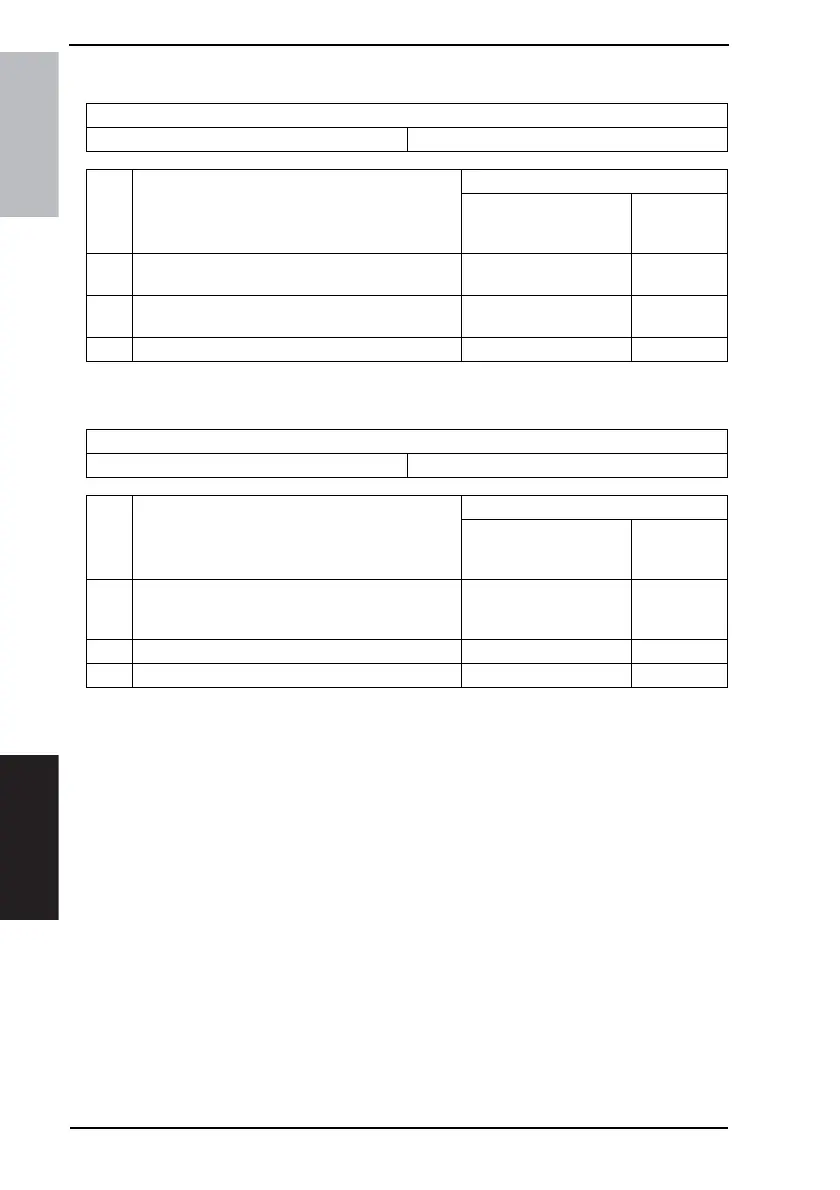
19.3.28 CA052: MIO Device Failure
19.3.29 CC153: Flash ROM Failure
Relevant Electrical Parts
BCRS Board (BCRS)
Step Action
WIRING DIAGRAM
Control Signal
Location
(Electrical
Component)
1
Turn OFF the Main Power Switch, wait for 10 sec. or
more, and turn ON the Main Power Switch.
--
2
Check the BCRS connectors for proper connection,
and correct as necessary.
--
3 Change BCRS - -
Relevant Electrical Parts
Mechanical Control Board (PWB-A)
Step Action
WIRING DIAGRAM
Control Signal
Location
(Electrical
Component)
1
Disconnect and then connect the power cord. Turn
OFF the Main Power Switch, wait for 10 sec. or
more, and turn ON the Main Power Switch.
--
2 The firmware data is overwritten. - -
3 Change PWB-A - -











 To Next Page