6. Utility/Counter Mode Field Service Ver. 1.0 Aug. 2005
20
FK-503
Adjustment / Setting
(2) TSI
(3) Rotation TX
(4) 2-Sided TX
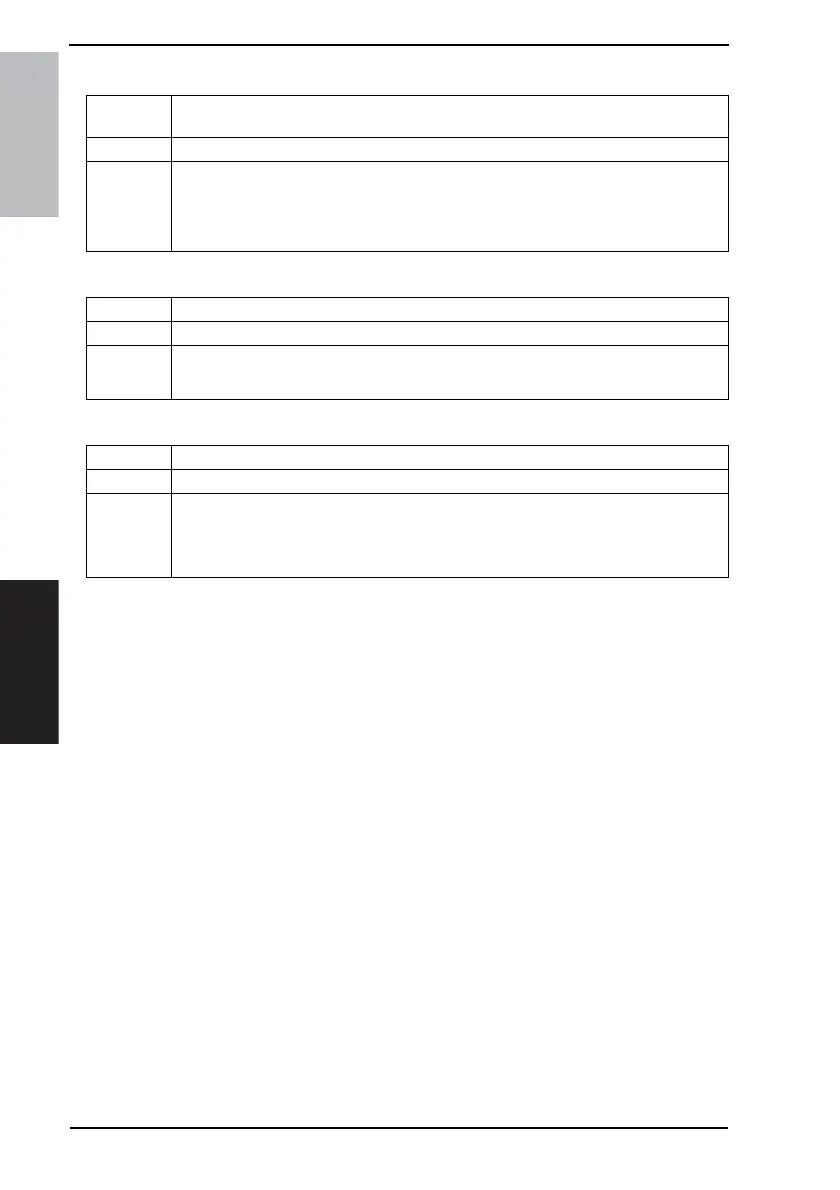
Functions • To set where the name of the sending party is to be printed on the transmitted text, and
select the specific name to be printed.
Use • When having the name of the sending party printed on the transmitted text.
Setting/
Procedure
<TX Time Information>
Inside Body Text Outside Body TextOFF
<TSI Selection>
• To select the specific name of the sending party to be printed.
Functions • To select whether to turn ON or OFF rotation transmission.
Use • When rotation transmission is to be made
Setting/
Procedure
• The default setting is “ON”.
“ON” OFF
Functions • To set the file margin of the original for 2-sided transmission.
Use • When changing the file margin of the original for 2-sided transmission.
Setting/
Procedure
• The default setting is “OFF”.
2-Sided TX: ON “OFF”
Original Bind Direction: Left Bind Top Bind “Auto”




 To Next Page