11. Soft Switch List Field Service Ver. 1.0 Aug. 2005
52
FK-503
Adjustment / Setting
NOTE
• The features with (*) are settable by users. *: Screen setting <*>: Soft switch setting
MODE Factory setting bit
001
Bit: 7654 3210
0001 0100
HEX:14
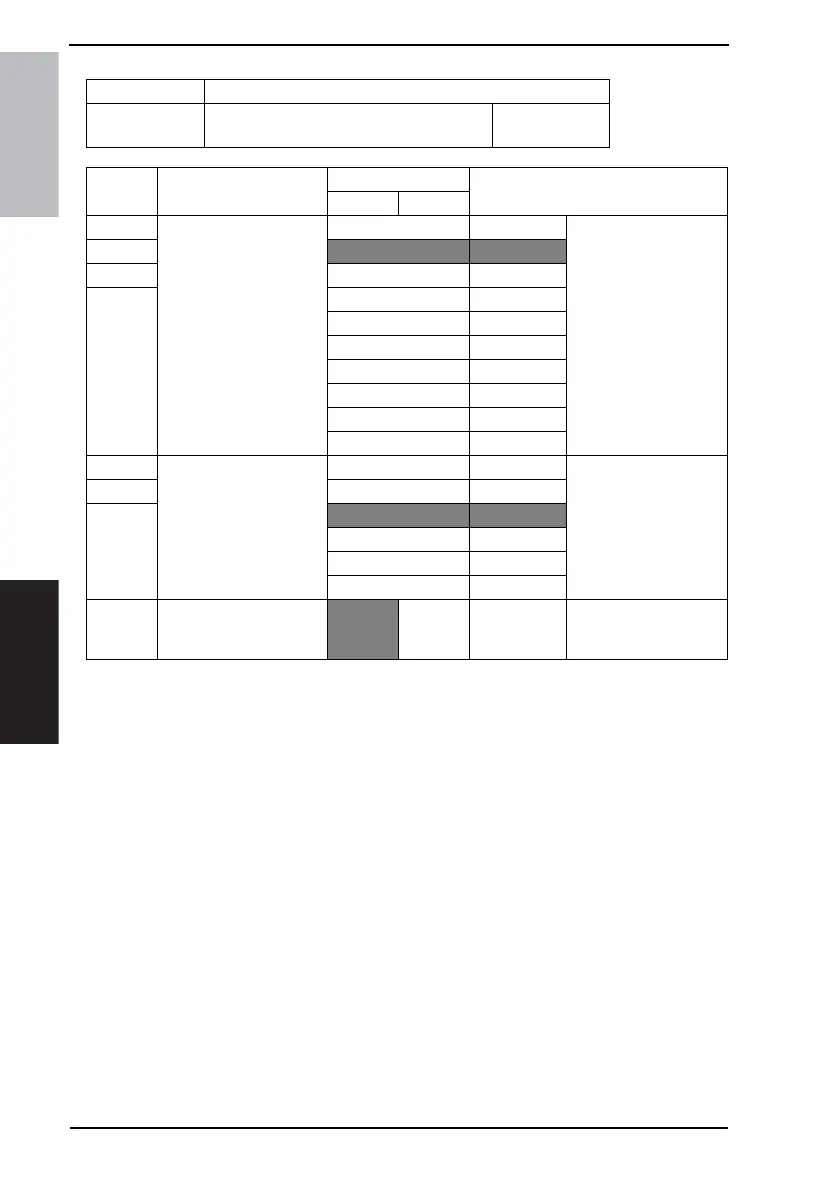
Bit Feature
Logic
Description
01
7 Specify which image qual-
ity is returned to be
assigned after completing
operations. *
Bit 7-4: 0000 Not available
6
0001 Standard
50010Fine
4 0011 Not available
0100 Superfine
0101 GSR
0110 Not available
0111 Super GSR
1000 Text + photo
Others Not available
3 Specify which density is
returned to be assigned
after FAX communica-
tion. *
Bit 3-1: 000 Much lighter
2 001 Lighter
1
010 Normal
011 Darker
100 Much darker
Others Not available
0 Specify whether to insert
a destination name on
document to send. <*>
No Ye s











 To Next Page