Field Service Ver. 1.0 Aug. 2005 11. Soft Switch List
59
FK-503Adjustment / Setting
NOTE
• The features with (*) are settable by users. This applies only to systems with multi
port. *: Screen setting
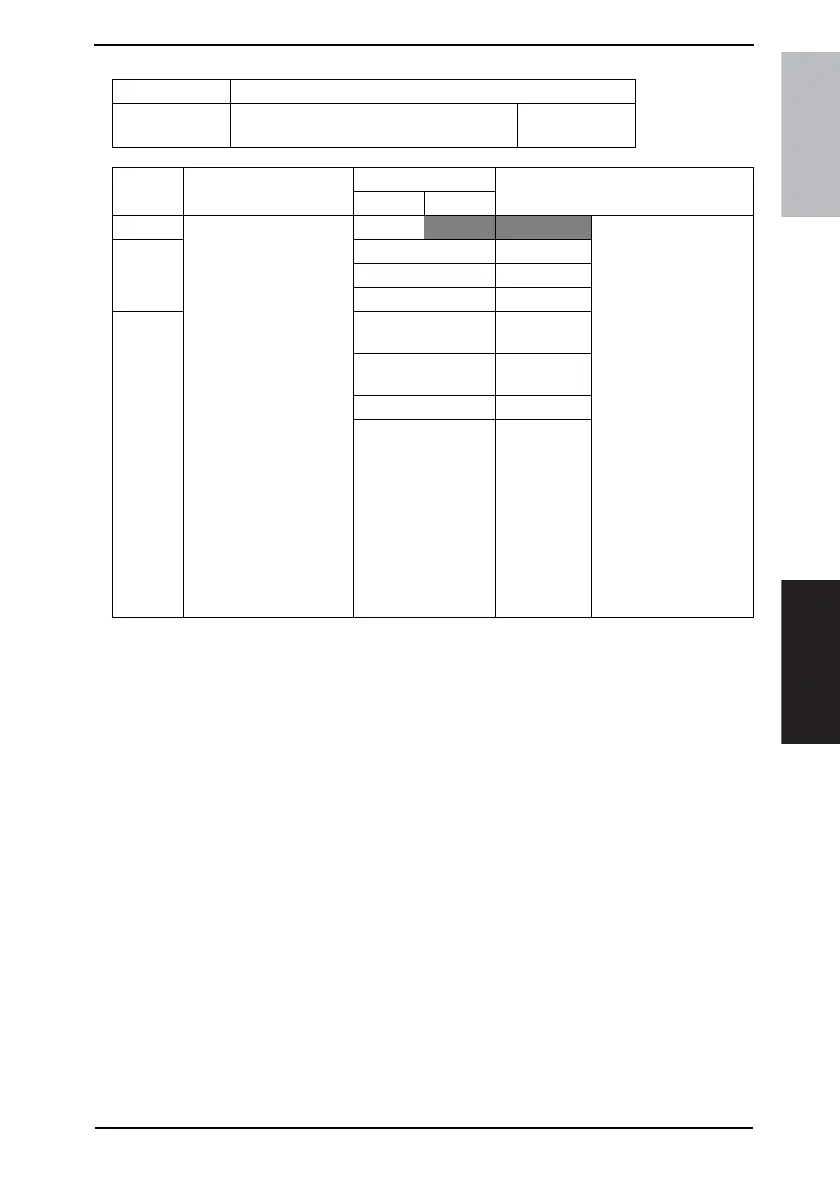
MODE Factory setting bit
009
Bit: 7654 3210
0001 1010
HEX:1A
Bit Feature
Logic
Description
01
7 Select default display of
communication mode:
Specifies what to display
at first as communication
mode. *
Bit 7-5:
000 G3-1 Returns “Communica-
tion mode” to its default
after each operation.
This soft switch is
unavailable in some sys-
tems:
This soft switch is
unavailable in some sys-
tems:
• With single port
(including pseudo-
multi port)
G3 type: all are
unavailable
• With multi port
PSTN+PSTN:
G3-1, G3-2 available
• “Mail” can be used
when the FAX is
equipped with Net-
work Application
Option.
6 010 PC Scanner
011 G3-2
100 Mail (I-FAX)
5 101 Scan to
E-mail
110 IP Address
FAX
111 IP Relay
Others Not available











 To Next Page