Field Service Ver. 1.0 Aug. 2005 3. Firmware upgrade
9
FS-508/PU-501/OT-601Maintenance
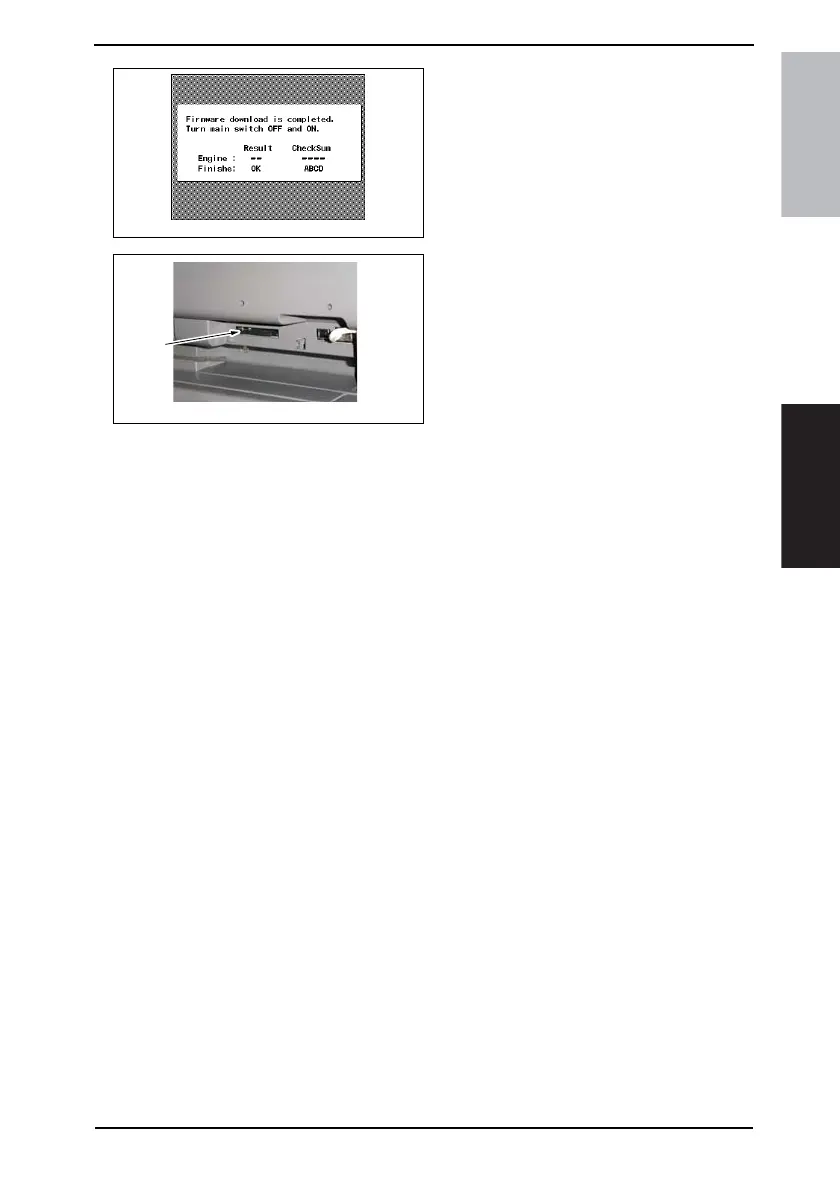
12. When the upgrading sequence is
completed, turn OFF the main power
switch.
13. Remove the compact flash card [2]
from the slot. After some while there-
after, turn ON the main power switch.
14. Display the Tech. Rep. Mode screen.
☞ For details of how to display the Tech. Rep. Mode screen, see the Adjustment/Setting
of the main unit service manual.
15. Touch [ROM Version].
16. Make sure if the version of Firmware is updated.
4349F2E546DA
4040F2C597DA
[2]











 To Next Page