D • Front Panel Control
Doc. 065051-03 1/08 309
19. Press 8 to go to the DIAGNOSTICS MENU. Press 5 to go to the LIQUID
CONTROL
screen.
20. Select
VIAL#: INJ and press Enter.
The needle moves into the inject port.
21. Position the cursor in the
from field and select FLUSH.
22. Position the cursor in the
SYRINGE field and select SAMPLE.
23. Position the cursor in the ACTION field and select FILL.
24. Press
Enter.
The syringe fills.
25. Select
SYRINGE SPEED: 5. This speed ensures a fast enough flow rate to
detect a leak.
26. Select
ACTION: EMPTY and press Enter.
27. Repeat the
FILL and EMPTY actions until the new needle seal tubing is filled.
28. Once the tubing is filled and fluid reaches the needle, empty the syringe again
and monitor the top of the inject port for fluid.
If fluid appears, wipe up the leak immediately. Then, lower the needle’s Z
position (see the next step).
29. To lower the needle’s Z position:
a. Press
Menu, Menu, 5, and 6 to return to the INJECTION PORT ALIGNMENT
screen.
b. Increase the
Z ADDRESS field value two steps and press Enter.
c. Repeat Step 17
through Step 26, above, and check again for leaks.
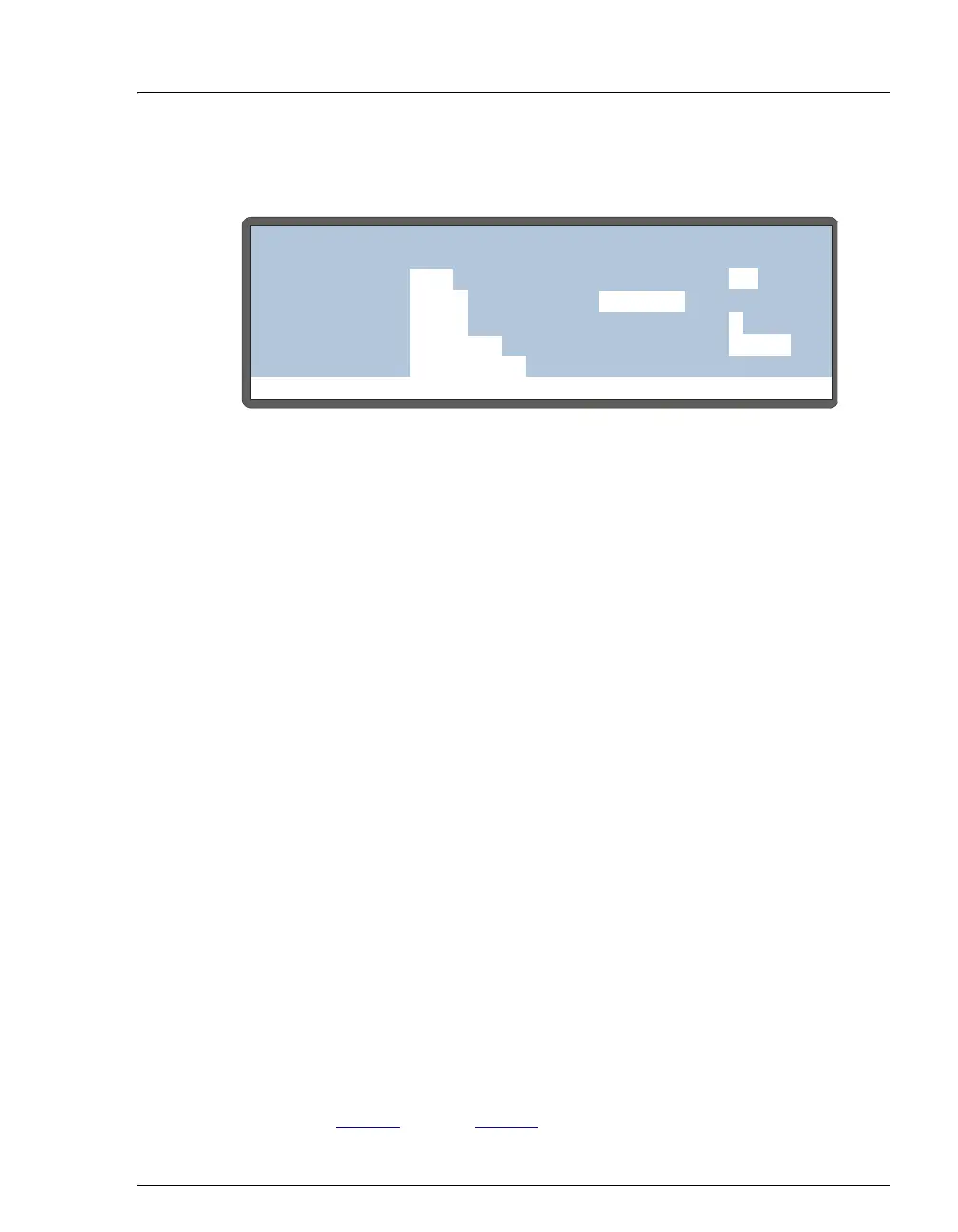
Figure D-17. Liquid Control Screen
Help Prompt
LIQUID CONTROL
from
VIAL#:
ASPIRATE:
SYRINGE:
ACTION:
DISPENSE:
1
100
100
SAMPLE
ASPIRATE
uL
uL
NEEDLE
LOAD
46
NEEDLE HEIGHT:
SYRINGE SPEED:
4
INJ VALVE:



 To Next Page