120 Hog 4 Operations Manual
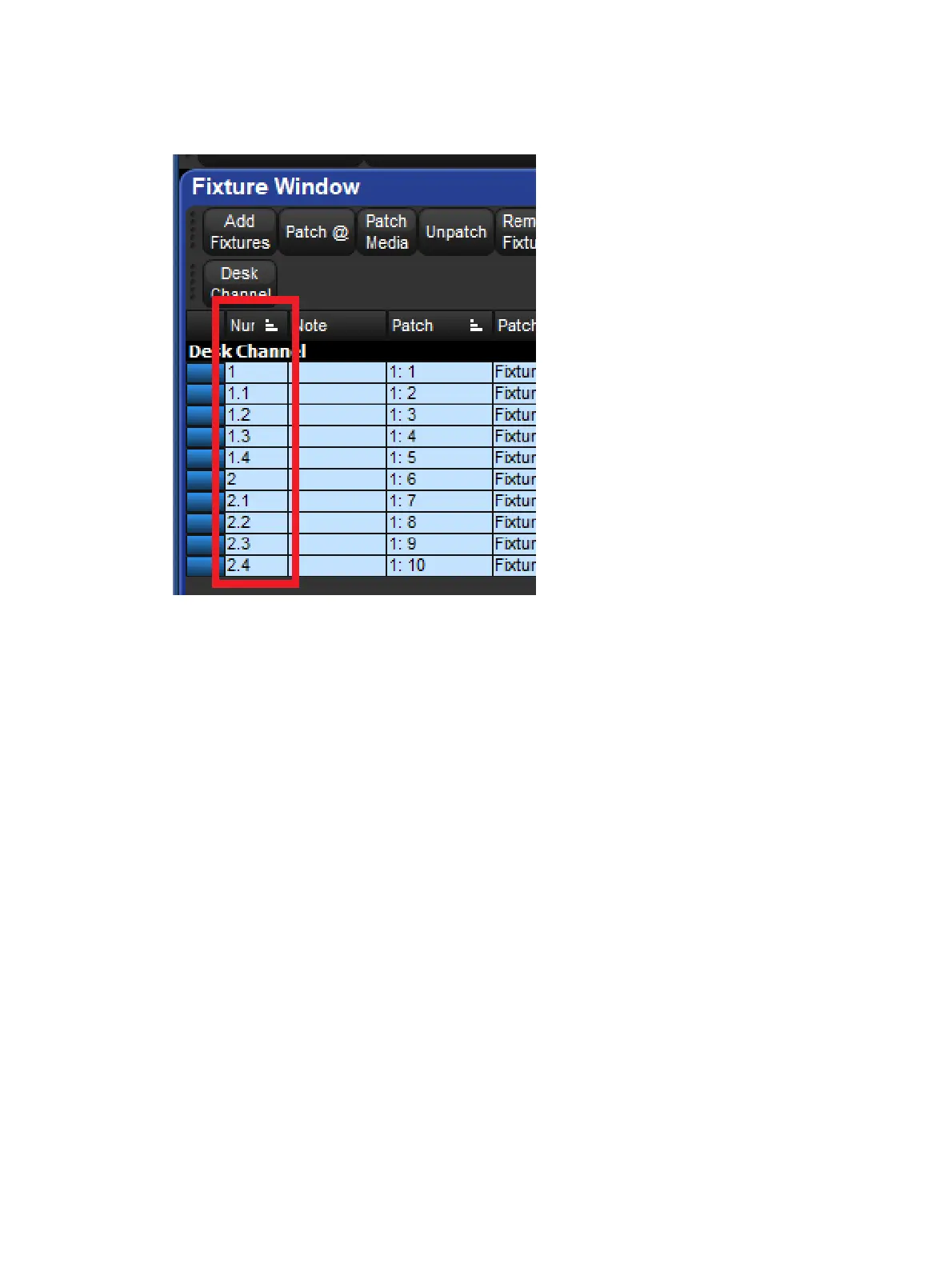
to reduce the amount of whole numbers used in a show, gives the user the ability to
aggregate fixtures, and take advantage of the advanced fixture selection mechanisms
explained in Selecting Fixtures.
To change a fixture's user number to a dotted user number:
1. Open + Fixtu re
2. Select the fixture's Num cell (short for User Number).
3. Set, [ n e w n u m b e r ] . [ n e w n u mb e r ] , Enter











 To Next Page