10. Media Picker 213
10.7 Managing Preview Packages
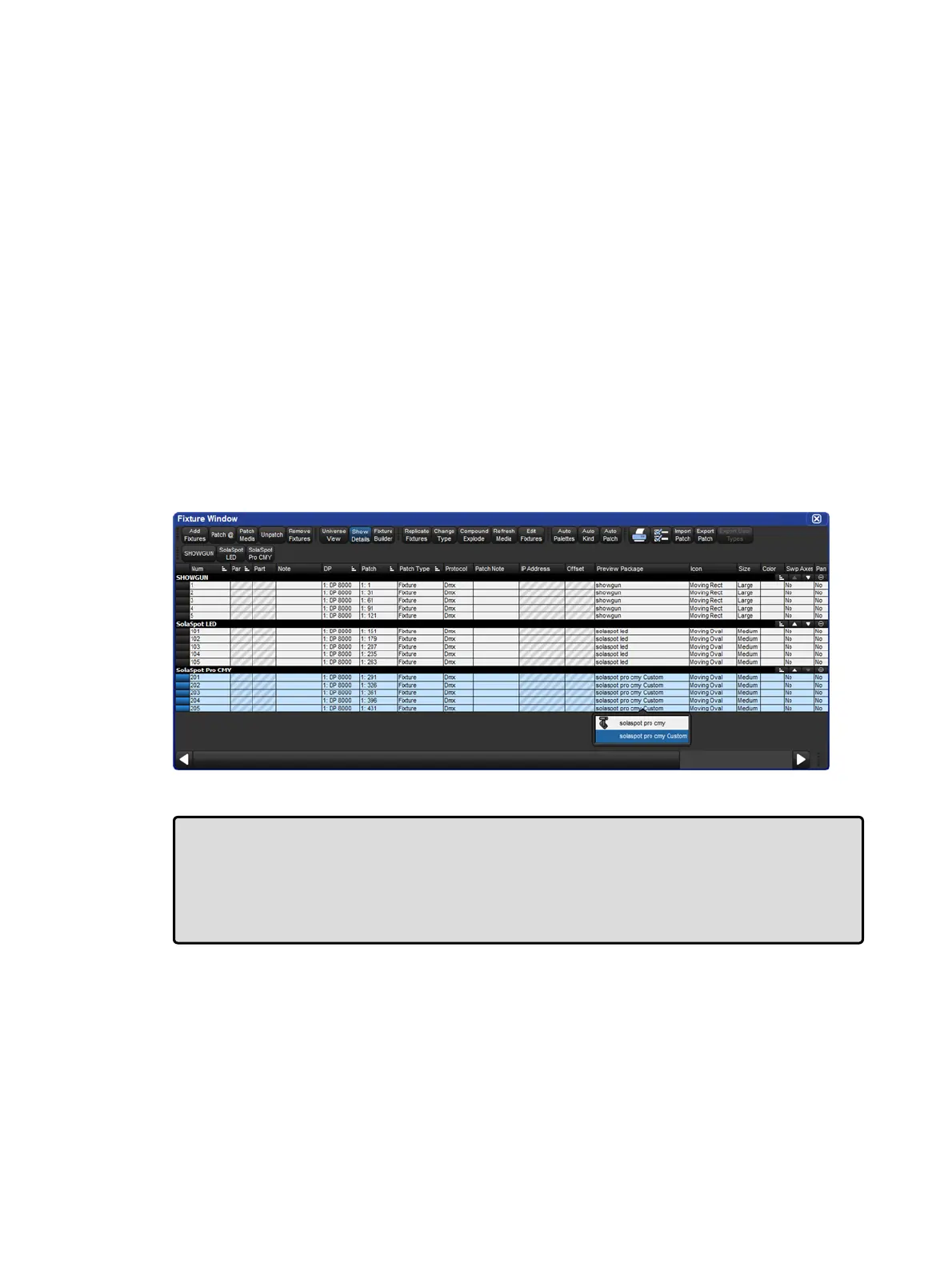
To view which preview package a fixture is using open the fixture window and locate the
"preview package" column for that fixture. Listed in this column will be the name of the
preview package currently being used by the fixture to display preview names and thumbnails
on the slot toolbar, in the editors, and in the media picker.
To change which preview package a fixture is using double click on the preview package
cell and select from the list of available packages in the menu.
Default Library Packages: Are the packages defined by the fixture library. These
packages contain previews based on manufacturer documentation and stock fixture
configuration.
Custom Packages: Are created when the user has modified the default library preview
package for fixture or set of fixtures by adding custom images or names to the previews
for that fixture. Once a custom package is created for one fixture, other fixtures of that
same type can also be assigned to use this preview package using the fixture window.
Cached Packages: Are created when a fixture's previews are downloaded via CITP.
In this case a "cached" preview package for that fixture will be created. Like custom
packages, cached packages can also be assigned to other fixtures of the same type
using fixture window.
Tip: Custom preview packages and CITP cached preview packages can be associated with
more than one fixture of the same type. For example, you can create a custom preview
package for Solaspot fixture 1 and then use the fixture window to assigned Solaspot
fixtures 2<10 to the same preview package enabling those fixtures to display the same
custom previews. Likewise you can utilize a single CITP cached preview package by
assigning it to multiple fixtures your show.











 To Next Page