426 Hog 4 Operations Manual
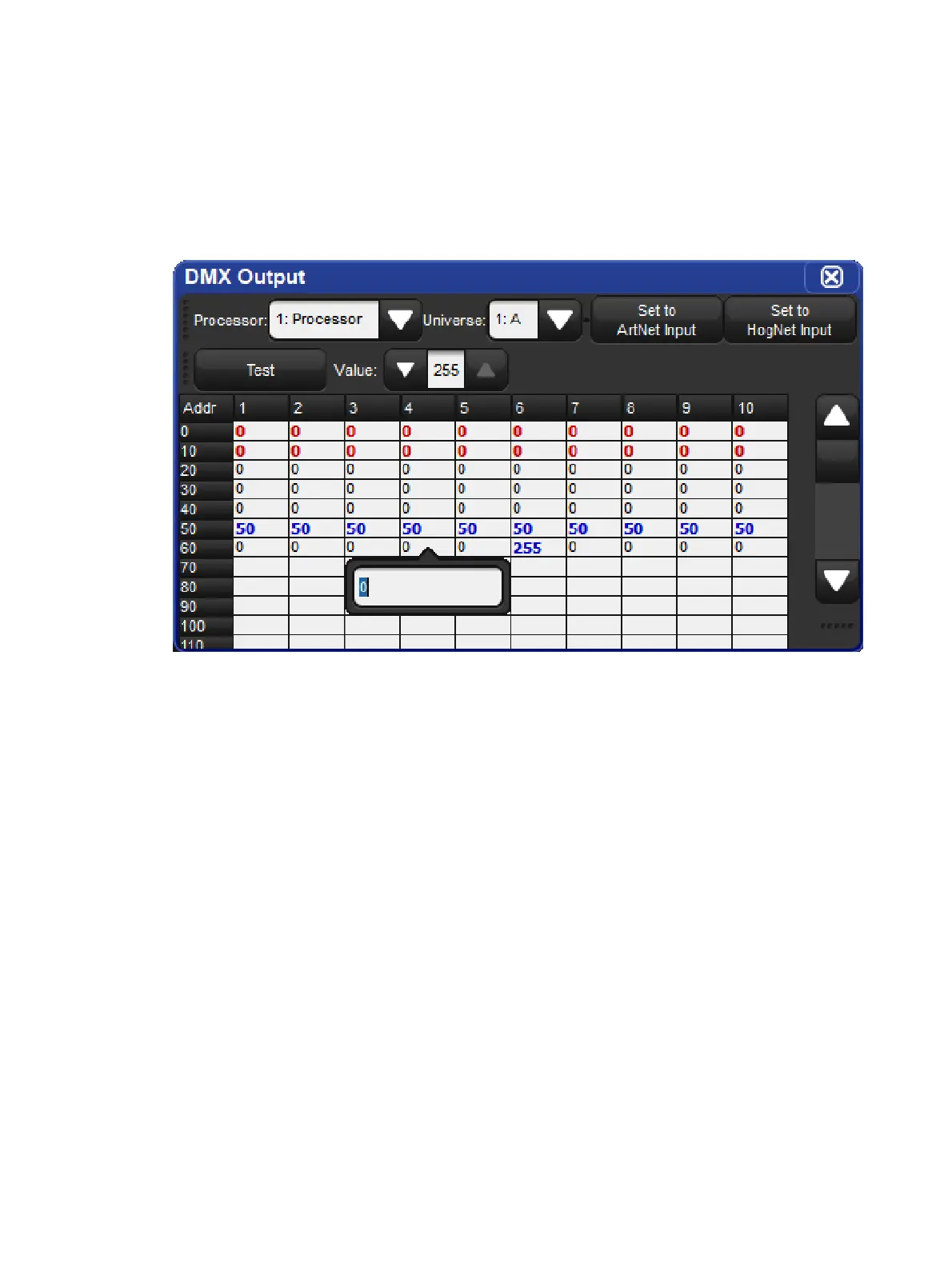
25.1 The DMX Output Window
By default the DMX channel values output by a processor are controlled by patched fixture
data as programmed in the Hog show file. However, you may wish to override these values
with manually entered DMX values or with Art-Net values streaming into the console from a
remote third party Art-Net source such as another console. Both of these tasks can be
accomplished in the DMX output window by following the instructions outlined in this chapter.
25.2 Manually Specifying DMX Channel Values
To manually set a DMX channel or group of channels to a specific value:
1. Open the DMX Output window (press Setup on the front panel and select the DMX
button on the main toolbar.)
2. Use the drop down menus at the top of the DMX Output window to select a processor
and universe.
3. Double click on the desired DMX channel cell in the spreadsheet (or highlight a group of
DMX channel cells and press set)
4. Enter a valid DMX value (0 thru 255)
5. Press Enter to confirm (the value will now be displayed in blue)











 To Next Page