490 Hog 4 Operations Manual
31.1 QWERTY Keyboard Shortcuts
31.1.1 QWERTY Keyboard Shortcuts
Many functions of Hog 4 OS's can be executed using a standard QWERTY keyboard. To
enable keyboard shortcuts press the Pause / Break key or Control + Q on the keyboard until
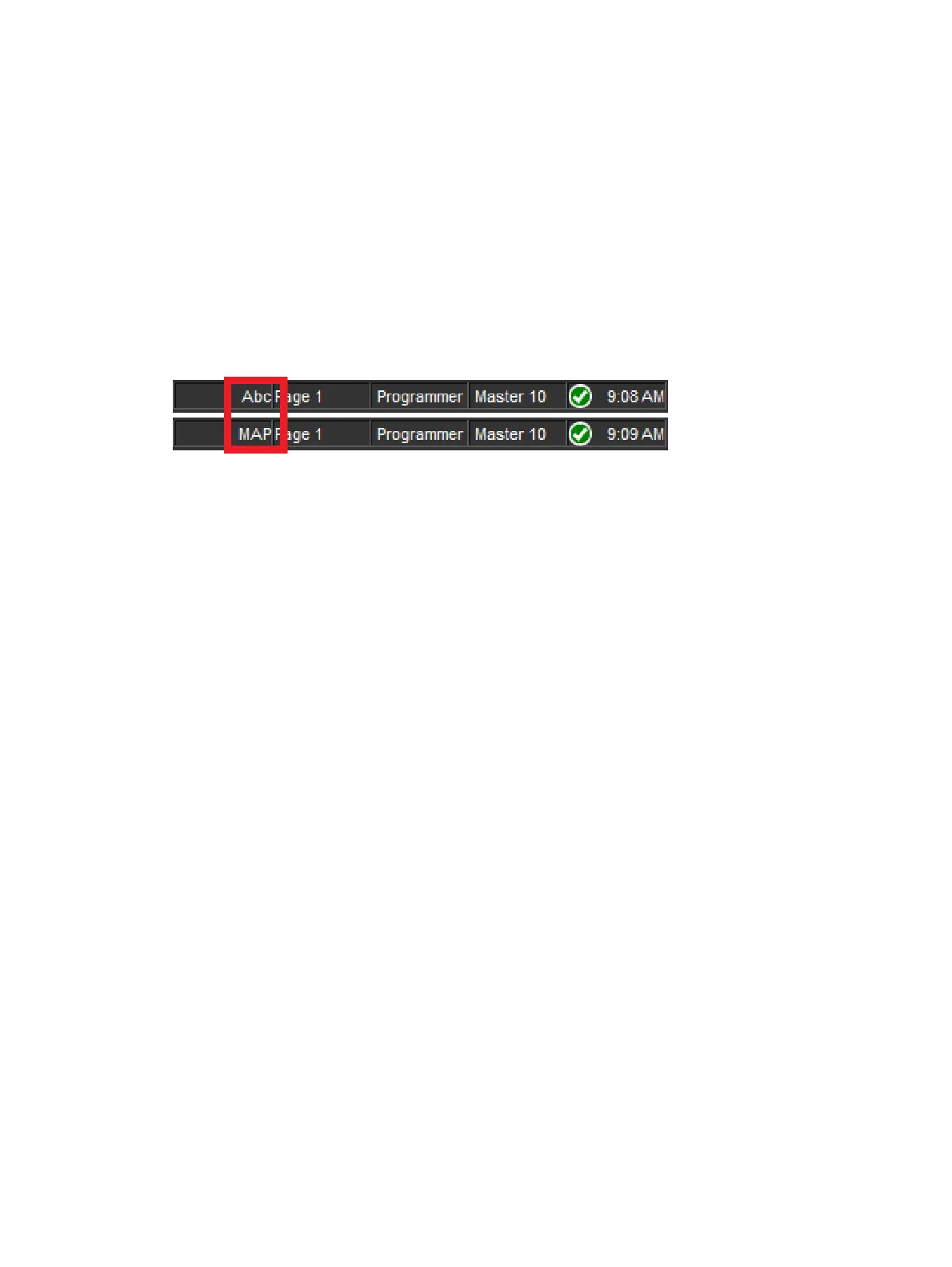
MAP is shown as the keyboard mode on the Command Line Toolbar. Hog 4 OS disables the
keyboard shortcuts (MAP mode) when text entry is expected (for example, after pressing
Set or double clicking in a cell). When a text entry session is completed, MAP mode is
automatically re-enabled if it was previously enabled.
When keyboard shortcuts are disabled, only the shortcut mapped to the Set key remains
functional to allow quick labeling from the external keyboard.
Keyboard Status in the Command Line Toolbar
When keyboard shortcuts are disabled, only the shortcut mapped to the Set key remains
functional to allow quick labeling from the external keyboard.











 To Next Page