9. Directory Windows 197
9.3 Colour Coding
Each button within a directory window can be colour coded to help distinguish it from the
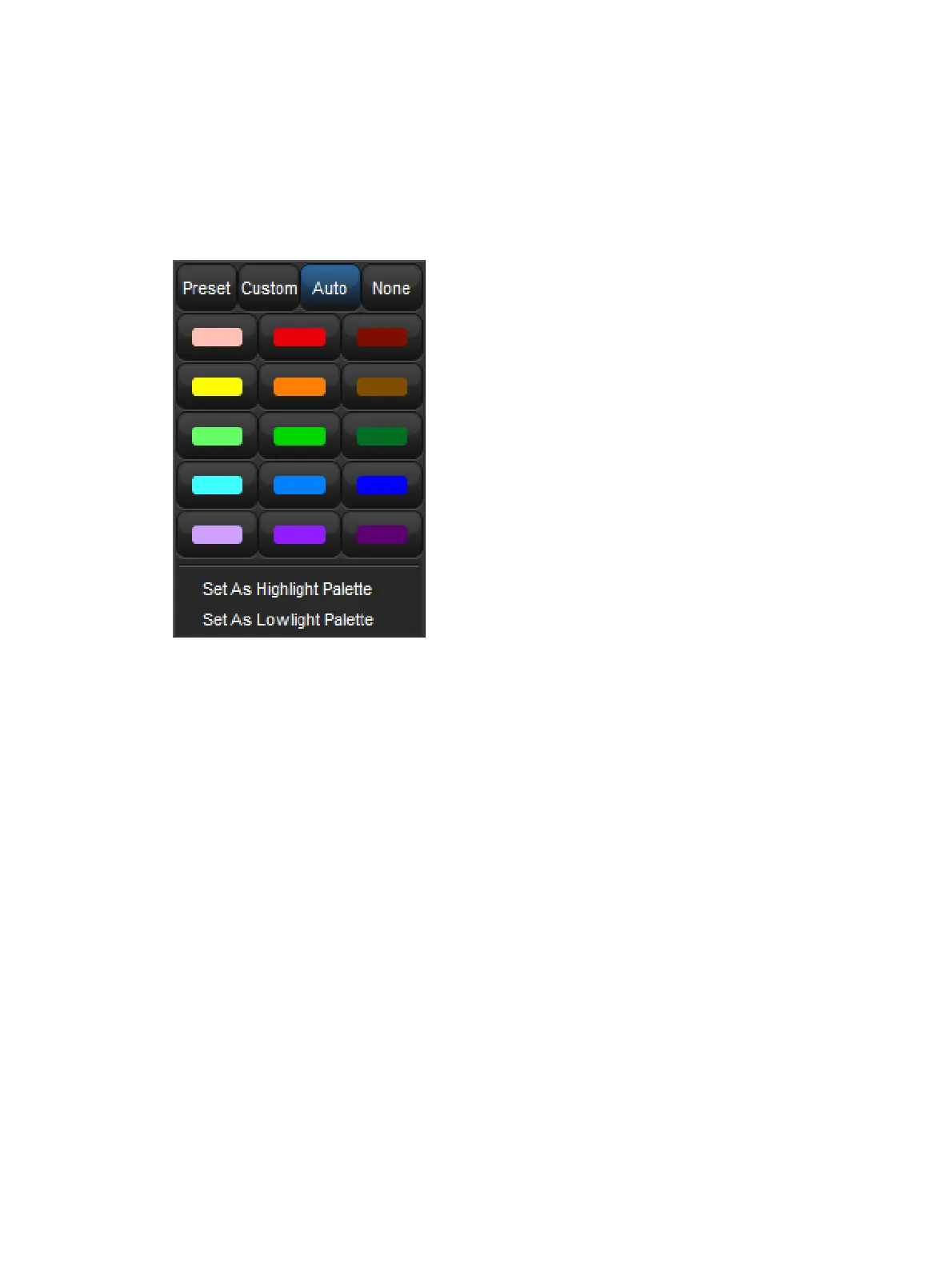
other buttons in the directory. To colour code a directory button right click on the button in the
directory window and choose from a preset palette of 12 colours, mix a custom colour, or
choose to have the console auto-colour code the button based on the dominant mixed colour
data recorded in the button (palette buttons only).











 To Next Page