4. Shows 93
4.5 Auto Launch a Show at Startup
You can assign the Hog 4 OS to automatically launch an existing show file at startup:
1. Setu p → Co ntrol Pan el → Startup
2. Select En able Au to Lau nch.
3. Choose a show file you wish to auto-launch.
4. Assign a delay time which will determine how long the console will wait before the show
is automatically launched.
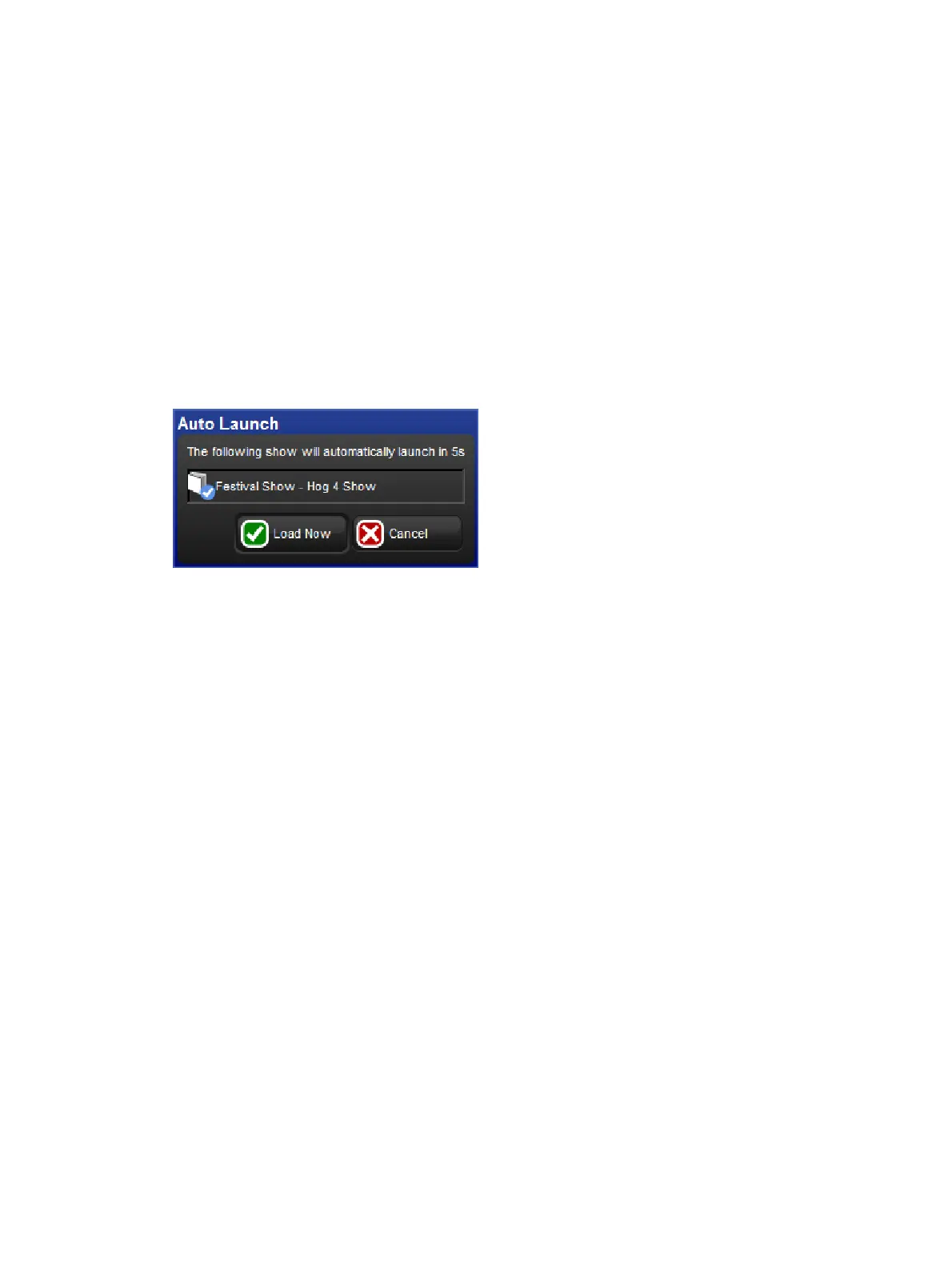
At startup, a pop-up window will tell you that the show will be launched automatically after
the assigned delay as seen in the window below. Click Lo ad Now to ignore the remaining
delay and launch the show immediately. Click Cancel to return to the Start window. If you
specified a delay of 0 seconds, the delay window will not be displayed.
Auto Launch Window











 To Next Page