11. Cue and Cuelists 229
11.8 Mark Cues (Move in Black)
A Mark cue is a special designator for a cue that looks at the previous cue and any fixtures
with an intensity of zero after completion of the cue. If a fixture meets these requirements,
the mark cue allows the fixture(s) to ‘preset’ for the next cue by executing the cross-fade for
all parameters except intensity. This allows the fixture(s) to ‘move in black’ as they change to
their new parameter values. When the next cue is later executed, only the intensity parameter
changes as all other parameters will already be at their new values due to the mark. The
timing used to mark a cue is determined by the mark method you choose. See Fade Mark
verses Time Marks for details on the different timing methods you can use when marking
cues.
11.8.1 How to Mark to a Cue
There are several methods to assign a cue to mark:
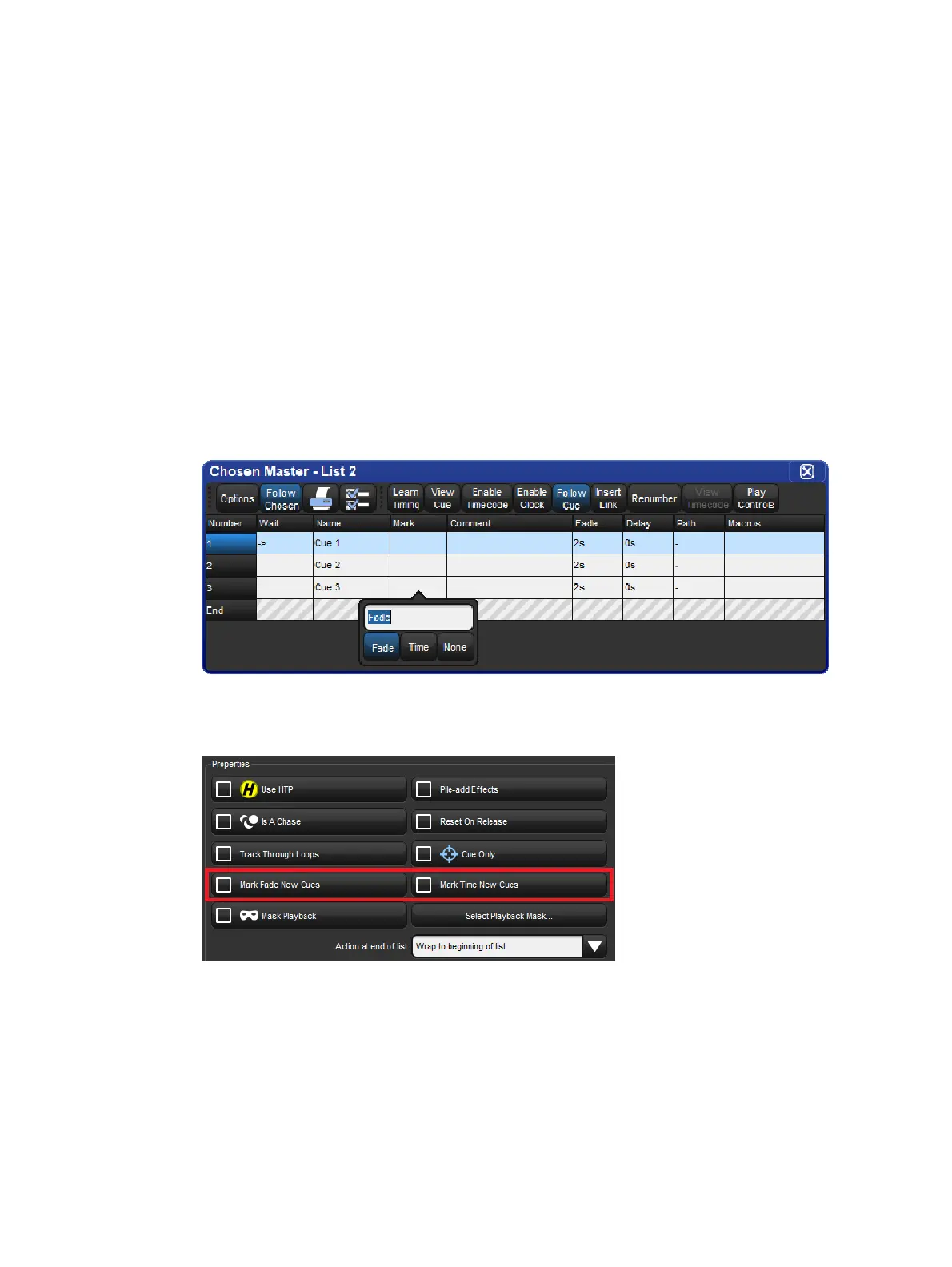
Select the Mark cell of a cue, press Set, and then Enter. If you wish to "time mark"
the cue, then first input a time using the keypad and then Enter. To remove the mark
from a cue select the Mar k cell of the cue, press Set, hit Ba ckspace, and then
Enter .
Enable the Ma rk Fa de New Cues or Mark Time New Cues option in the Cuelist
Options window. All new cues will be created with the mark type. Note that when Mark
Time New Cues is selected all newly recorded cues will get a 2s mark time by default.











 To Next Page