406 Hog 4 Operations Manual
23.1 LTC Input into Console
Linear Timecode (LTC) is a form of SMPTE timecode encoded into an audio signal. The Hog 4
OS can listen to LTC by inputting the LTC signal directly into the back of the Hog 4-18, Hog
4, or Full Boar 4. The Road Hog 4 and HedgeHog 4 consoles do not have an LTC input built
into the back of the console and therefore require that a USB LTC widget be attached.
To bring LTC into the system through the console:
1. Connect the LTC source (timecode generator) to the L TC IN port on the console's rear
panel using a balanced 3-pin XLR connector (you can plug in up to eight external USB
LTC widgets to the console for addition LTC inputs).
2. Open the Network window. [Setup → Network]
3. Click on the DMX Processor that is associated with console's built in outputs and then
press the Settings button at the top of the network window. This is typically DMX
Processor #1 unless you have configured the console's internal DMX Processor to run
on a different net number.
4. NOTE: You must be running an internal DMX Processor on the console to bring LTC
input into the desk as LTC input is handled by the DMX Processor process.
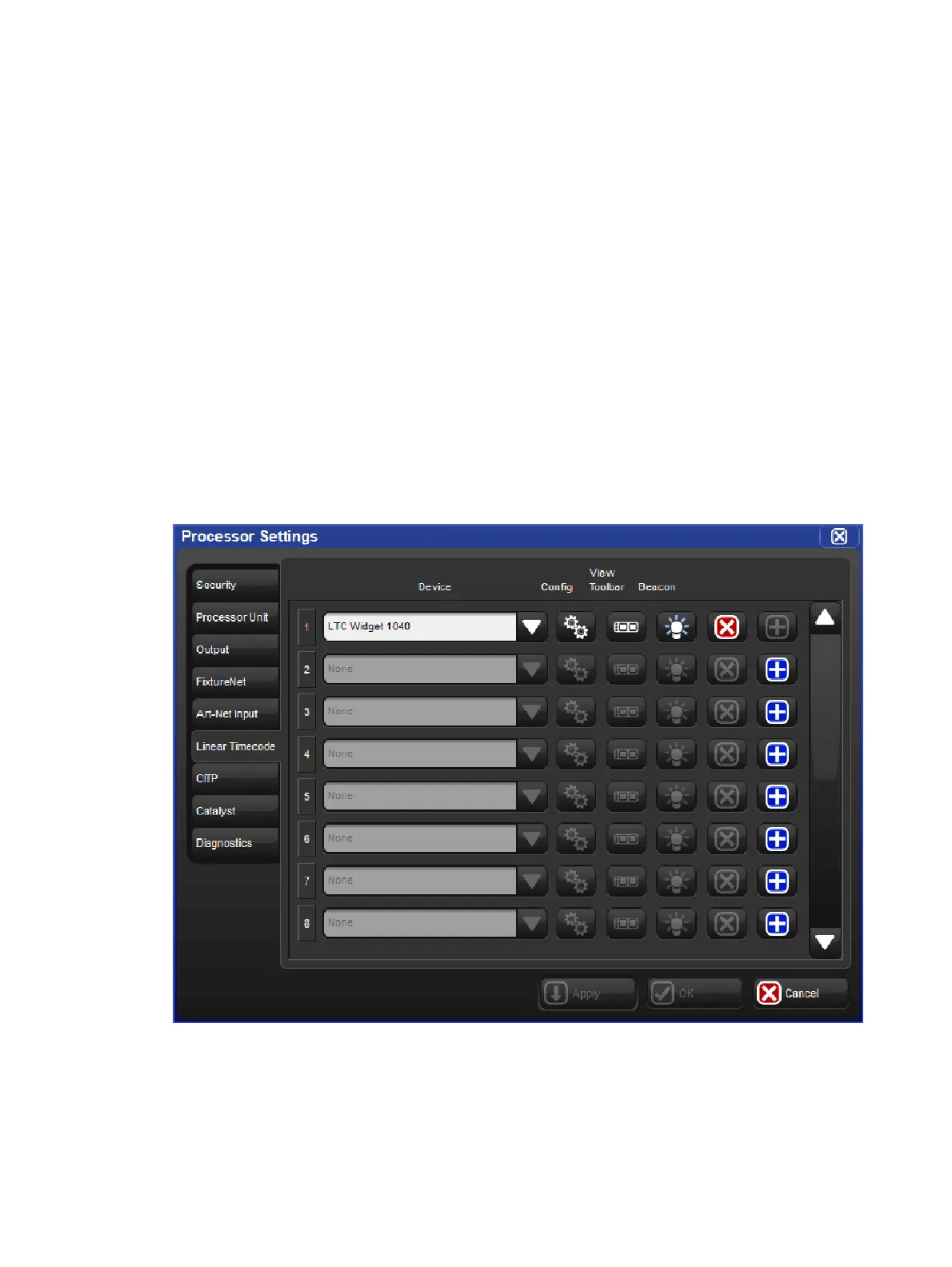
5. Select the Linear Timecode tab in the Processor Settings window.
6. Map an LTC Widget to one of the eight indexes by pressing the blue plus button located
to the far right of the index, then select an LTC Widget from the device drop down menu
and press App ly.











 To Next Page