5. Adding, Patching and Managing Fixtures 119
5.2 Assigning User Numbers to Fixtures
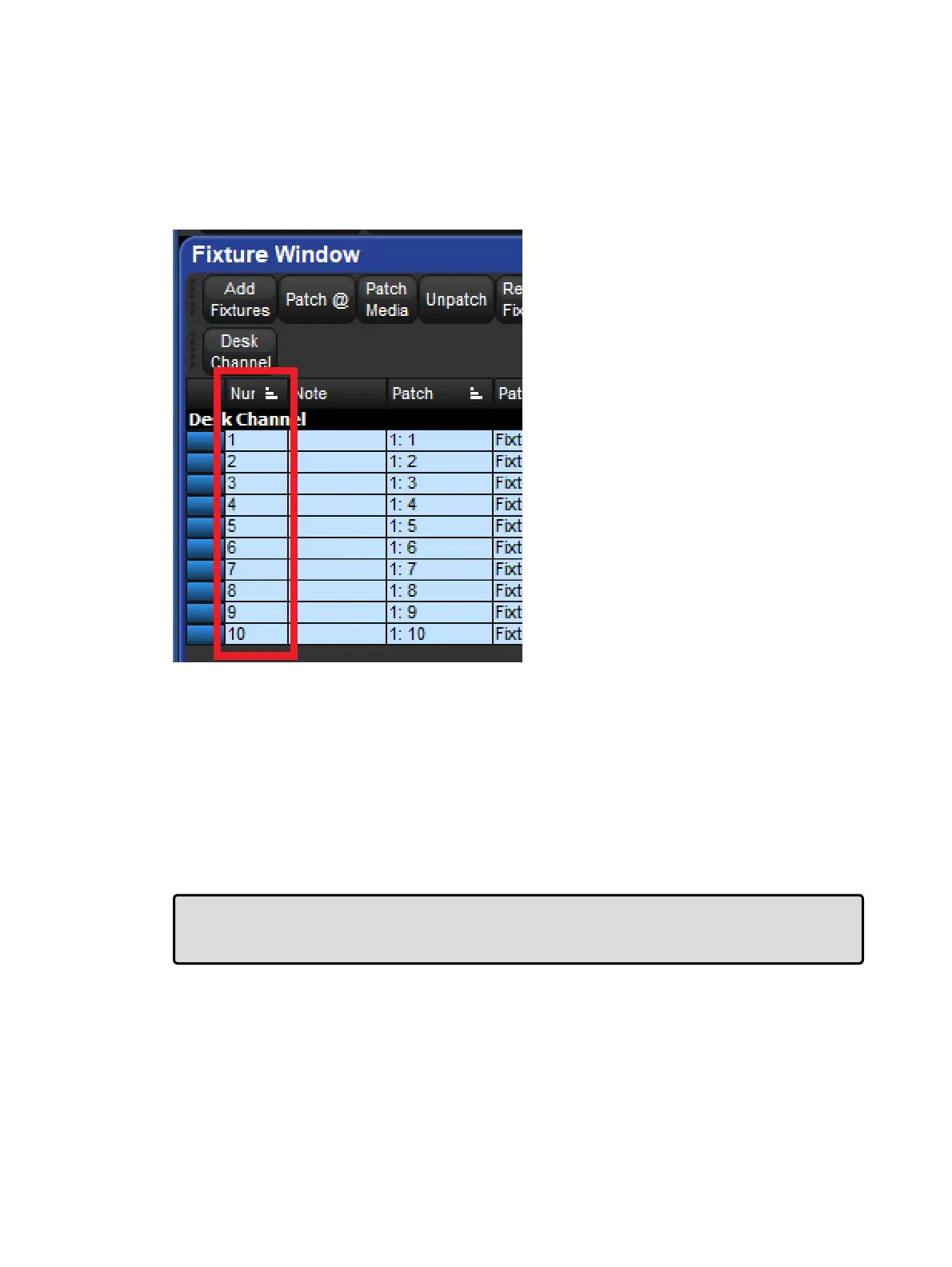
The User Number is the number used to select a particular fixture when programming. By
default, Hog 4 OS gives each fixture type its own range of user numbers. However, if you
manually re-assign more than one fixture to the same user number, the console will display
an asterisk next to the fixture's user number in the Fixture window to indicate that user
number is not unique in the show file:
To change the User Number:
1. Open + Fixtu re
2. Select the fixture's Num cell (short for User Number).
3. Set, [ n e w n u m b e r ] , Ente r
To change several User Numbers at once:
1. Open + Fixtu re
2. Select a range of User Number cells by pressing or clicking, and then dragging.
3. Set, [ n e w n u m b e r ] , Ente r : allocates a range of User Numbers starting with the
number that you enter and increments the remaining user numbers by one.
Tip: You can renumber the fixtures in your show so that each one has a unique number
irrespective of its type. By doing this you never have to specify the type when selecting
fixtures, which can speed up programming. See Selecting Fixtures.
.
5.3 Assigning Dotted User Numbers to Fixtures
Dotted user numbers are composed of a whole number and a part number. For example, you
may assign a fixture a dotted user number of 1.3 whereby 1 is the whole number portion of the
fixture and 3 is the part number portion of the fixture. Utilizing dotted user numbers can help











 To Next Page