28. Visualizer Connectivity 455
28.2 Installing the Hog Connectivity Driver
The current Hog 4 Connectivity installation application can be downloaded from the ETC
website. The connectivity driver is also automatically installed with Hog 4 PC. Installation of
the Hog Connectivity Driver is NOT required if running the Capture v2019 (or newer)
application or a Capture v2019 (or newer) presentation file since CITP is supported for Hog
visualizer streaming.
To install the connectivity application using the dedicated installer:
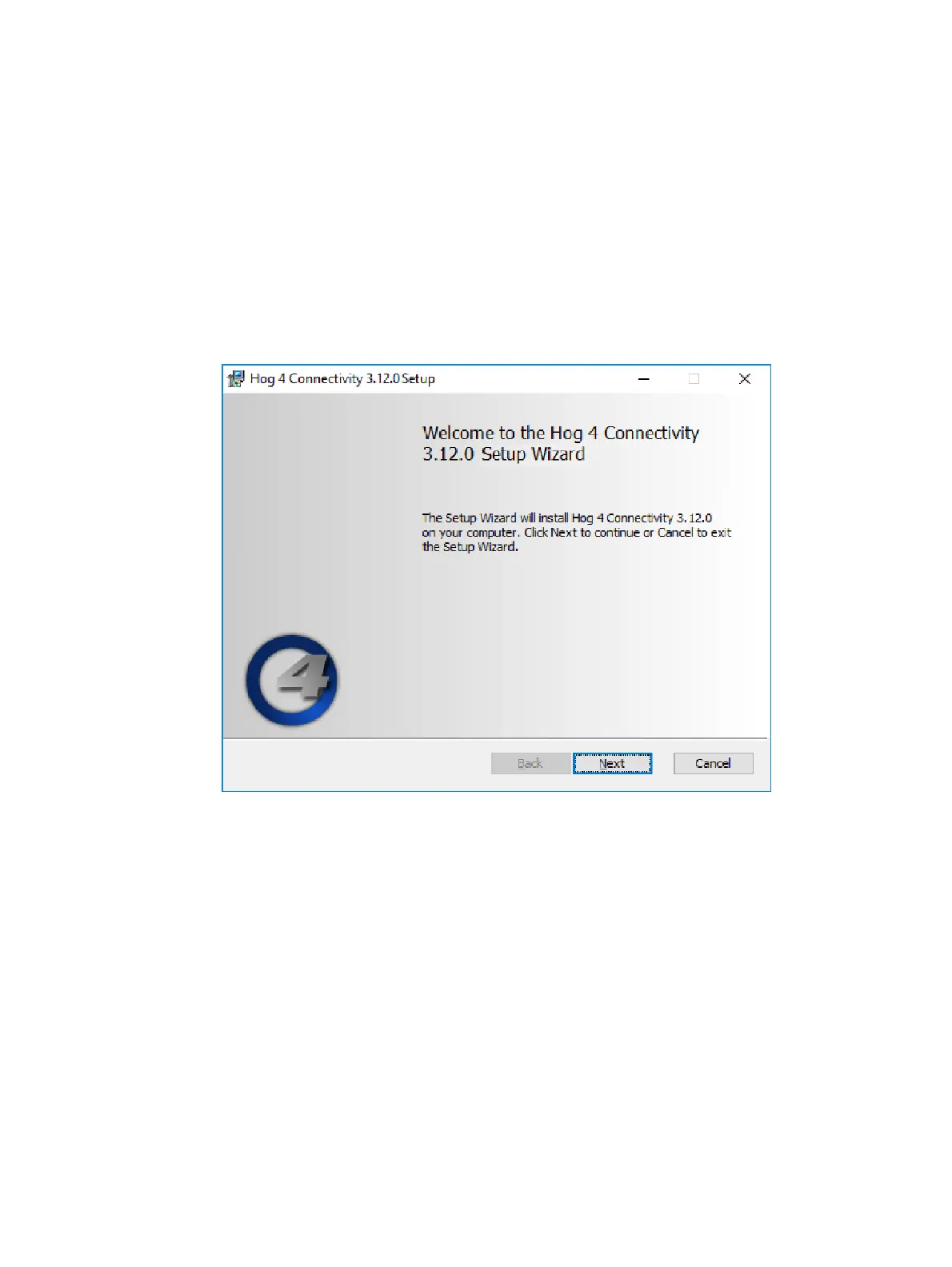
1. Double click the HogConnect_x-x-x-x.msi file to launch the install wizard.
2. The Hog Connect installer will check your operating system and windows installer
versions, and then display the welcome screen. Press Next to begin the installation
process.











 To Next Page