30. Hog 4 PC 485
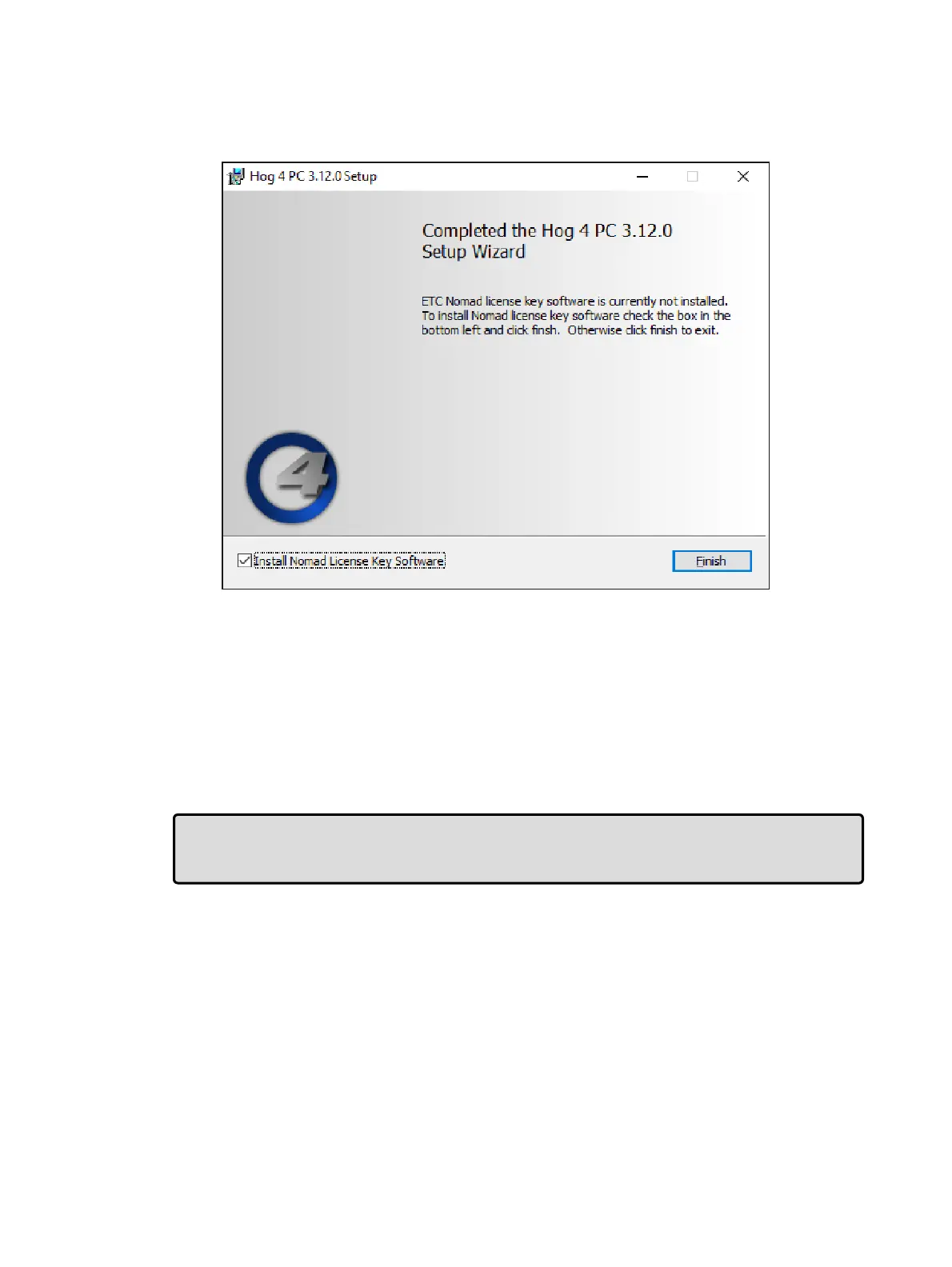
7. When the installation is complete a confirmation screen will appear. If software for the
ETCnomad key was not detected during install then an additional option to install
ETCnomad Key software will appear. High End Systems recommends checking this
option if presented. Click Finish.
8. If the option to install ETCnomad Key software was selected in step 7 then please wait
approximately 1 minute after clicking Finish before starting Hog 4 PC or restarting the
computer.
30.2 Software Removal
To remove the Hog 4 PC application from your computer:
1. Launch "Apps and Features" in Windows 10.
2. Click on Hog 4 PC in the list of installed programs and then click Uninstall.
Tip: To quickly access the Apps and Features pane in Windows 10, press the windows key
and type "add". The first entry will be the Add and Remove Programs which will take you to
the Apps and Features pane.











 To Next Page