18. Pages 349
18.3 Changing Pages
Changing the page loads a different set of cuelists, scenes and/or group masters onto the
physical playback masters. You can do this in several ways:
Press the Ne xt Page key to go to the next page in the Page Directory. To go to the
previous page hold Pig and press Ne xt Pa ge .
Using the command line : Page [ n u m b e r ] Ente r.
Select the desired page from the Page Directory window. Check that the Guard button
in the directory window is not selected.
Use a macro within a cuelist; see Macros.
Set a trackball key to select the next page; see Trackball Keys.
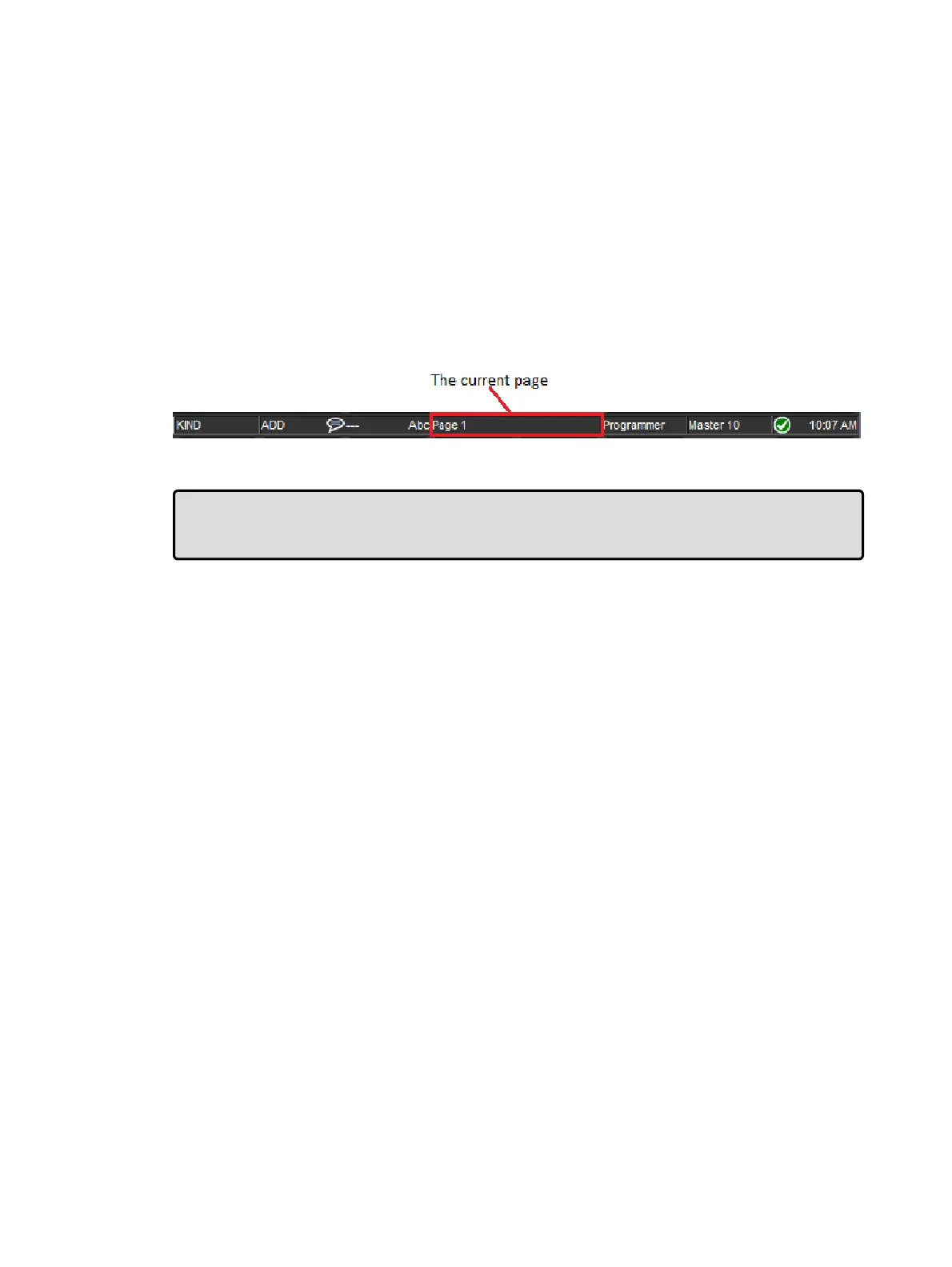
The current page is shown in the status area at the right hand end of the Command Line
Toolbar:
Tip: You can control which page loads next when you use Next Page to change pages by
having the pages in the desired order in the Page Directory. See Copying and Moving
Pages.
18.3.1 Options When Changing Page
The actions a console takes when the current playback page is changed can be found under
the Misc tab of the User Preferences window. Listed below are descriptions of those options:
Release All: cuelists, scenes, and batches attached to masters will be released when
the page is changed.
Hold Over If Active: active cuelists, scenes, and batches will remain active, continue
to be displayed on the playback bar, and will be decorated with a pin icon. Held-over
masters remain on the playback bar until you release them at which time they are
replaced by the new contents of the master on the current page.
Leave In Background: active cuelists, scenes, and batches will remain active in the
background when the page is changed.
Remember intensity values: When this option is enabled the master intensity value
of cuelists, scenes, and batches are persisted through page changes and releases.
When this option is disabled cuelists, scenes, and batches will individually revert their
master intensity values to 100% when they are released.
Remember scale values: When this option is enabled scaling adjustments made to
the playback rate, effect rate, and effect size of cuelists and scenes are persisted
through page changes and releases. When this option is disabled, scaling adjustments
are individually extinguished when a cuelists, scene, or batch is released.
Leave Inhibitive Masters in Background: When this option is enabled the intensity
value of all group masters (both virtual and physical) will persist through page changes.
When this option is disabled the intensity value of physical group masters will revert to
100% when a page change results in a group master no longer being present on a
physical master.











 To Next Page