86 Hog 4 Operations Manual
3.6 Virtual Playback Wings
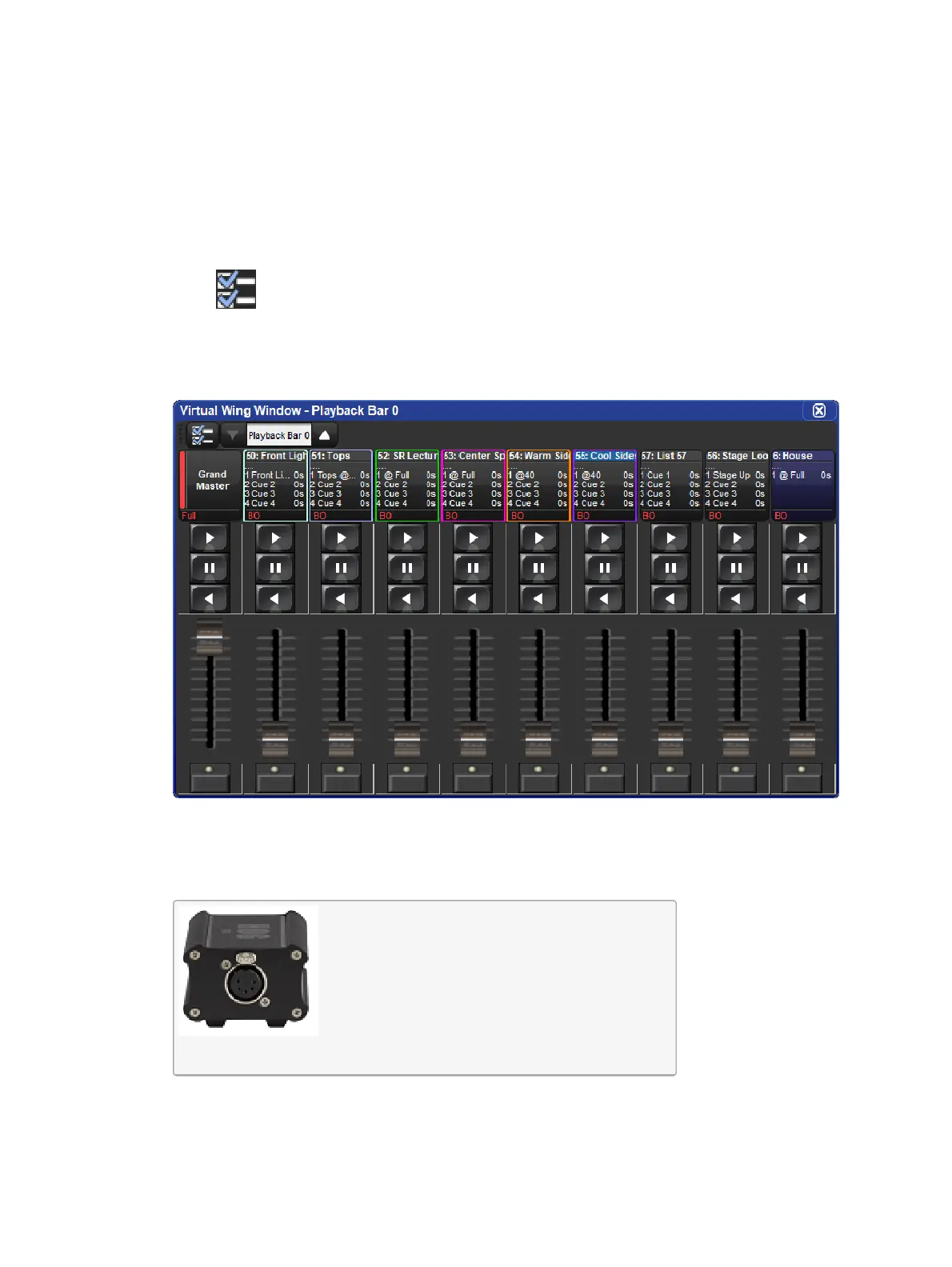
To display a Virtual Wing Window on the console:
1. Press and hold the touchscreen to bring up the menu window press the Virtual Wing
button in the menu window -OR- Hold the open key and select virtual wing from the
main toolbar.
2. Use the scroll box at the top of the Virtual Wing Window to assign a playback bar to the
Virtual Wing Window.
3. To adjust which physical controls are displayed in the Virtual Wing Window click on the
button. All Virtual Wing window settings are stored per window and can be stored
and recalled in views.
The Virtual Wing Window
3.7 High End Systems USB DMX Widgets
The High End Systems USB DMX Widgets listed in the table below are supported by all Hog
4 OS Consoles, Hog 4 PC, and DMX Processor 8000.
Single Widget (1 Universe)











 To Next Page