278 Hog 4 Operations Manual
14.2 Effect Palettes
14.2.1 Predefined Effect Palettes
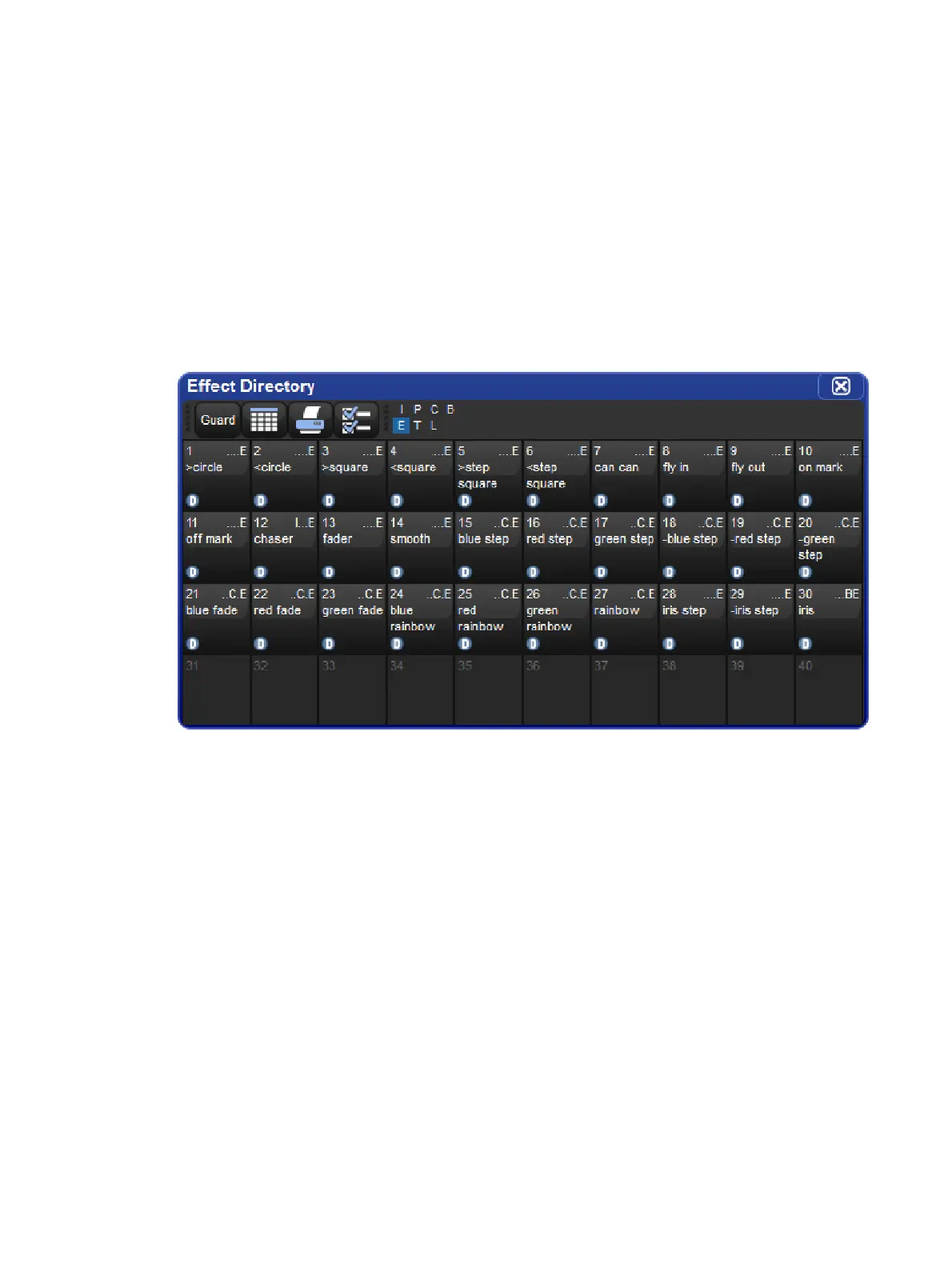
You can quickly apply effects to the current selection using predefined effects palettes that
are available in the Effect Directory. Effects palettes for parameter functions not available in
the current selection will be greyed out; for example the Iris Step palette is not available for a
Studio Color 575 as they do not have an iris parameter.
To open the Effect Directory:
Open + Effect
Or:
Effect, Effect
To apply an effects palette:
1 Thru 5 @ 5 0 Enter : select the required fixtures and assign an intensity value
Effect 1 3 Enter : assigns Effect Palette 13. Studio Colors 1 to 5 fade their intensity
between 0 and 100%.
You can also select the effect palette by pressing or clicking on its button in the Effect
Directory window.











 To Next Page