14. Effects 277
You can assign effect fade times using the command line:
1. Fixture 1 : select the fixtures you want to assign an effect time to, making sure that
they have been given parameter values.
2. Effect Time 4 , En ter : assigns the effect fade time to 4 seconds.
To assign a effect delay time:
1. Fixture 1 : select the desired fixture(s).
2. Effect Time Time 2 , Ente r : pressing Time twice assigns the delay time.
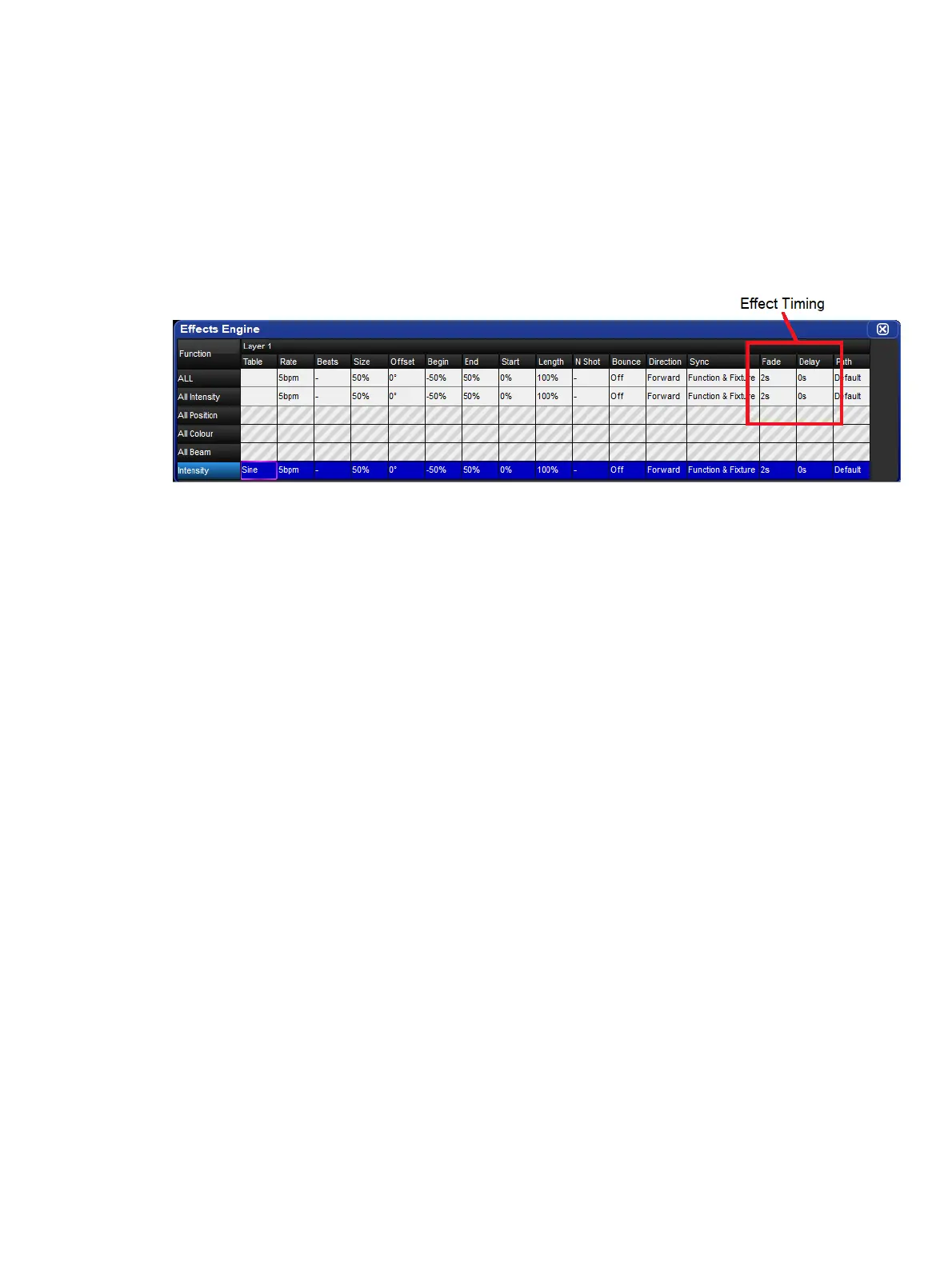
You can also view and assign effect timing values in the Effects Engine window:











 To Next Page