196 Hog 4 Operations Manual
9.1 Types of Directories
Directory windows are the windows that allow users to access recorded data such as
palettes, cuelists, scenes, pages, effects, kinds, and groups using a grid of buttons.
Directory windows and their contents can be displayed in a number of ways. The following
sections in this chapter will cover the different options available for directory windows.
9.2 Palette Directory Masking (IPCBE)
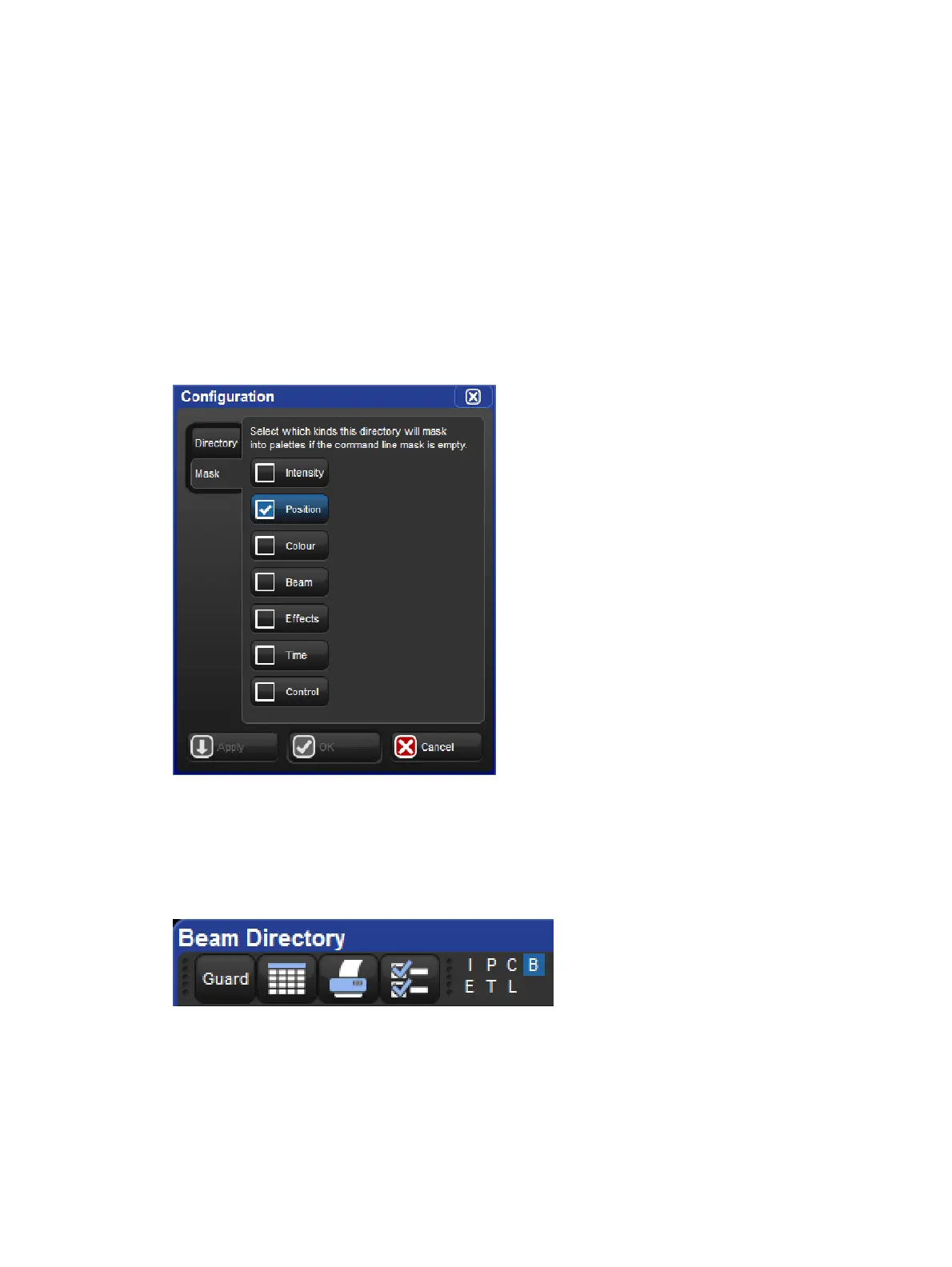
The Palette Directories (IPCBE) mask settings determine which fixed function kinds are
recorded into palettes for that directory if the command line kind mask is blank at the time of
recording (no kinds selected). To change which kinds are included in the directory's mask
open the configuration window for that directory, navigating to the mask tab, and enable or
disable the individual function kinds in the menu.
A directory mask legend is shown at the top of each directory window and indicates which
kinds will be recorded into palettes for that directory if the kind mask is blank at the time of
recording.











 To Next Page