298 Hog 4 Operations Manual
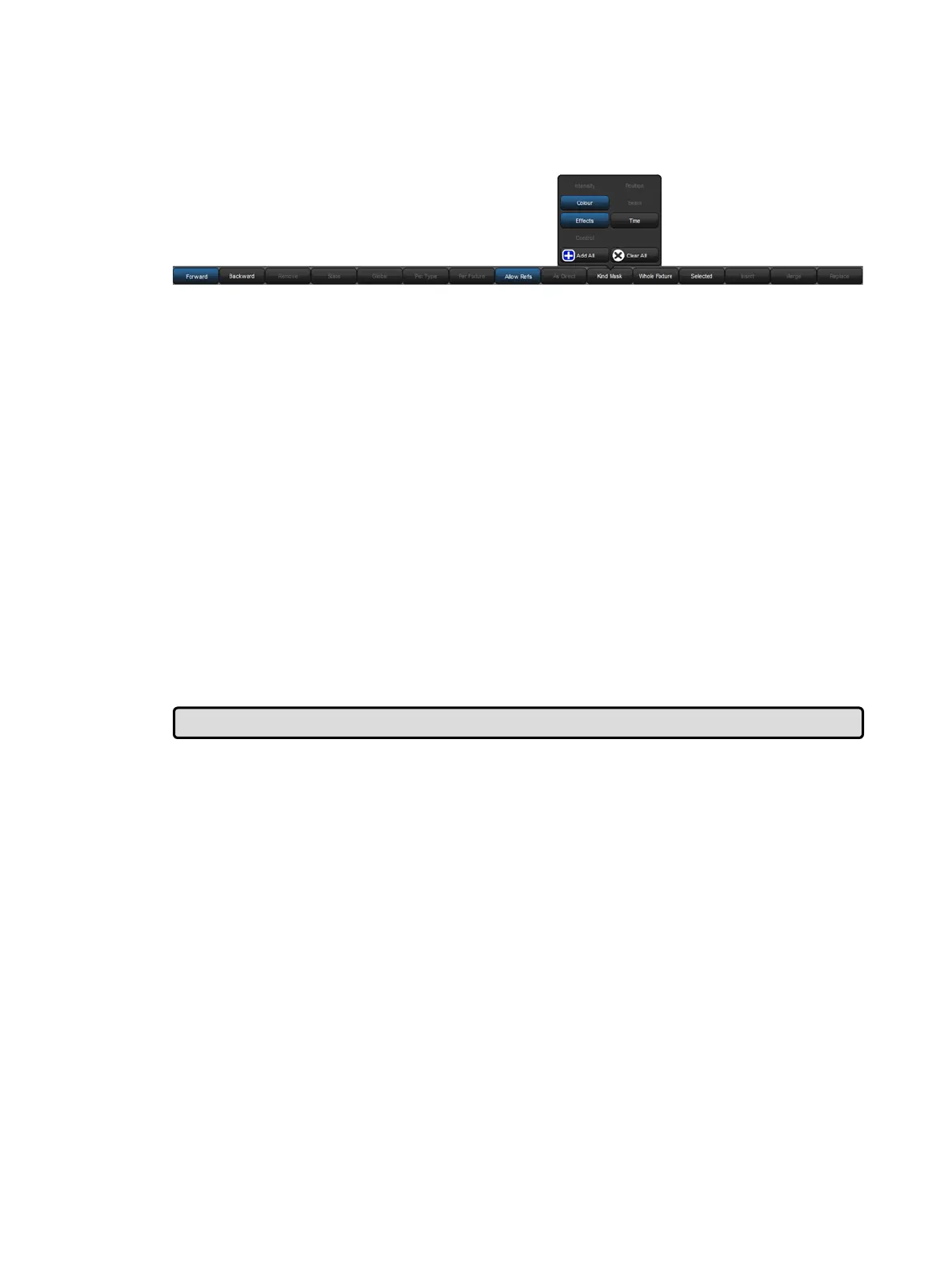
When you press the Update key, the Update Toolbar will also appear. This allows you to
select which parameter types are updated, whether changes should track forwards, and
whether references should be allowed when updating palettes. See Recording Palettes with
Kind Masking, Stopping Values from Tracking Forward and Reference Palettes.
16.5 Editing Discreetly
It is often useful to make changes to parameter values discreetly, or without them appearing
on stage at all; during a rehearsal or performance for example. To do this, use Hog 4 OS's
Fade Ch ang es and Blind functions.
16.5.1 Fade Changes
If you select the Fade Chang es button in an editor window, any changes you make will
appear on stage over the current time settings for the changed parameters. For example, if
you have intensity values in the Programmer with a fade time of ten seconds, and you select
all of the fixtures and press @ 0 Ente r, all of the lights would fade to 0 over 10 seconds.
This is useful for making changes on the fly during a performance.
Parameters that don't have timing values in the Programmer will fade in the default time,
which you can assign in the Defa ult Timing pane of the User Pr eferences window:
Setup → Preferences → Default Timin g
Press the Fad e Ch ang es button again to revert to having parameter values appear in the
output instantly.
To view and assign time values for parameters, see Individual Parameter Timings.
Tip: You can set a trackball key turn Fade Changes on and off; see Trackball Keys.











 To Next Page