300 Hog 4 Operations Manual
16.6 Parking
Sometimes it is useful to lock certain parameter values of fixtures independently from
programming, playback and the Grand Master. For example, you might want to lock a
particular dimmer at a certain level as a working light, or point a fixture to provide light for
maintenance whilst a rehearsal or programming is in progress. Park is also helpful for dealing
with a fixture malfunction, locking its pan and tilt so that it doesn't make a noise as it tries to
move during the show.
Parking holds a fixture's parameters on stage, but still allows you to edit the data in the
Programmer or other editors.
To park fixture parameter values:
1. Fixture 1 @ 5 0 : Select fixture(s) and assign the parameter(s) you wish to park.
2. More → Park : Select Park from the More options of the Main Toolbar.
To unpark fixtures, select the fixtures, set any value for the parked parameters, and hold the
Pig key while pressing Park.
Both the park and unpark commands will accept a parameter mask on the command line, for
example:
Position Pa rk : parks only position parameters of the selected fixtures.
16.6.1 Viewing and Editing What is Parked
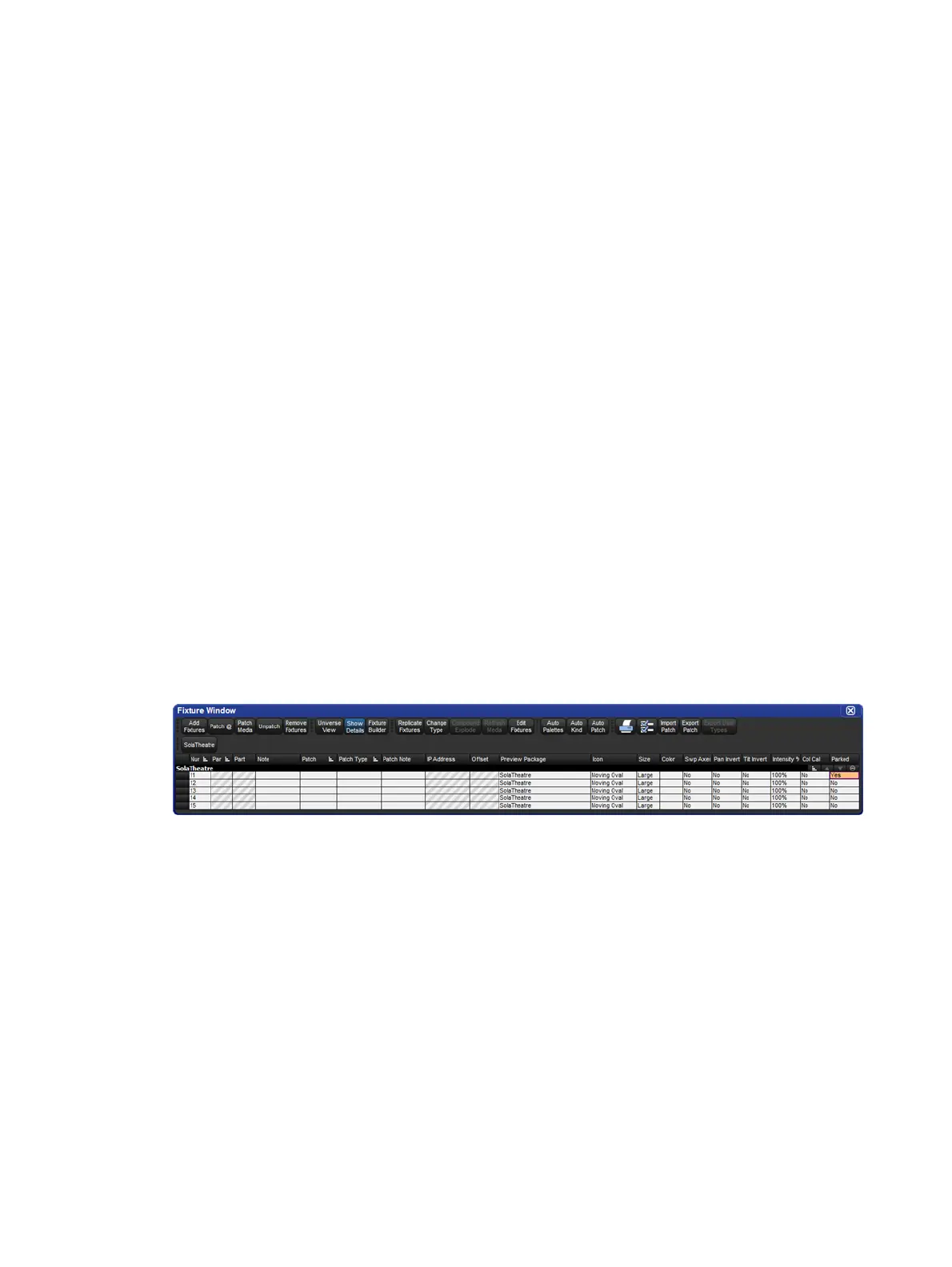
You can view which fixtures have parked parameters in the Fixture window and the Ou tput
window, and you can view and edit parked parameters in the Parked O utput window.
Parked parameters are also indicated in the Wheels Toolbar.
The Fixture Window
To view which fixtures have parked parameters in the Fixture window:
Open + Fixtu re : the Fixture window opens, note the 'Parked' column.











 To Next Page