16. Advanced Programming 301
The Output Window
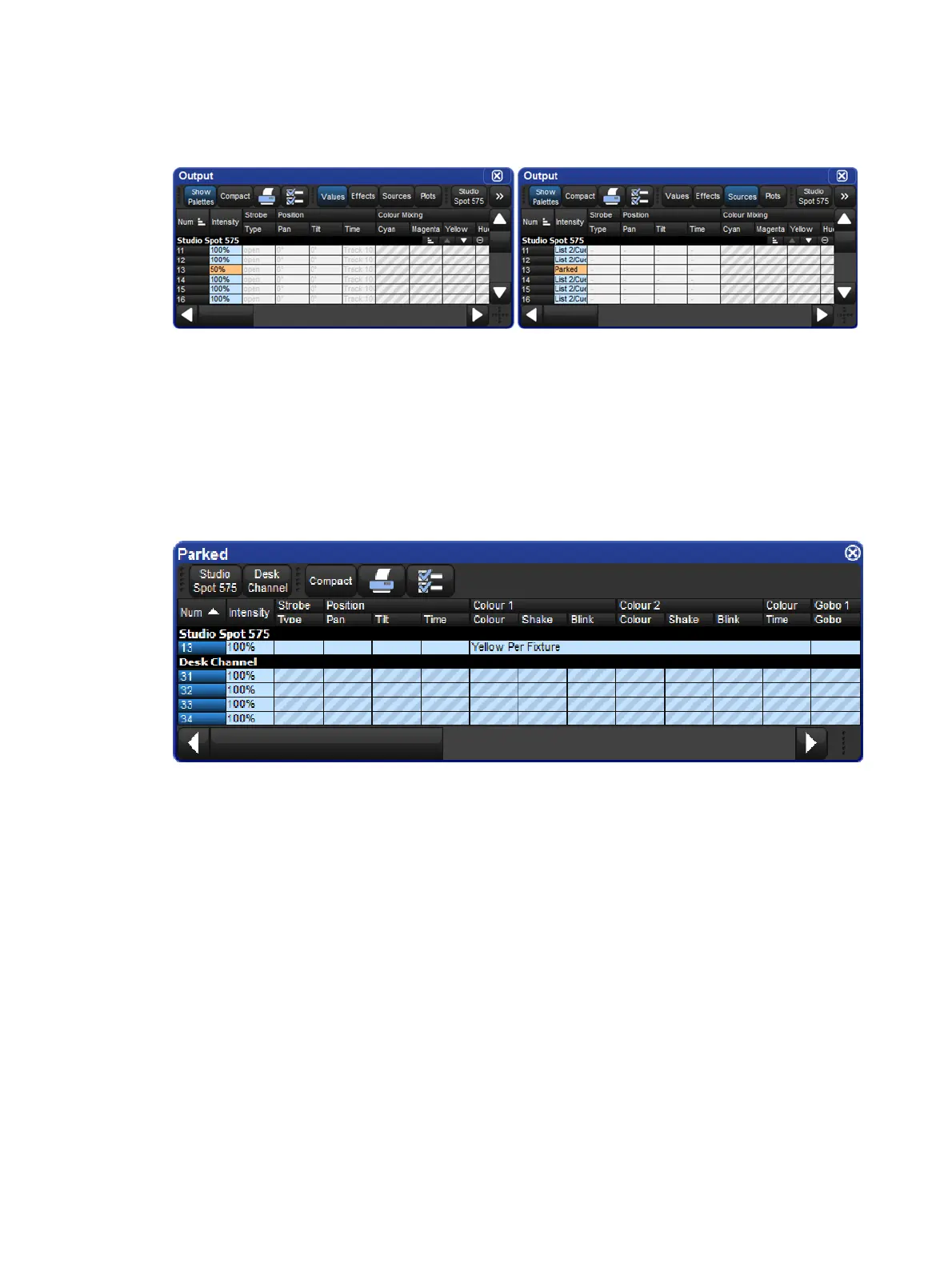
Parked parameters are shown in the Output window with black text on an orange background.
When the Output window Source view is selected the word ‘Parked’ is displayed.
The Parked Output Window
You can view and modify the parked settings of fixtures in the Parked O utput window. To
open the Parked O utput window:
Open + Pa rked : the Parked button is on the toolbar that appears when you press the
Open key.
Within this window you can edit parameter values in the same way as in any editor. You can
knockout fixtures or parameter values to stop them being parked, or add or modify parameter
values to park them.
The Wheels Toolbar
Parked parameters are shown in the Wheels Toolbar with an orange background or hatch
pattern.
Solid orange outline: all selected fixtures have the parameter on this wheel parked.
Diagonal line orange background: some of the selected fixtures have the parameter
on this wheel parked.











 To Next Page