29. Updating Software 477
29.8 Upgrading Hog 2 USB DMX Widgets
Some older USB DMX Widgets (single universe) are compatible only with Hog 2. These USB
DMX widgets will need to be upgraded to be compatible with Hog 4 OS. Please contact your
High End Systems dealer for pricing and details. When purchasing, you need to provide your
Widget serial number and Widget ID number. Once the upgrade is purchased, you will receive
an Upgrade Kit for each USB DMX Widget. This kit contains labeling, hardware, software,
and a unique authorization code compatible only with the specified widget serial number.
After receiving your upgrade kit, follow these steps to upgrade your USB DMX Widget:
1. Connect your USB DMX Widget(s) that match the serial numbers on the included
authorization sheet to your Hog 4 OS console or Windows PC running Hog 4 PC.
2. Press the control panel button in the start screen of the Hog 4 OS. Navigate to the
diagnostics tab of the control panel and press the Widget Upgrade s button.
3. The widget upgrade utility wizard will now appear. Press Next to begin.
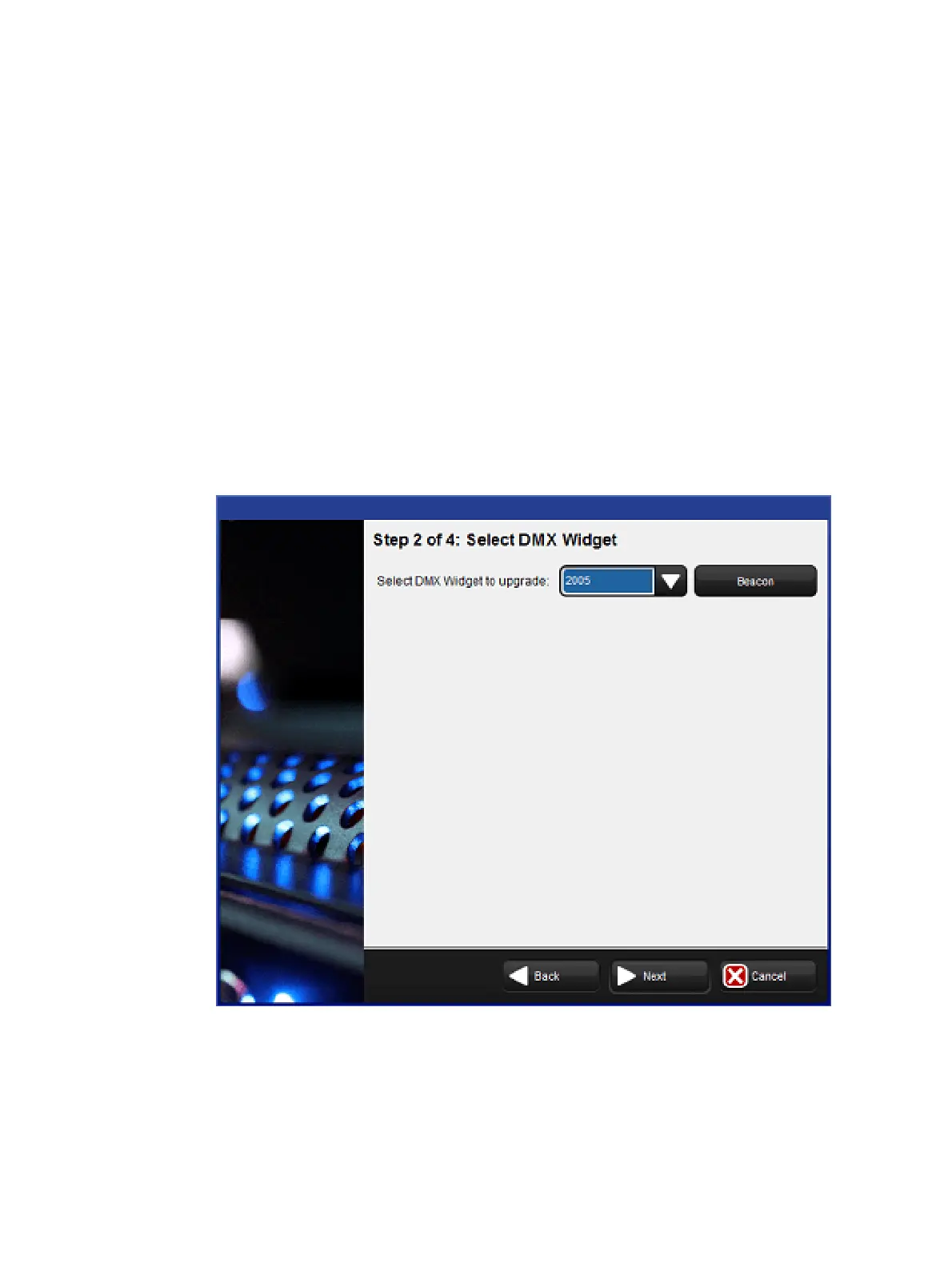
4. Select a Widget ID number from the drop down menu. To confirm the identity of the
selected widget, press the Be acon button to flash the LEDs on the widget. If the drop
down menu displays ‘No DMX Widgets found!’, check your USB connections. Press
Next to continue to the next step.











 To Next Page