4. Shows 103
4.11 Merging Shows
Show merging allows you to take the programming from one show and merge it into another
show. To merge show files you must first load the show you want to merge data into. This is
known as the current show. The show you then select to merge data in from is called the
source show.
To select a source show to merge in:
1. Setu p → Shows → Cu rre nt Show : opens the Current Show pane of the Show
Manager.
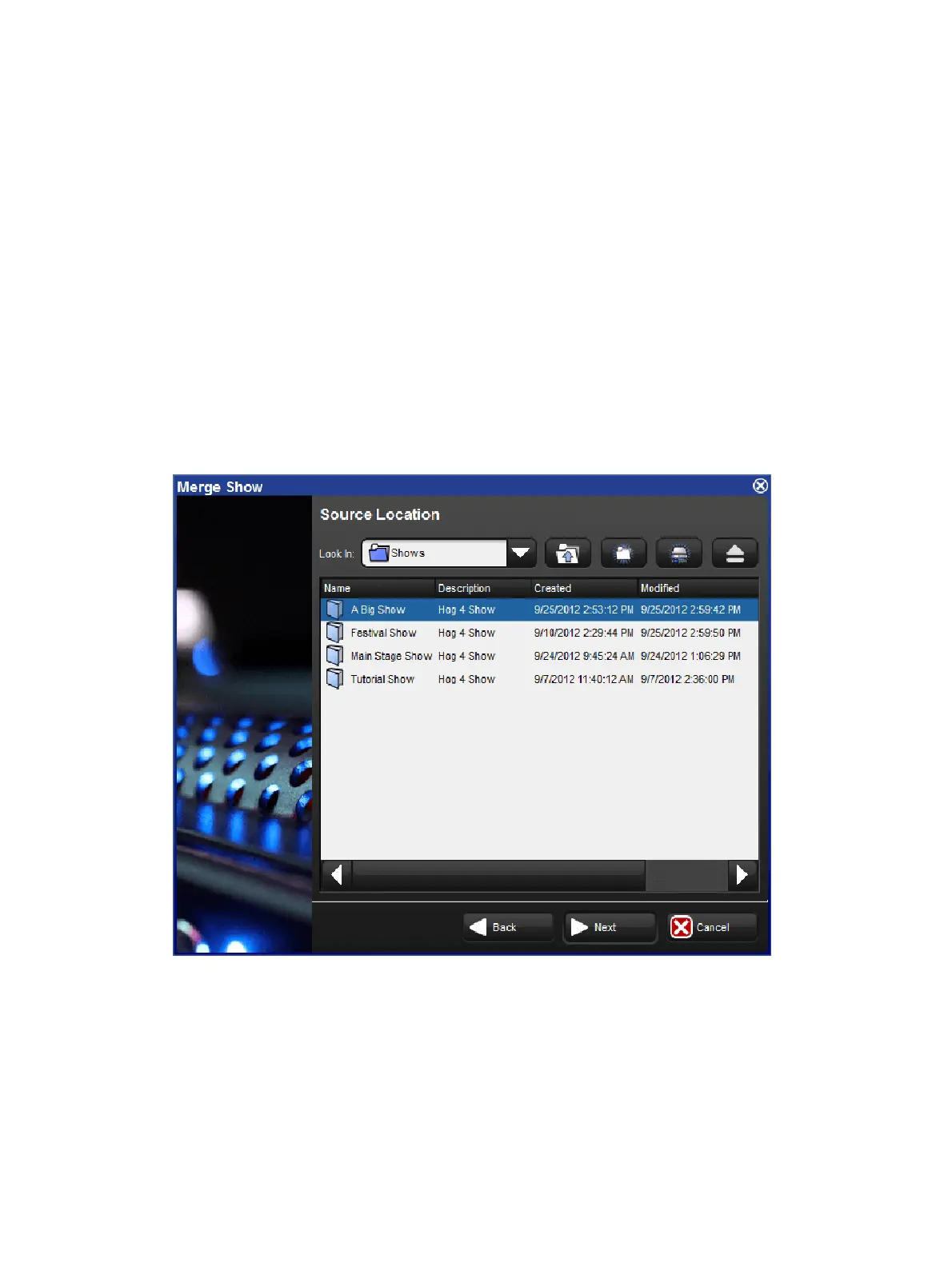
2. Press Merge to be guided through the merge process. The Merge Show window will
open; see image below
3. Choose a source show file. Note that if you have chosen a backup (.bck or .shw) file, it
may take a few extra moments for the console to uncompress the show file and read its
contents.
4. Once you have chosen a source show, you will be offered several options for data that
can be merged: Fixture Types, Fixtures, and Programming (user kinds, groups,
palettes, plots, cuelists, scenes, pages, macros, views, and reports).
Merge Show window











 To Next Page