362 Hog 4 Operations Manual
20.1 Introduction to Plots
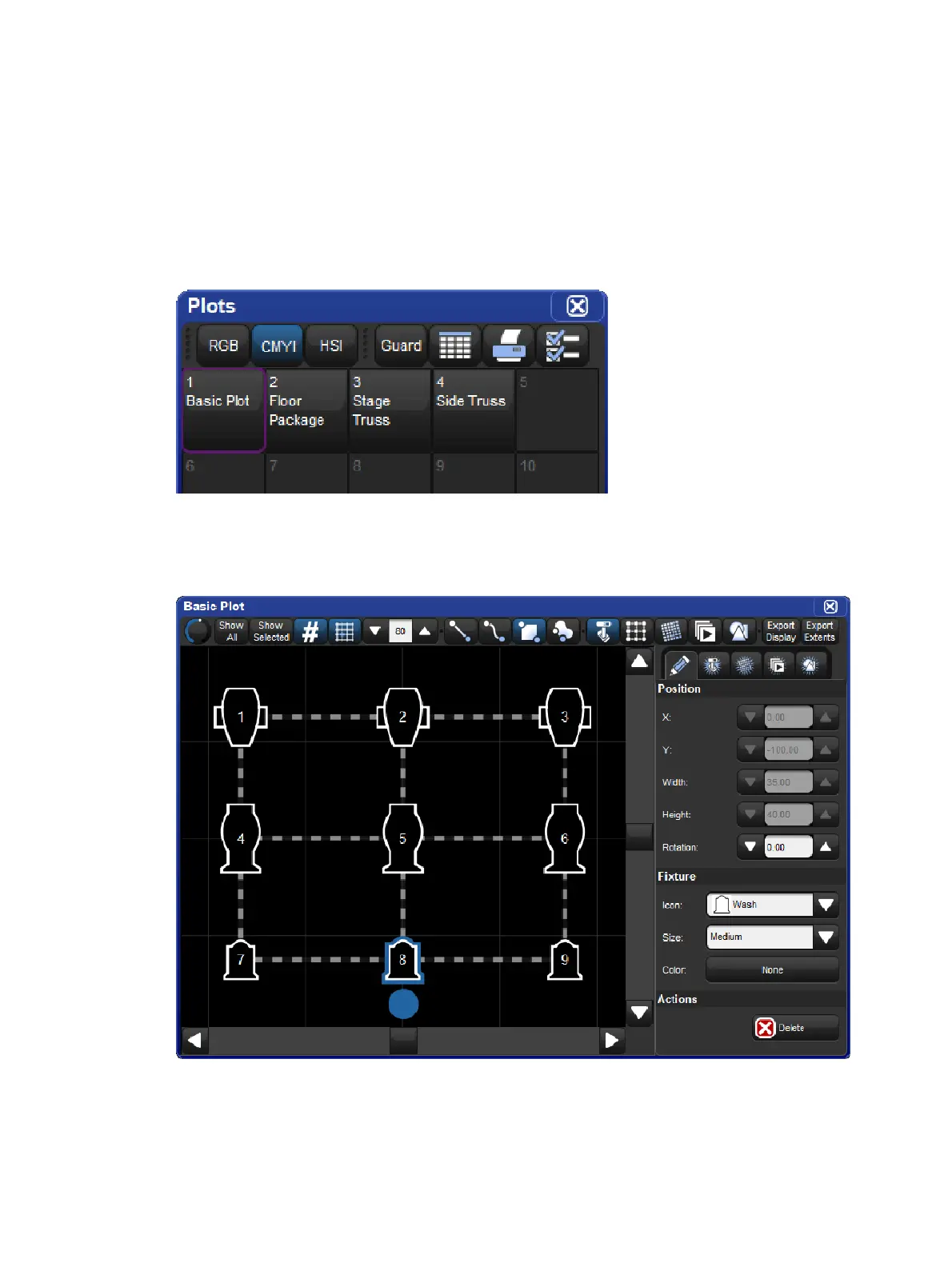
Plots are user created graphical layouts that contain programmable objects. Once built, plots
can be used to select fixtures, gather fixture feedback, apply PixelMapping and palette
values to fixtures, and execute show items such as cuelists and scenes.
Plots are stored in the plots directory. To open the plots directory window hold the O pe n key
and press the Plo ts button on the main toolbar or press Pig + Open + Fixtu re on the
console front panel.
The Plots Directory
To open a plot hold the Ope n key and press the coordinating plot button in the directory. You
can also open a plot using the command line by pressing Pig + Fixture (this will put the word
plot on the command line), specifying a plot number, and then Open. For example: Pig +
Fixture ,1, Ope n will open plot 1.











 To Next Page